
Appearance
Screenshot Gallery
A visual tour of every screen in the DoCurious frontend prototype, organized by flow. All screenshots are captured from the live development build.
Authentication
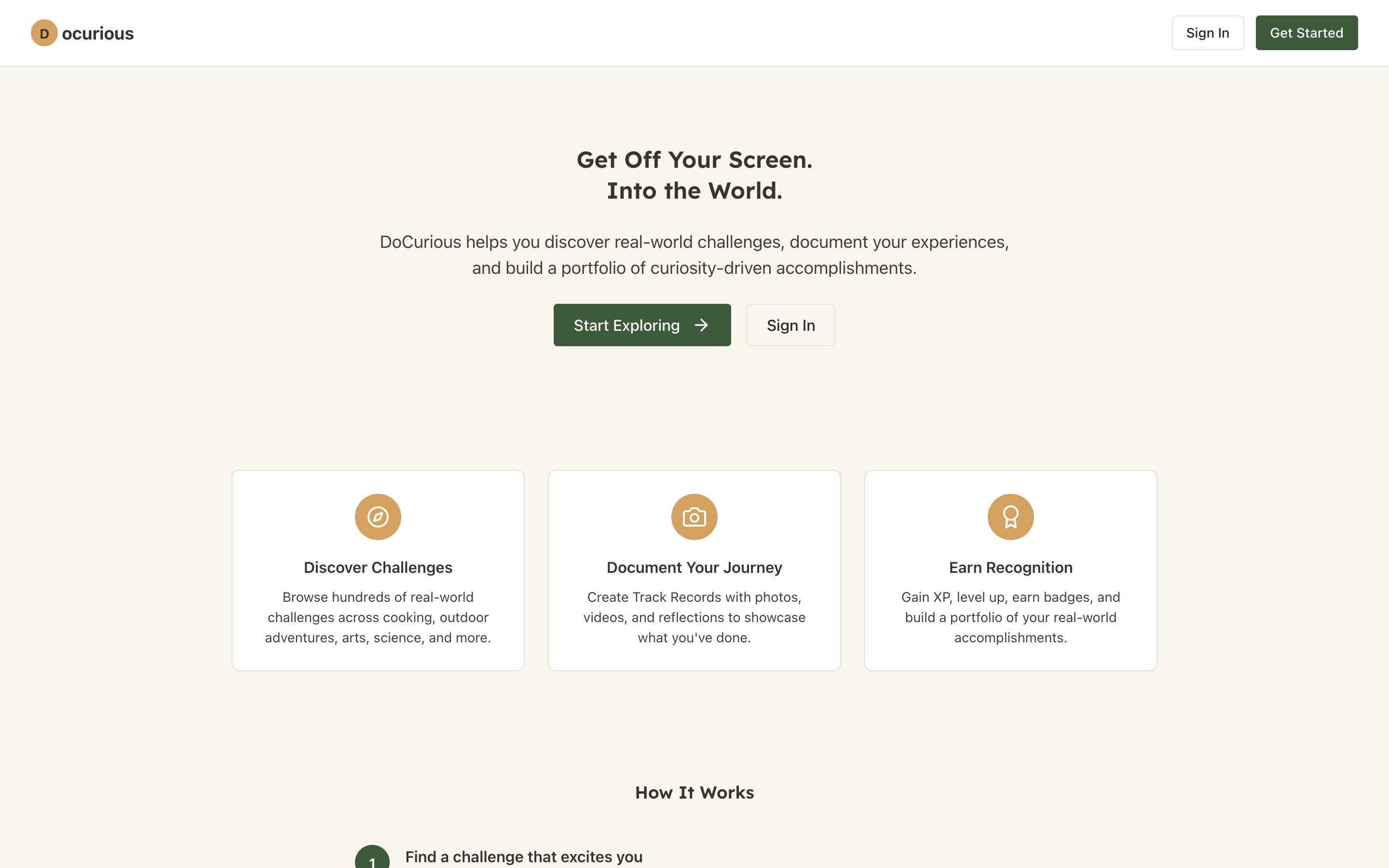 Landing page — the public entry point with value proposition and sign-up CTA
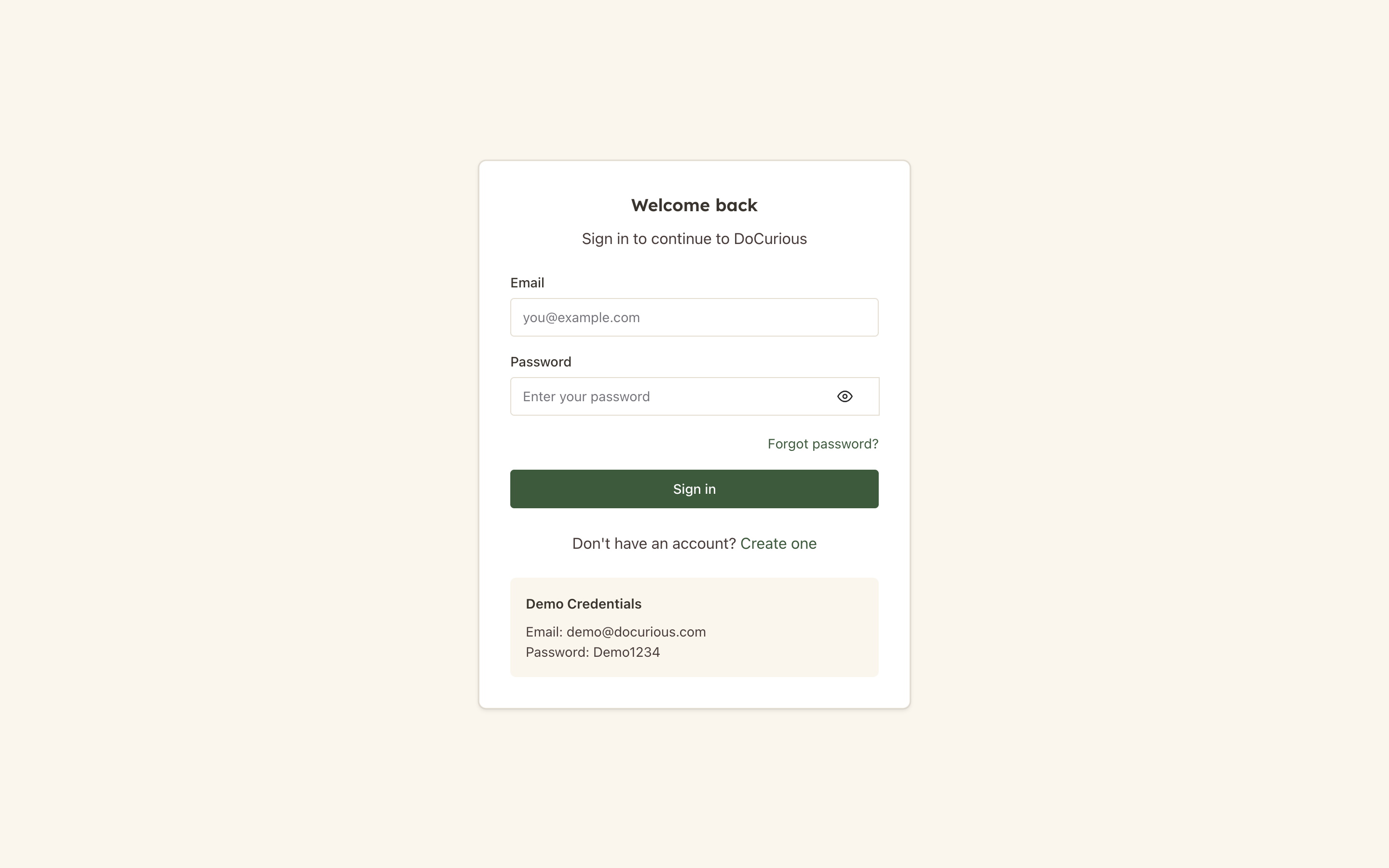 Login — email/password form with Google and Apple OAuth options
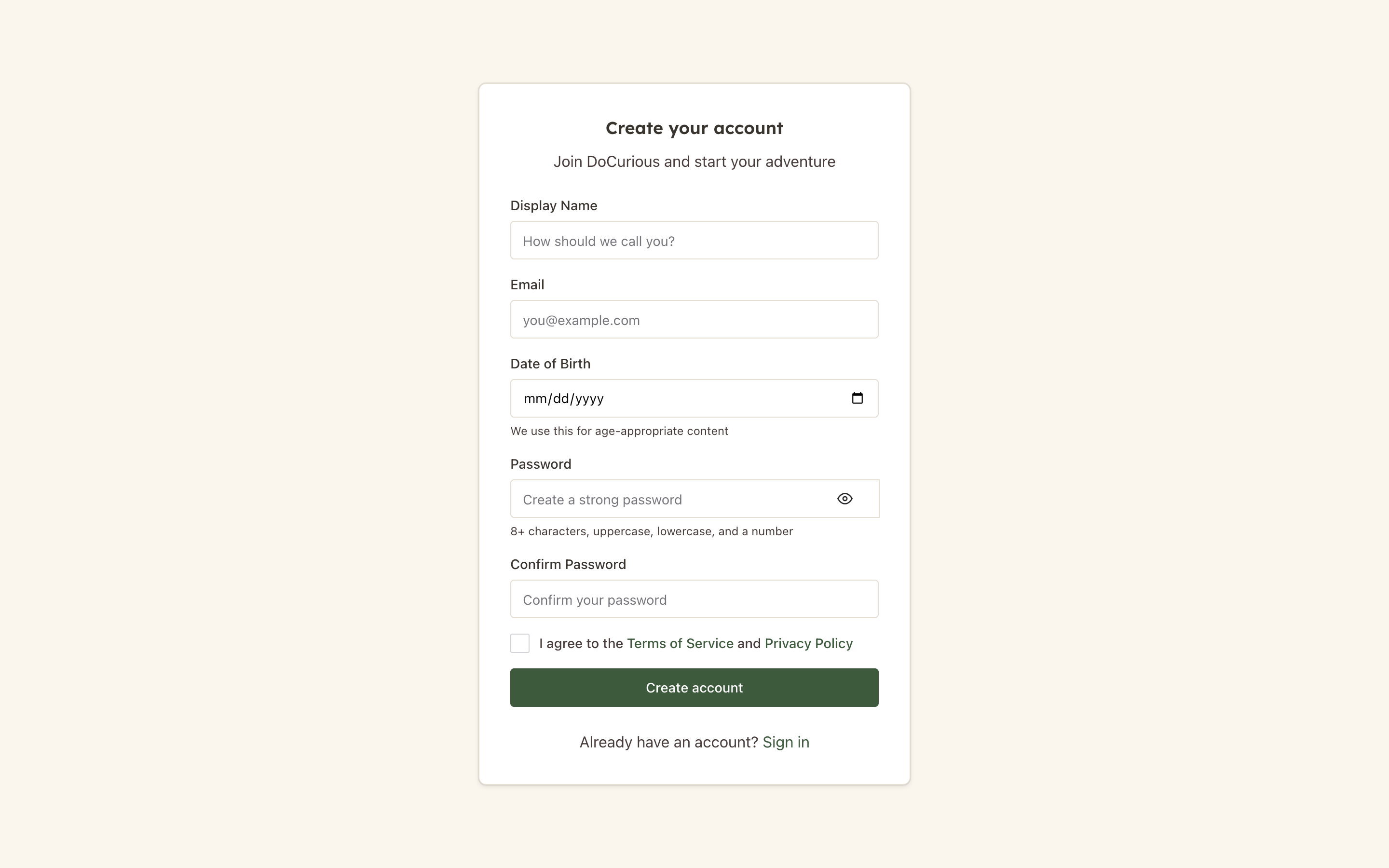 Registration — new account creation with email, display name, date of birth, and interests
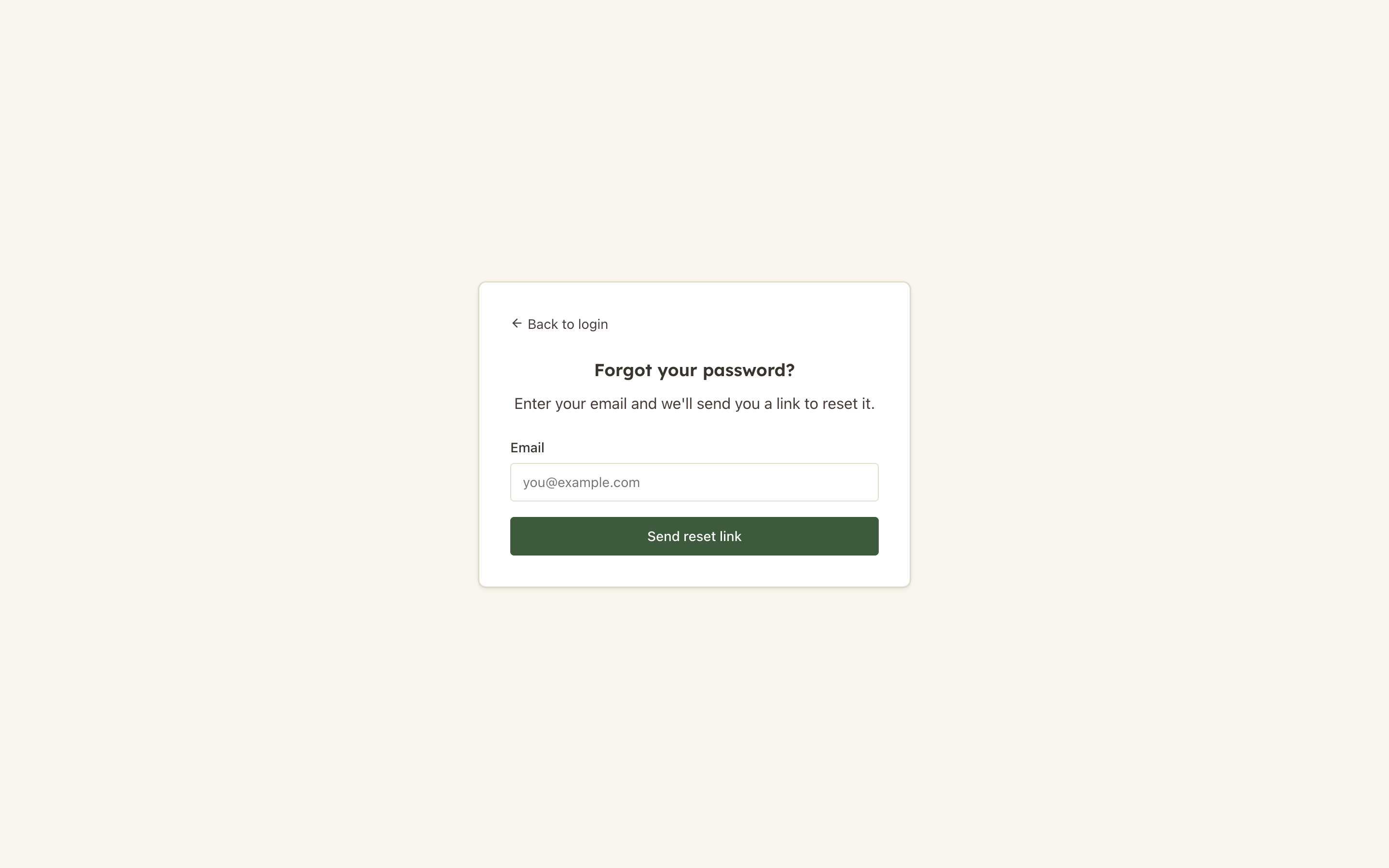 Forgot Password — email entry to trigger password reset flow
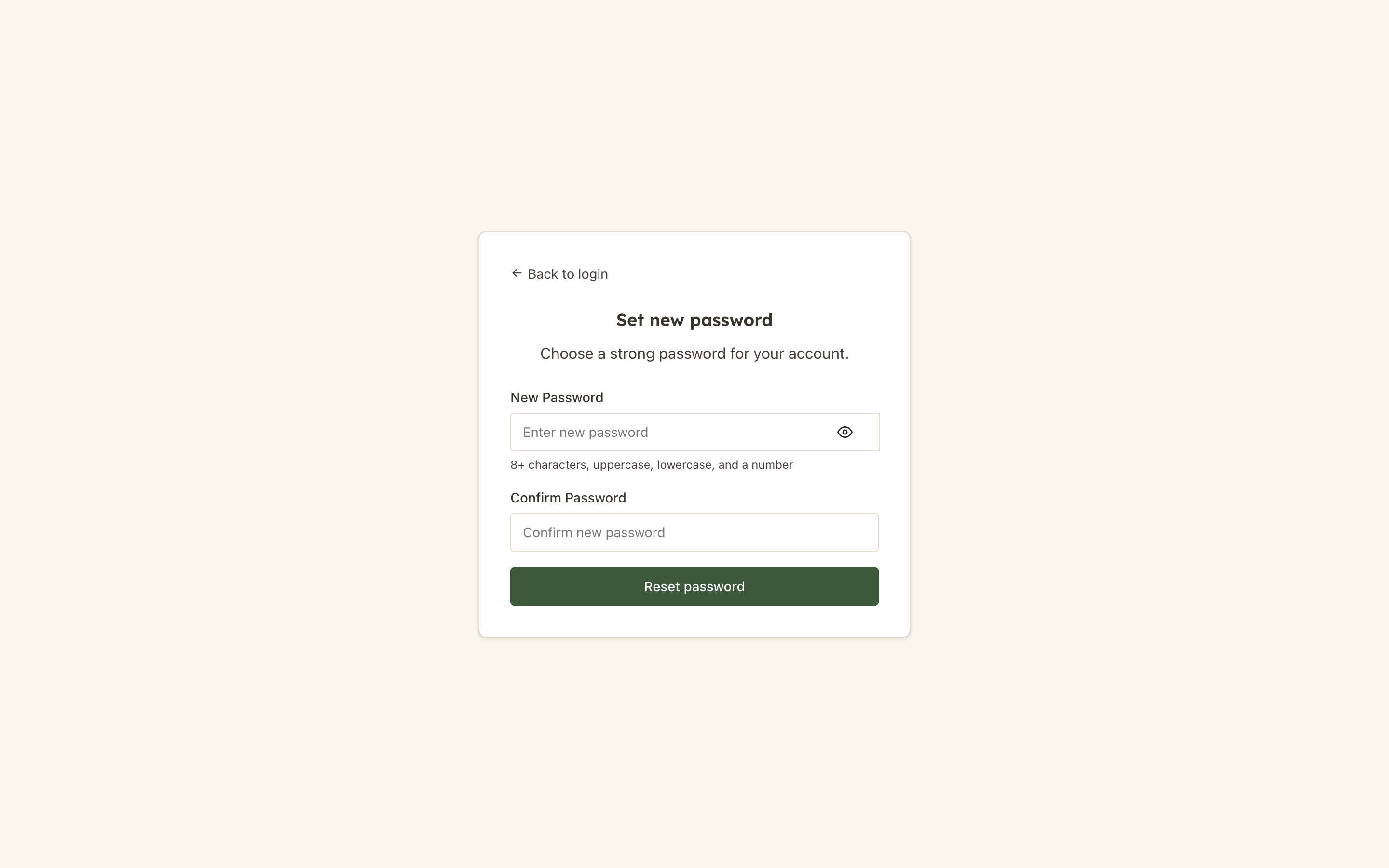 Reset Password — new password entry from the emailed token link
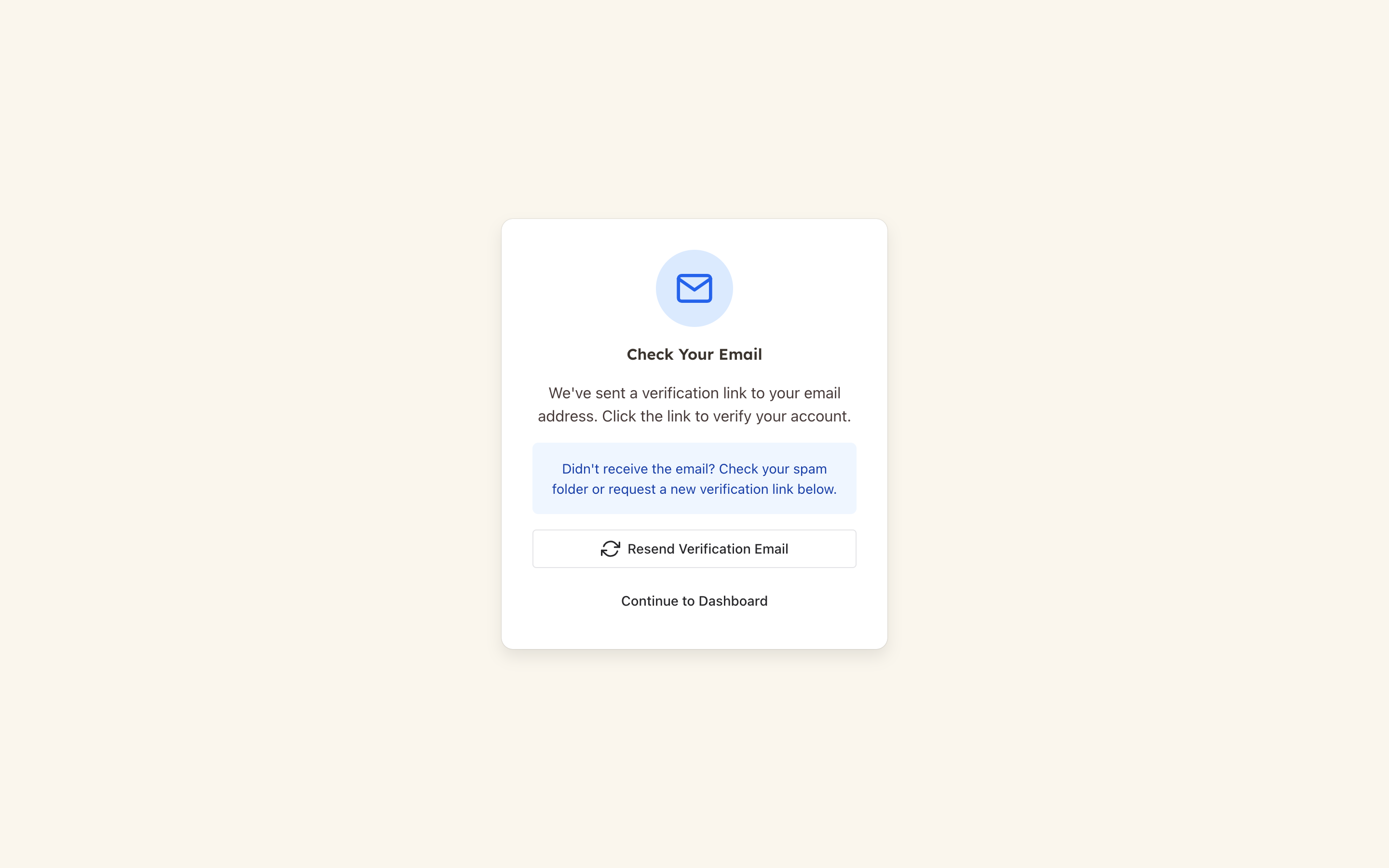 Email Verification — confirmation page after clicking the verification link
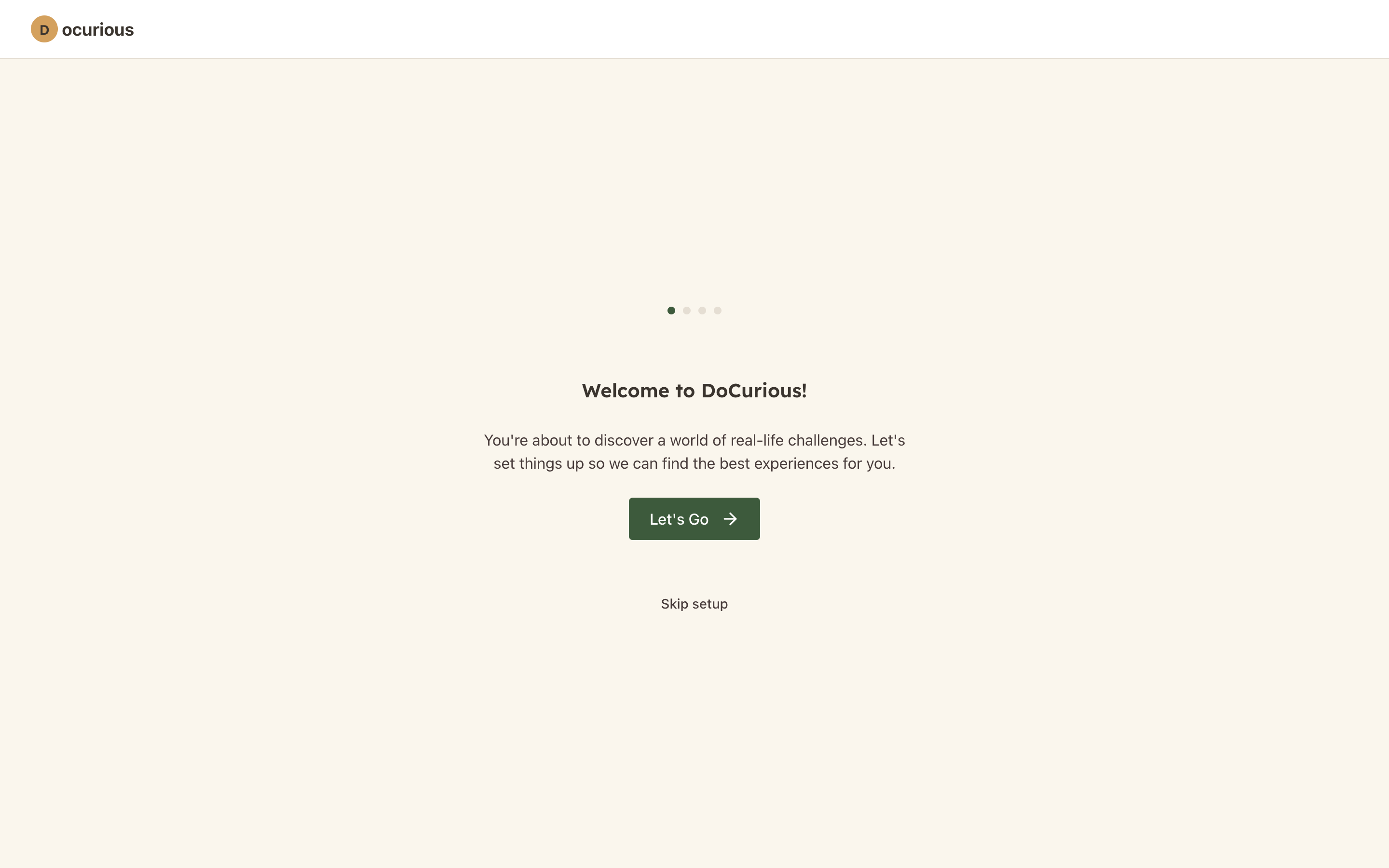 Onboarding — multi-step welcome wizard with interest selection and guided tour
Dashboard
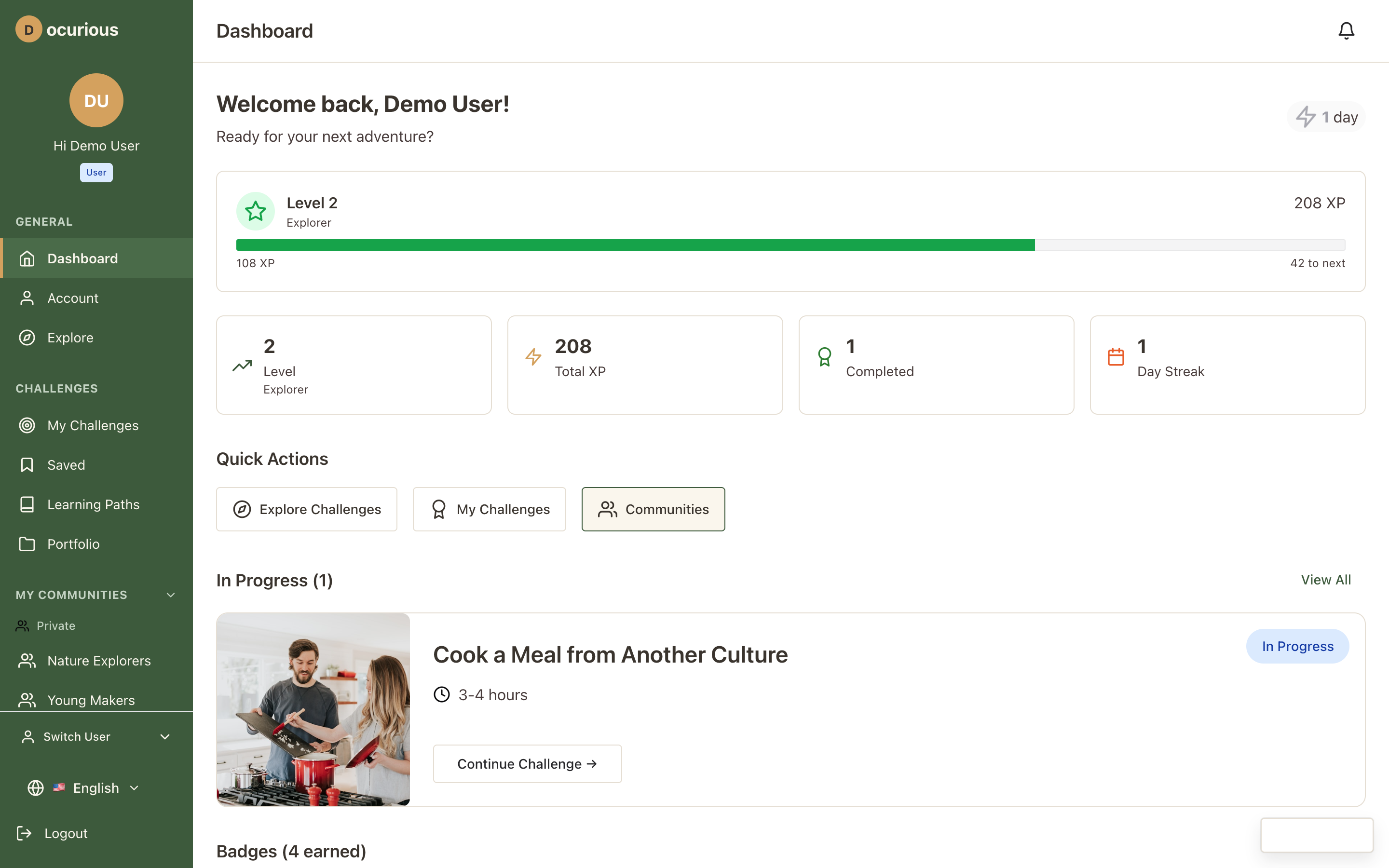 User Dashboard — home screen with stats, active challenges, streak display, and quick actions
Explore and Discovery
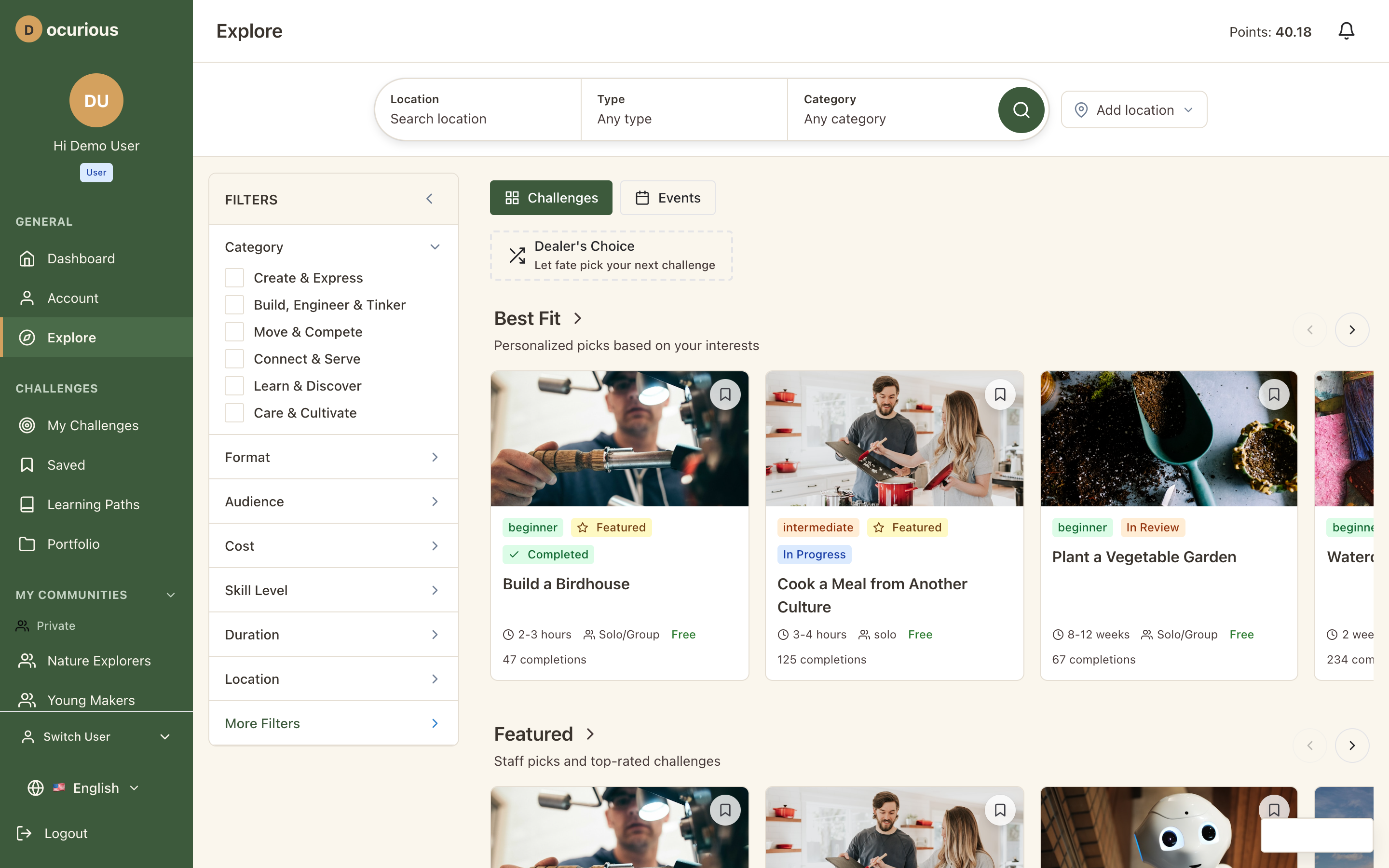 Explore — main discovery page with search bar, filter tabs, and challenge grid
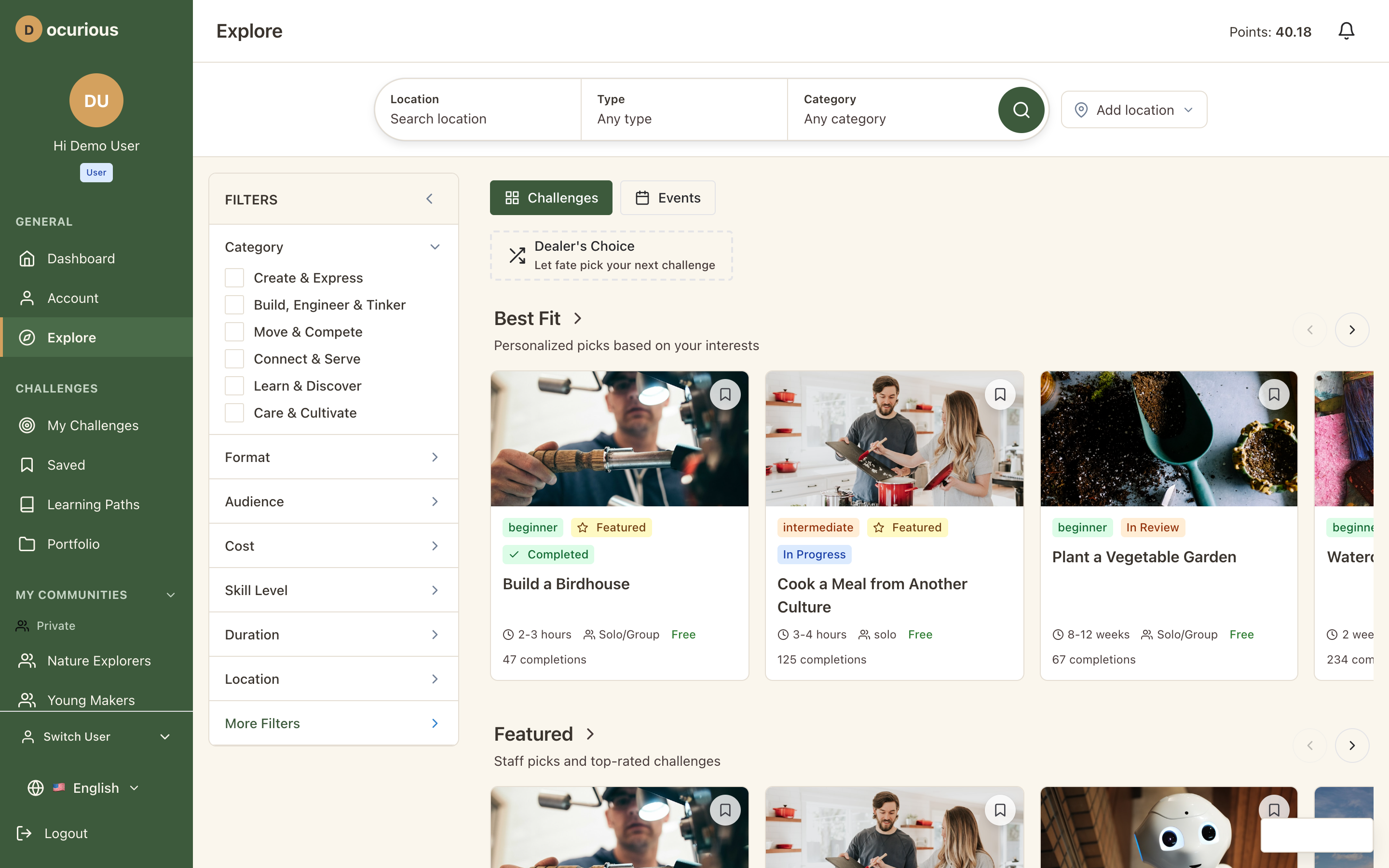 Explore Search — search results with active filters and result count
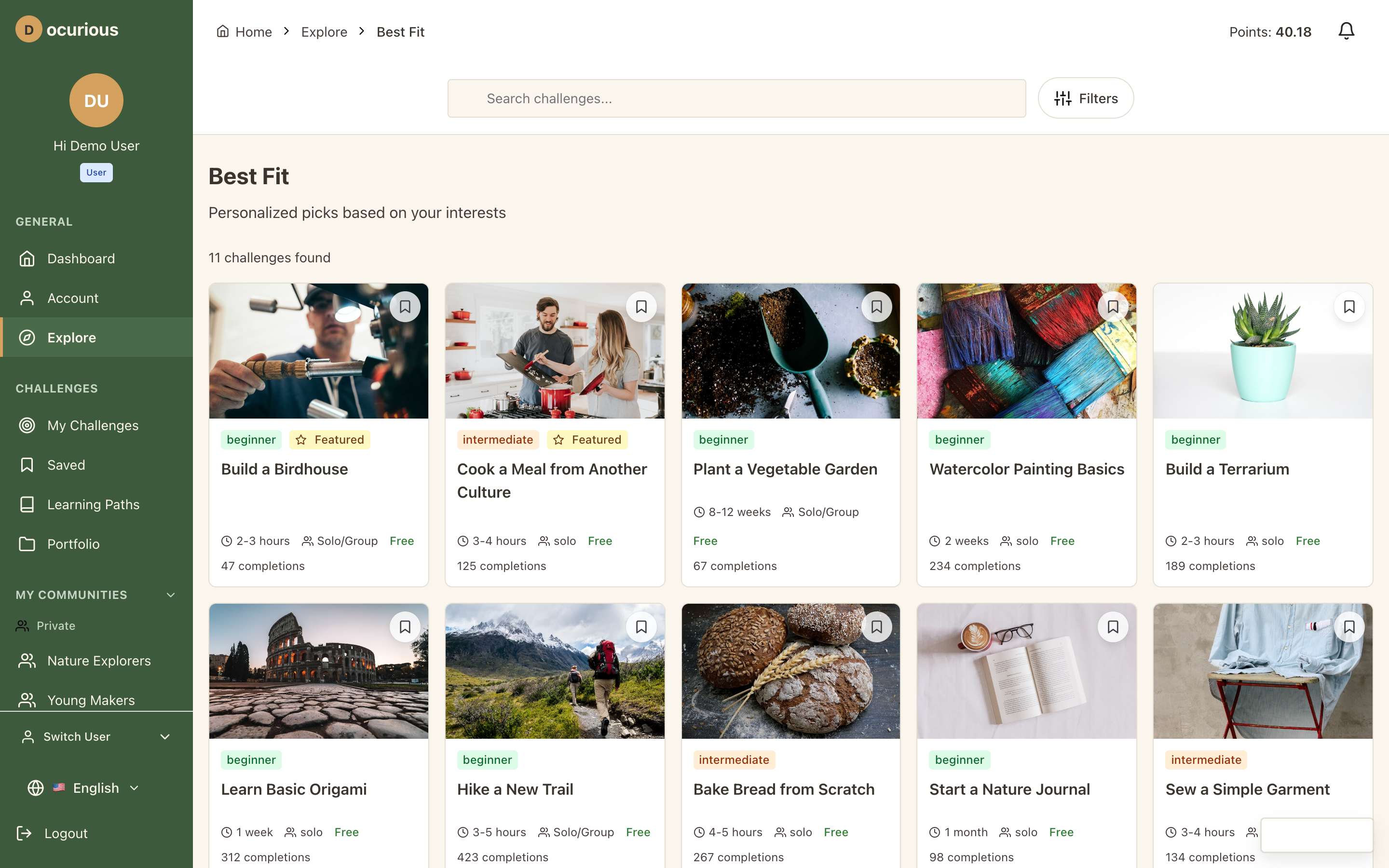 Best Fit — personalized challenge recommendations based on user preferences
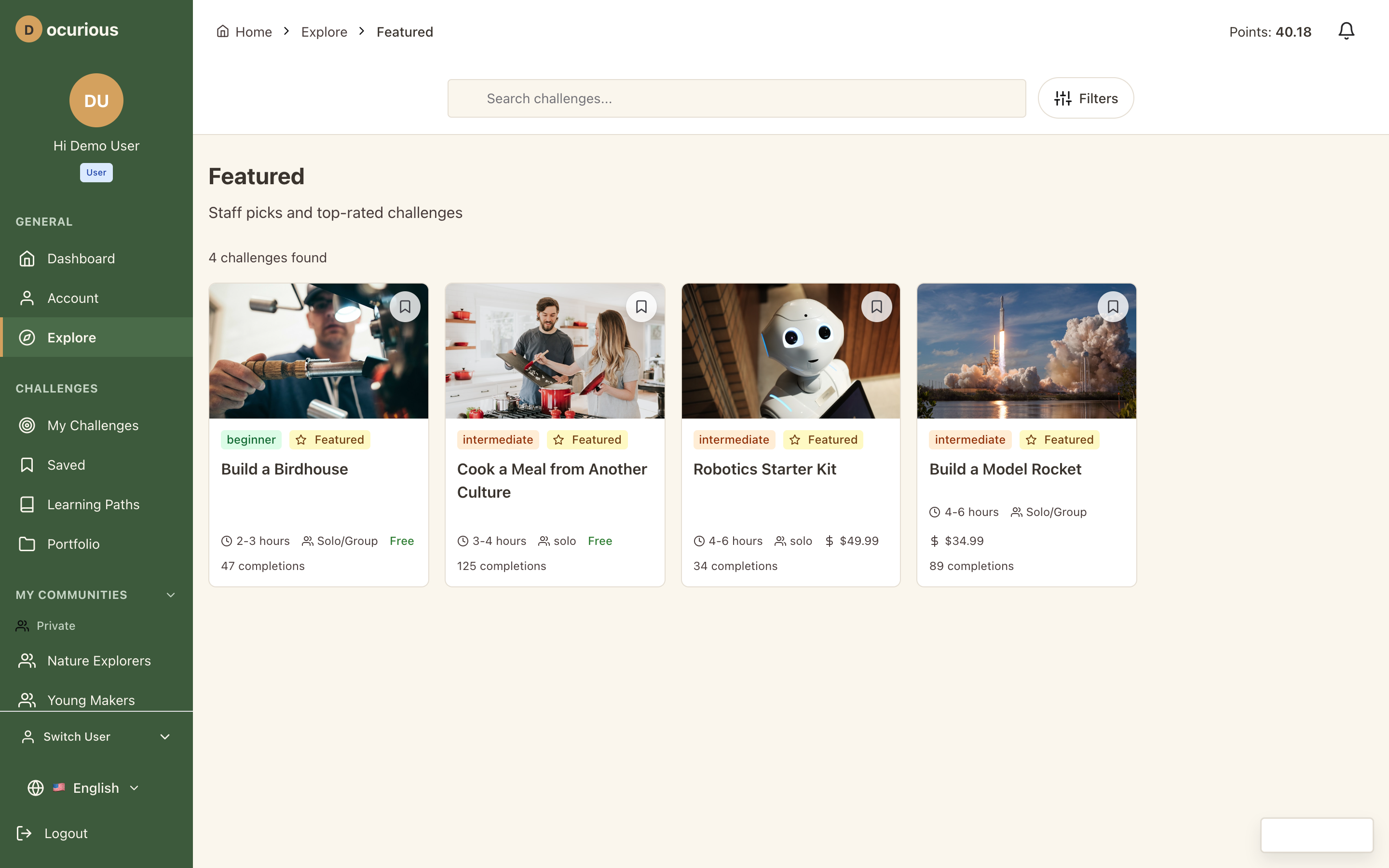 Featured — editorially curated challenge highlights
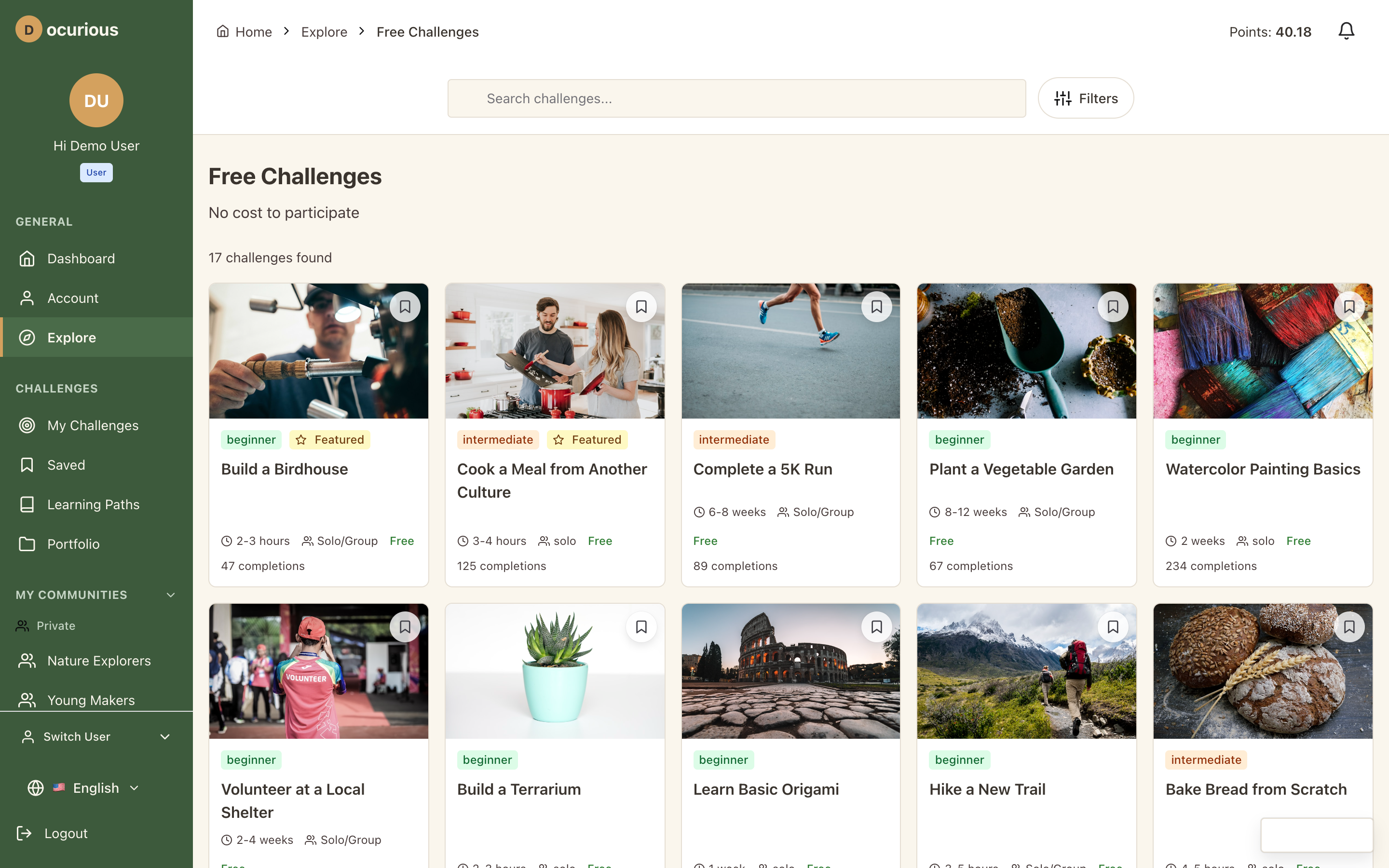 Free Challenges — challenges with no cost, filtered by the free tag
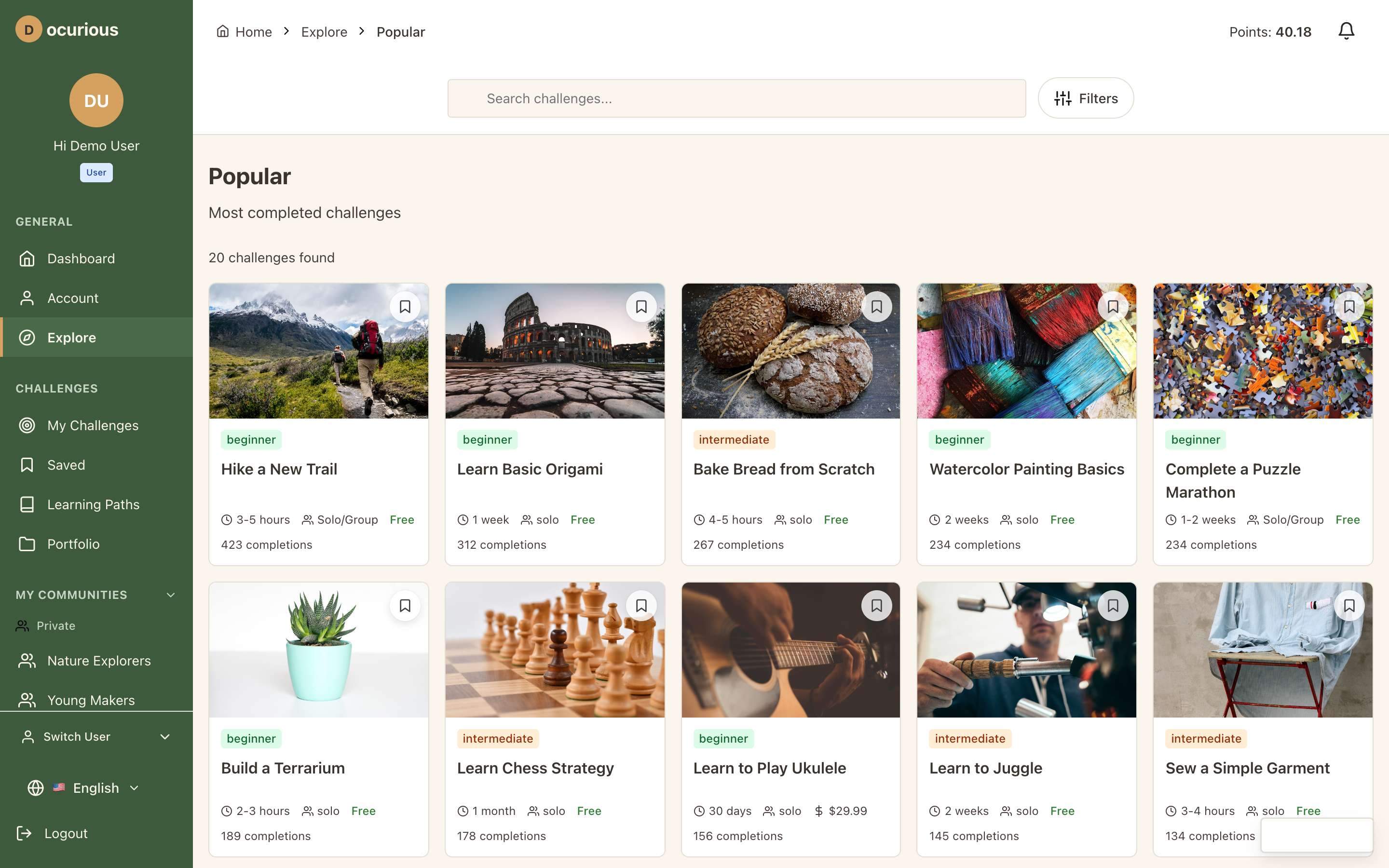 Popular — most-started and highest-rated challenges
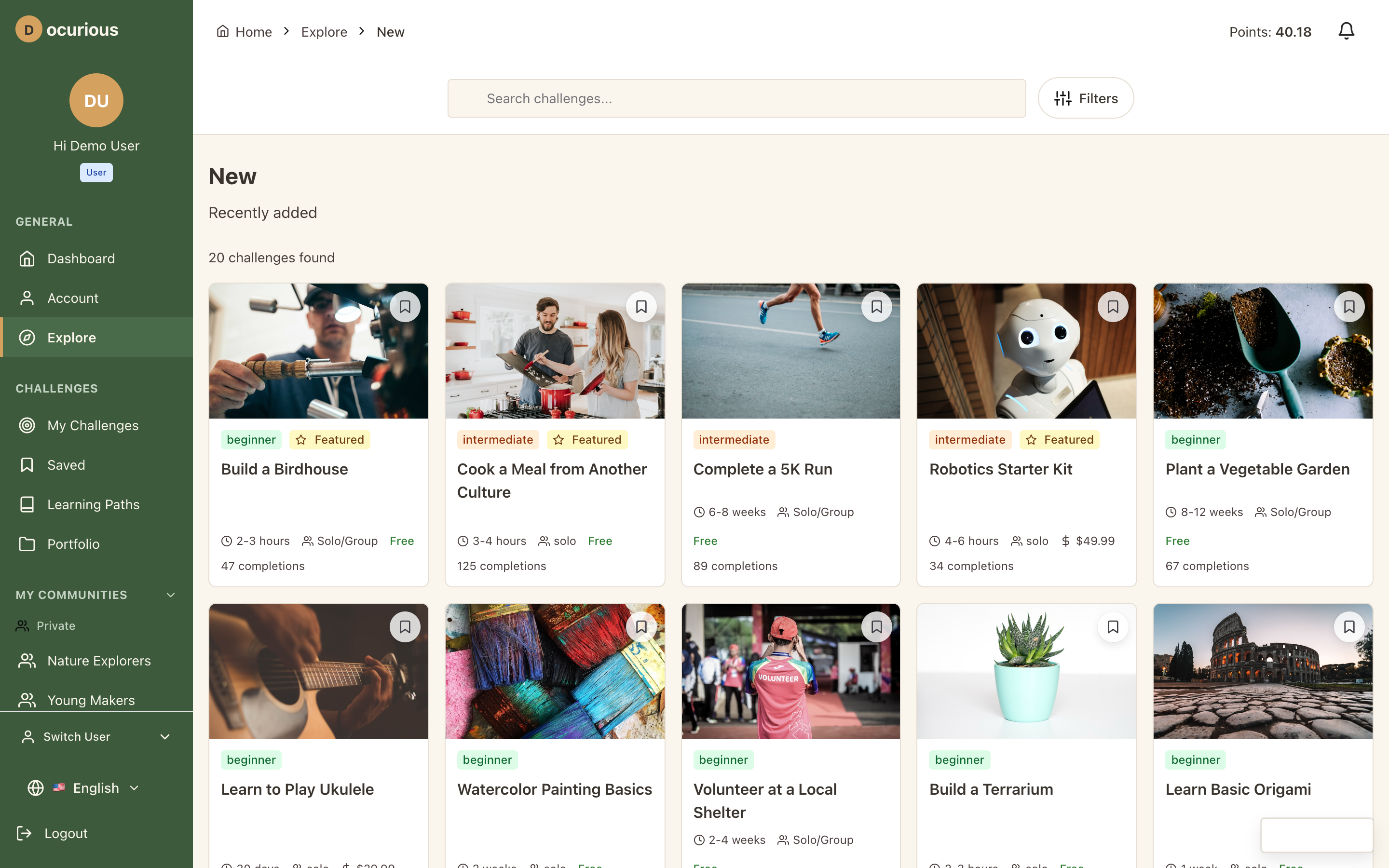 New — recently added challenges sorted by publish date
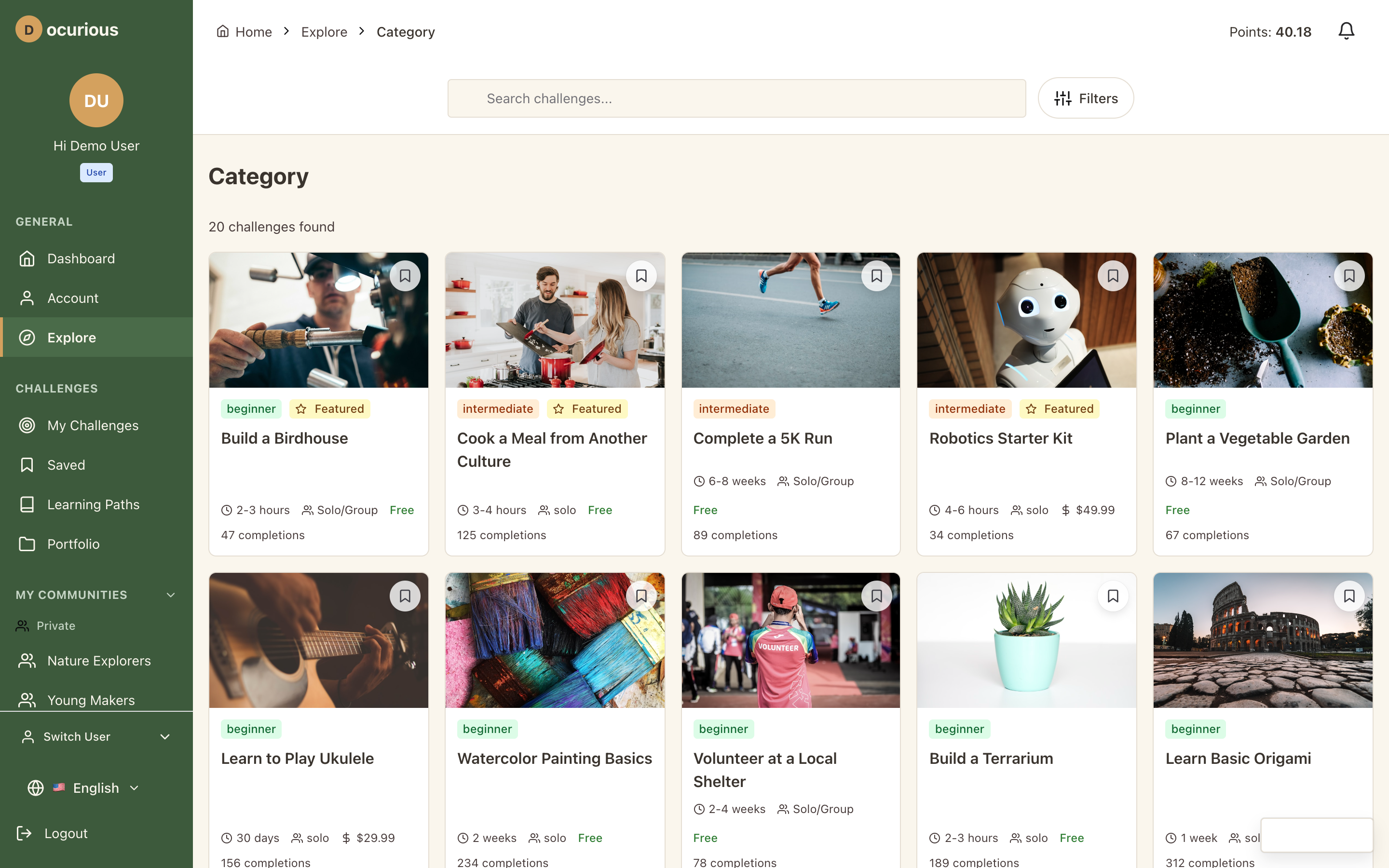 Category View — challenges filtered by a specific category (e.g., Outdoor Adventure)
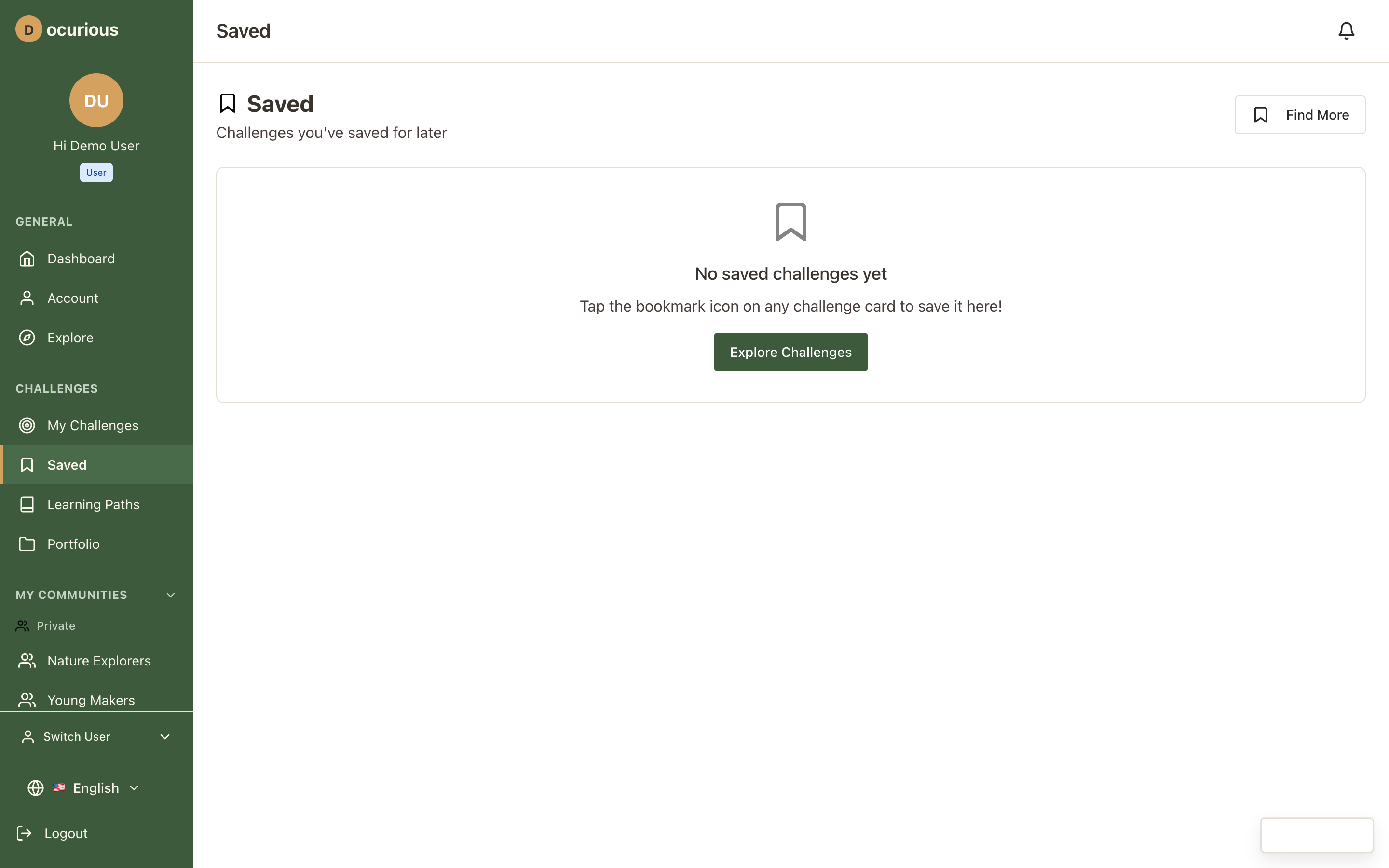 Saved List — user's bucket list and interesting challenges in a single view
Challenges
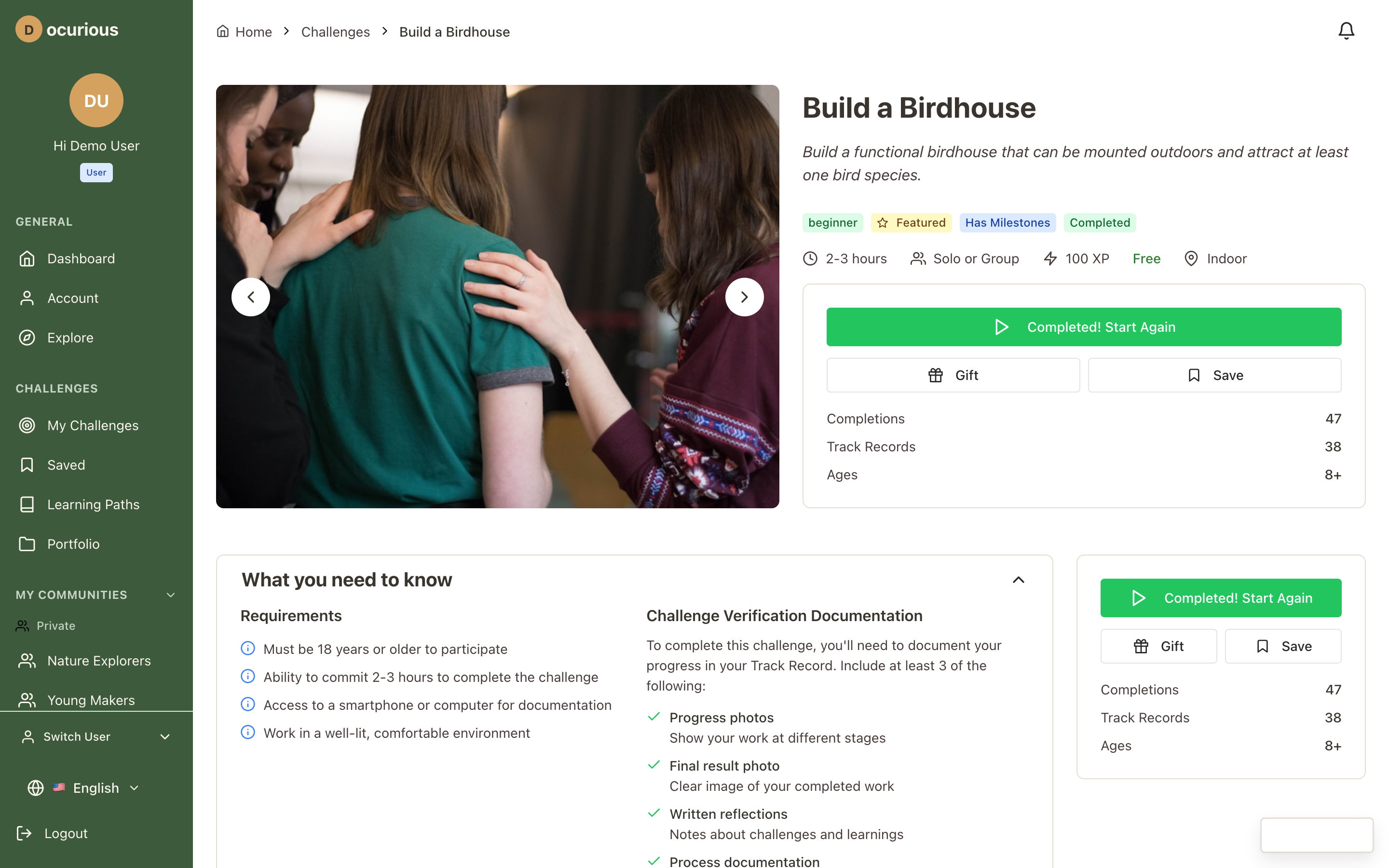 Challenge Detail — full challenge page with description, milestones, difficulty, category, and action buttons
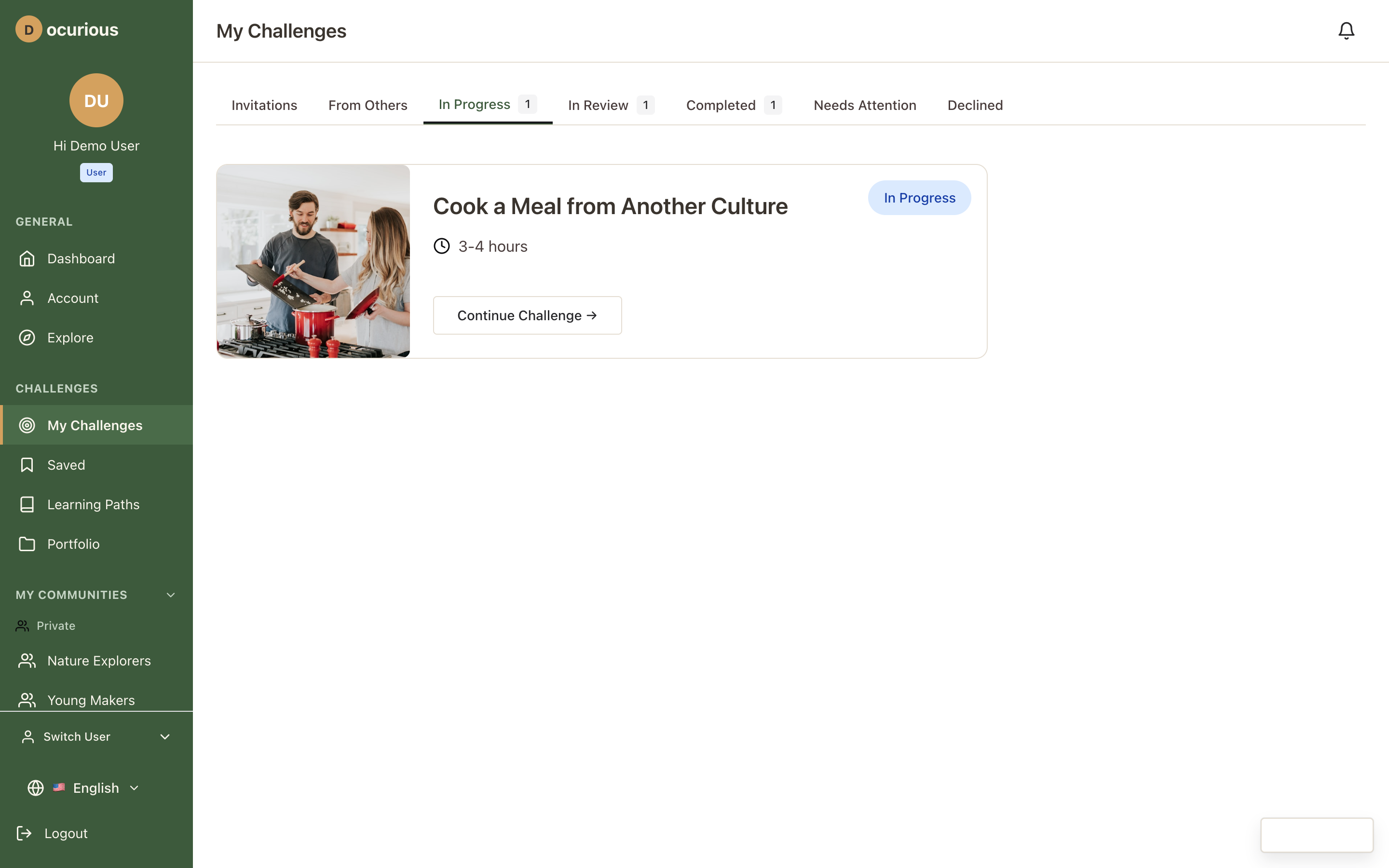 My Challenges — personal challenge list with status tabs (active, completed, saved)
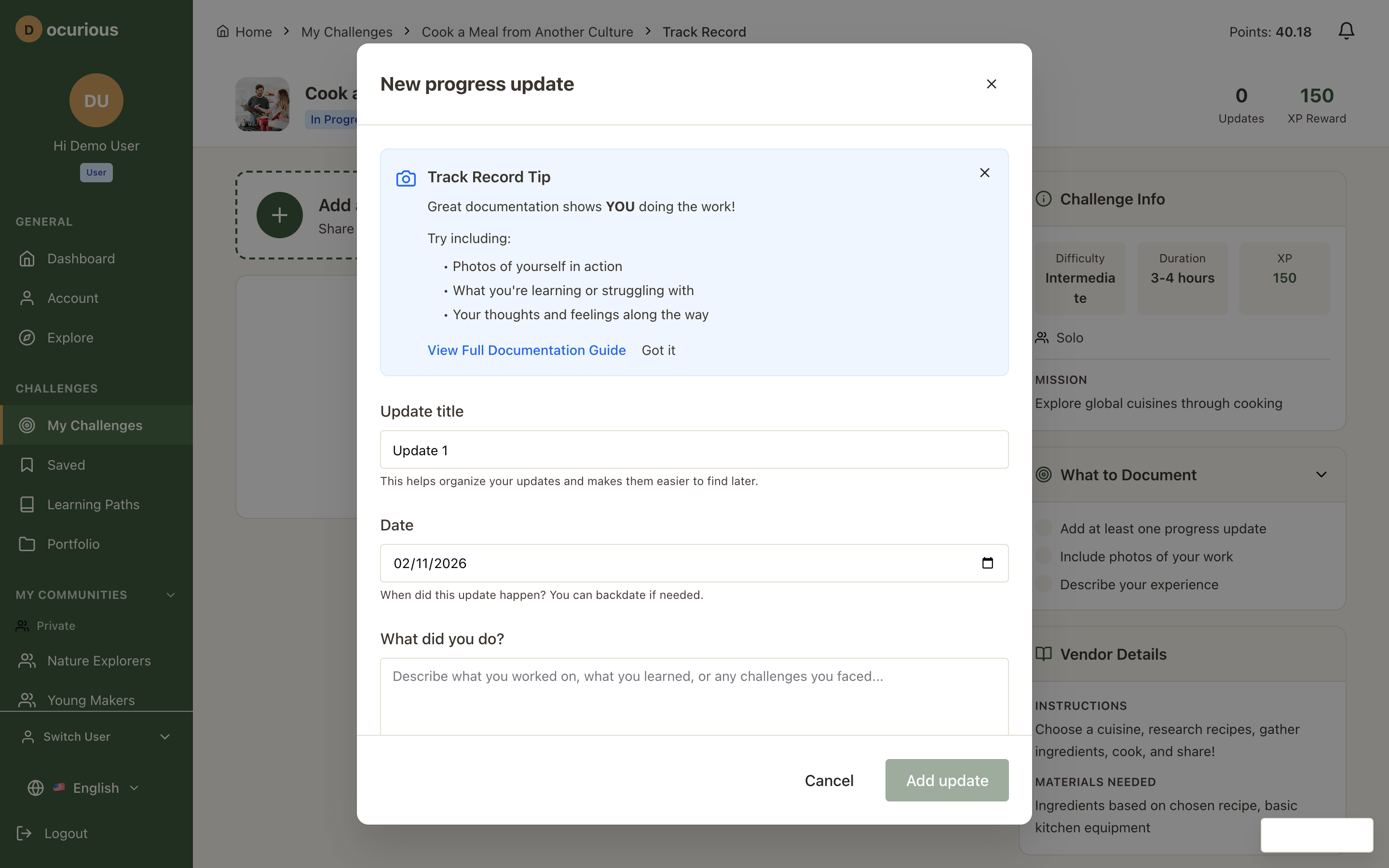
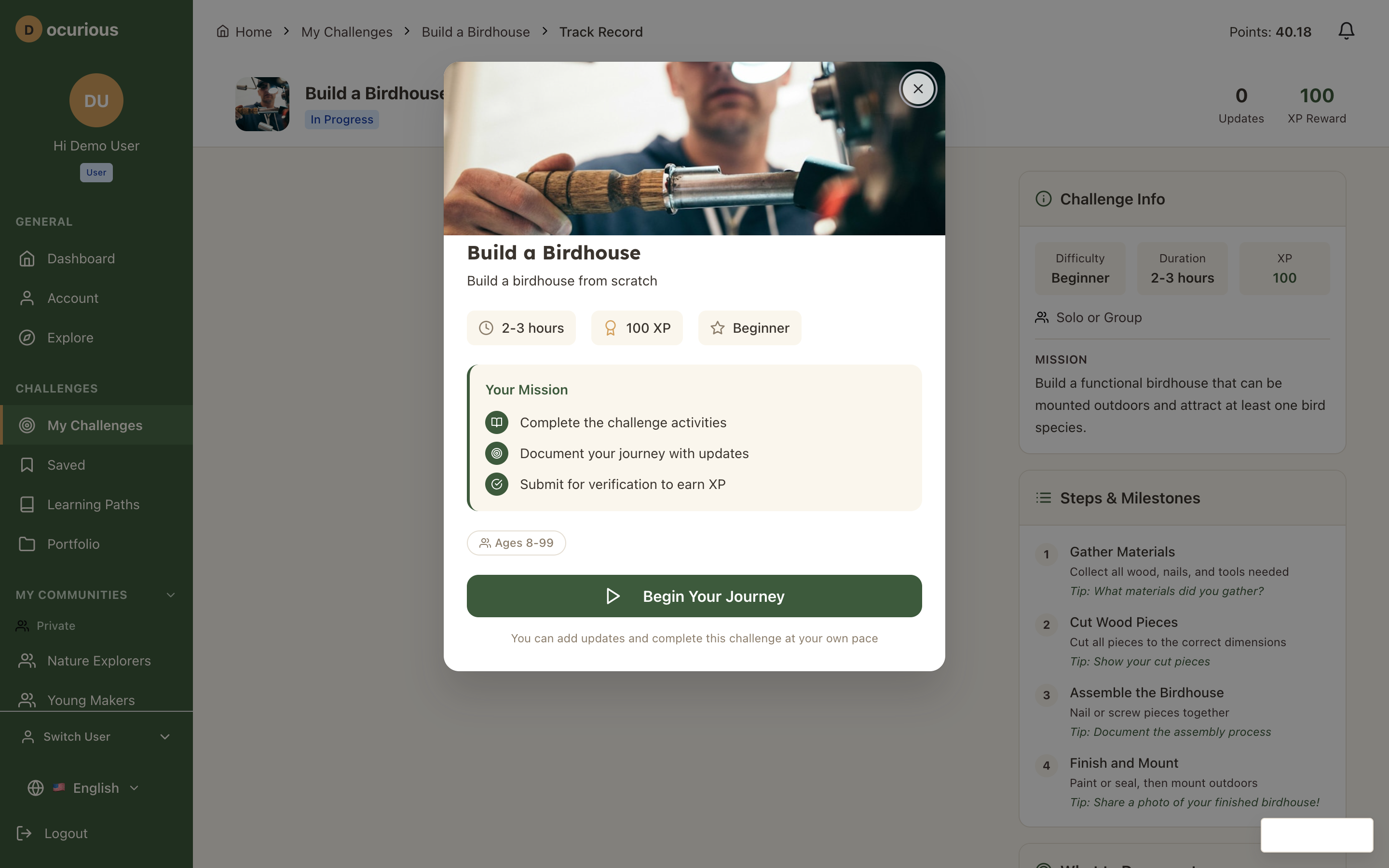 Track Record — multimedia journal for documenting challenge progress with text, photos, video, and audio entries
Gamification and Progress
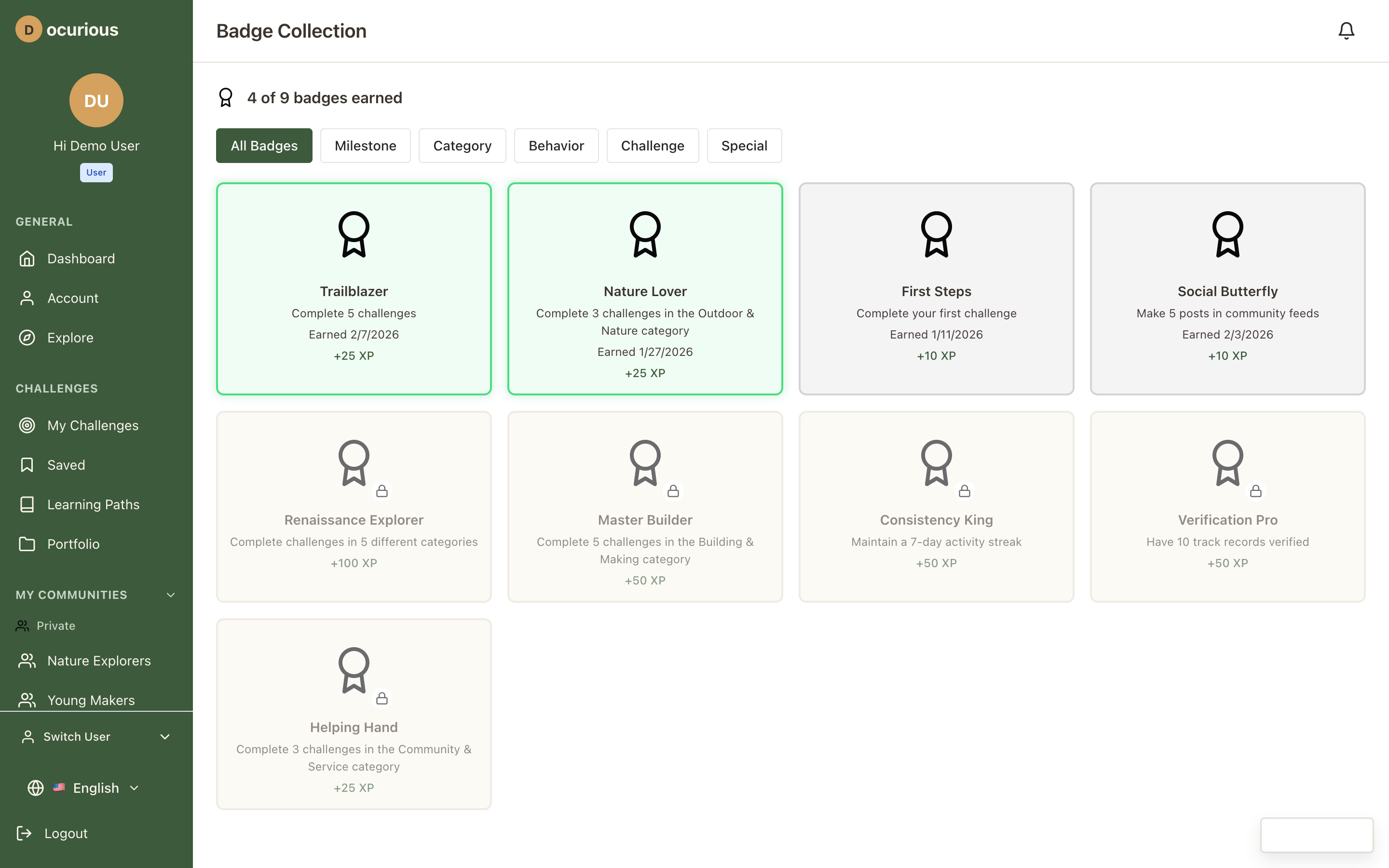 Badge Collection — all earned and available badges organized by category
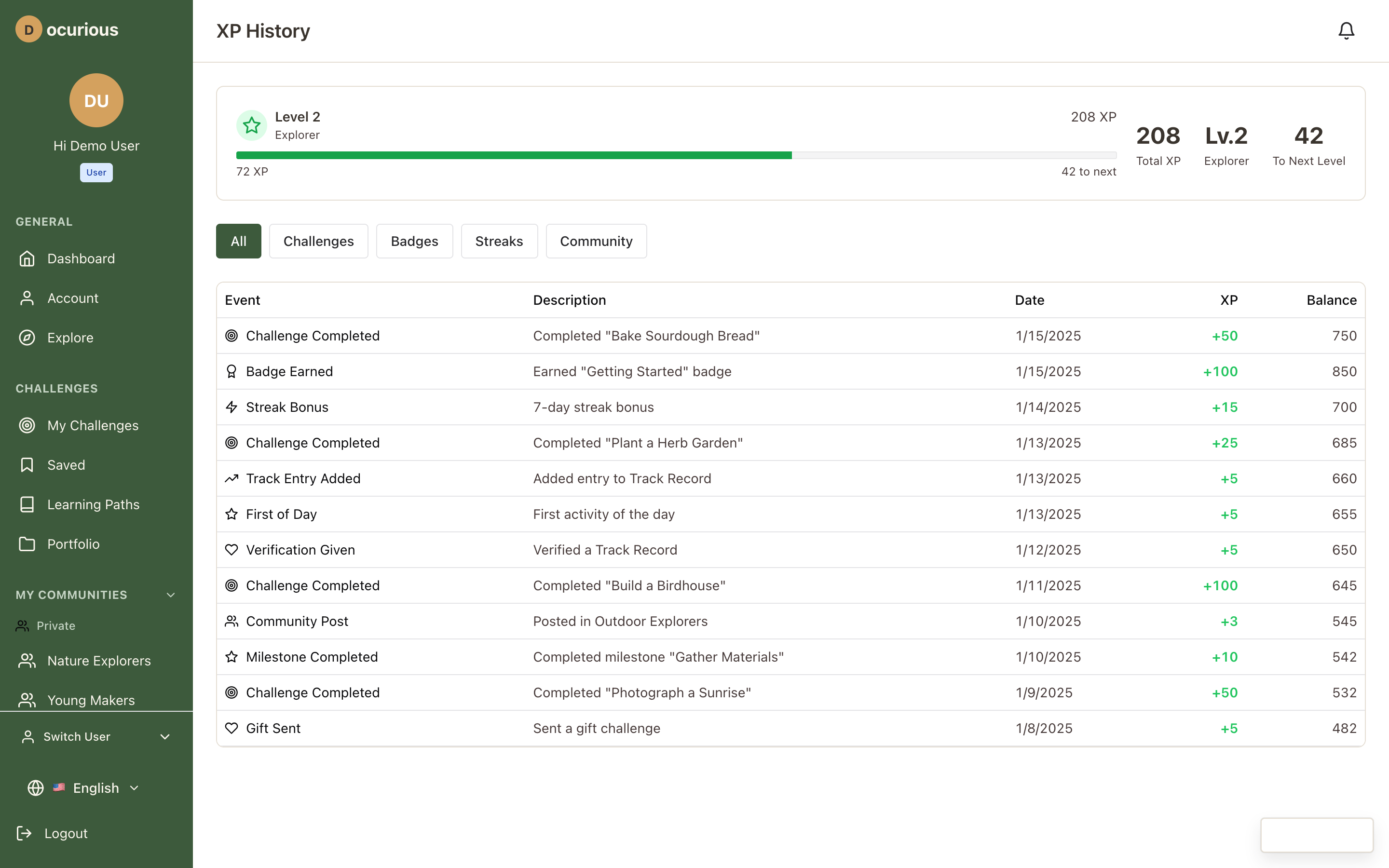 XP History — timeline of experience point gains with source attribution
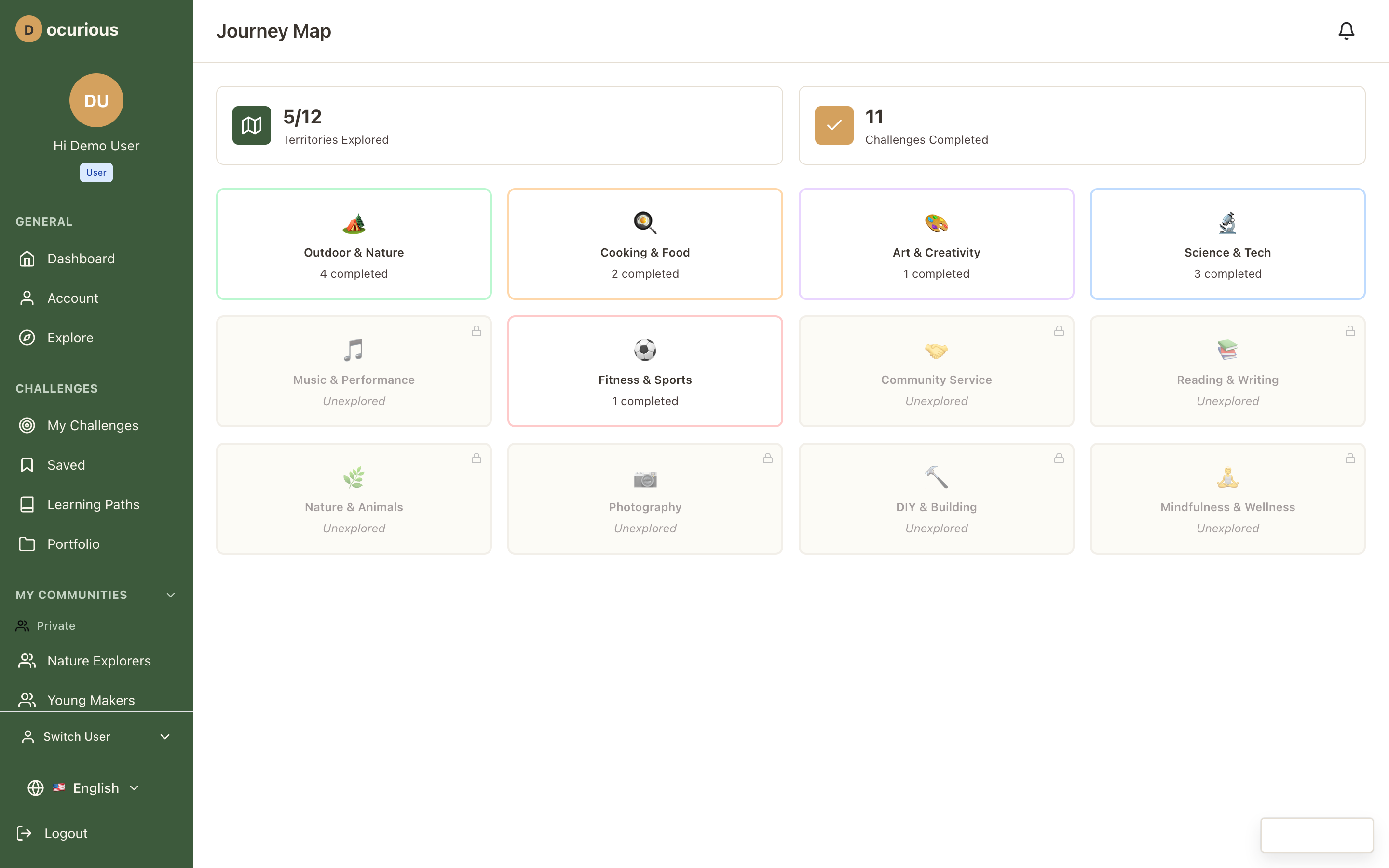 Journey Map — category exploration visualization showing progress across challenge domains
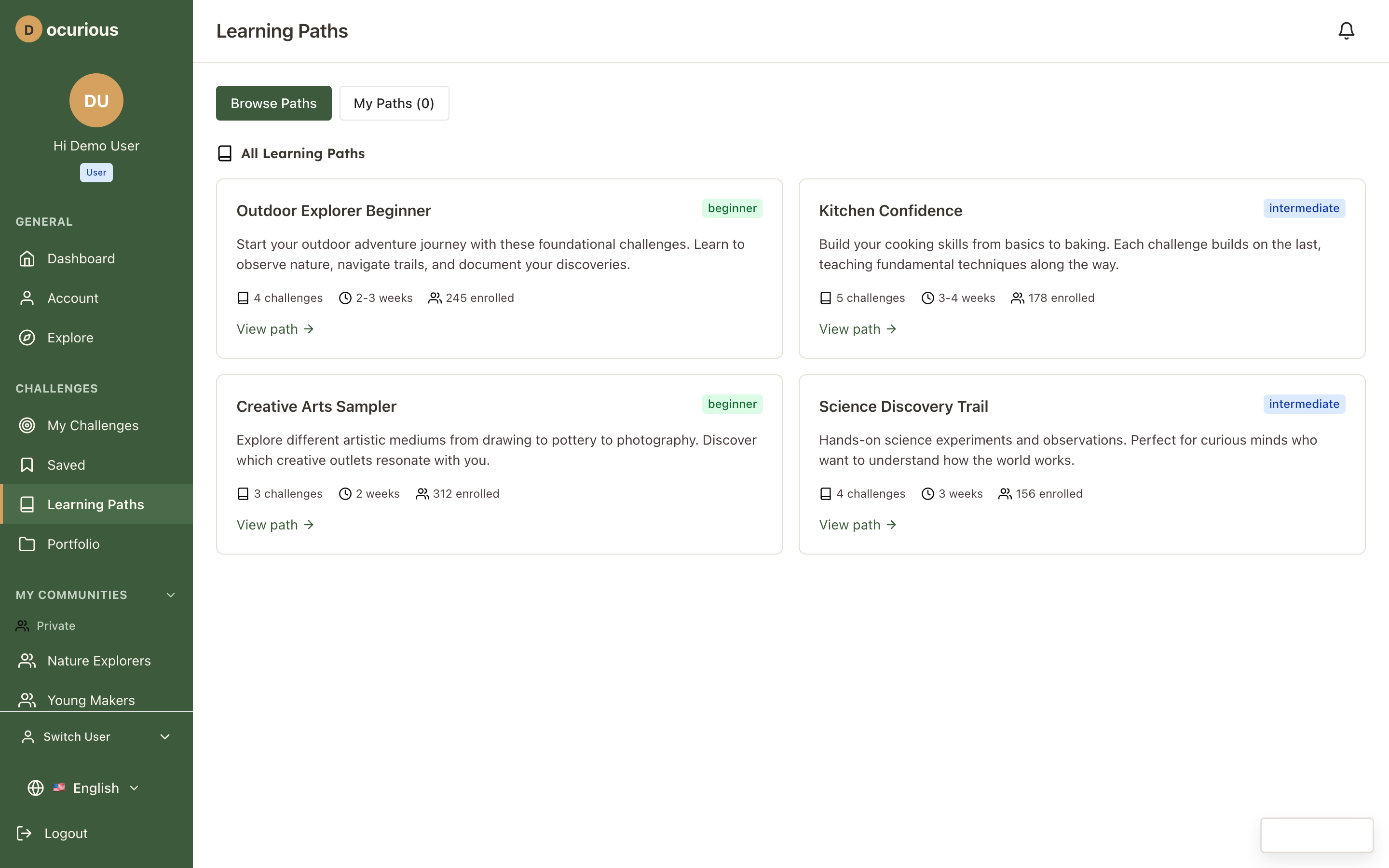 Learning Paths — browse curated sequences of challenges with progress indicators
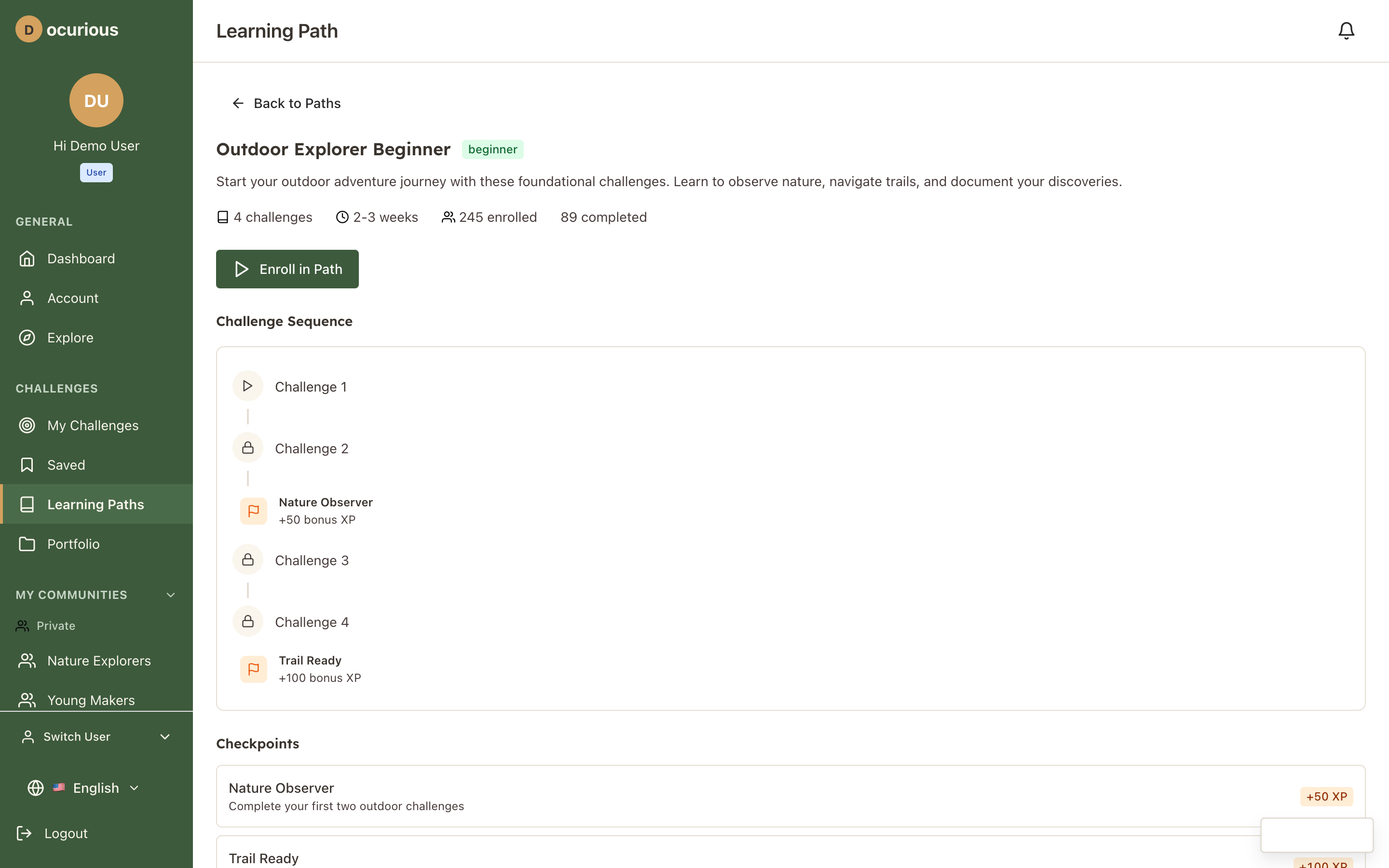 Learning Path Detail — individual path view with challenge sequence, checkpoints, and enrollment status
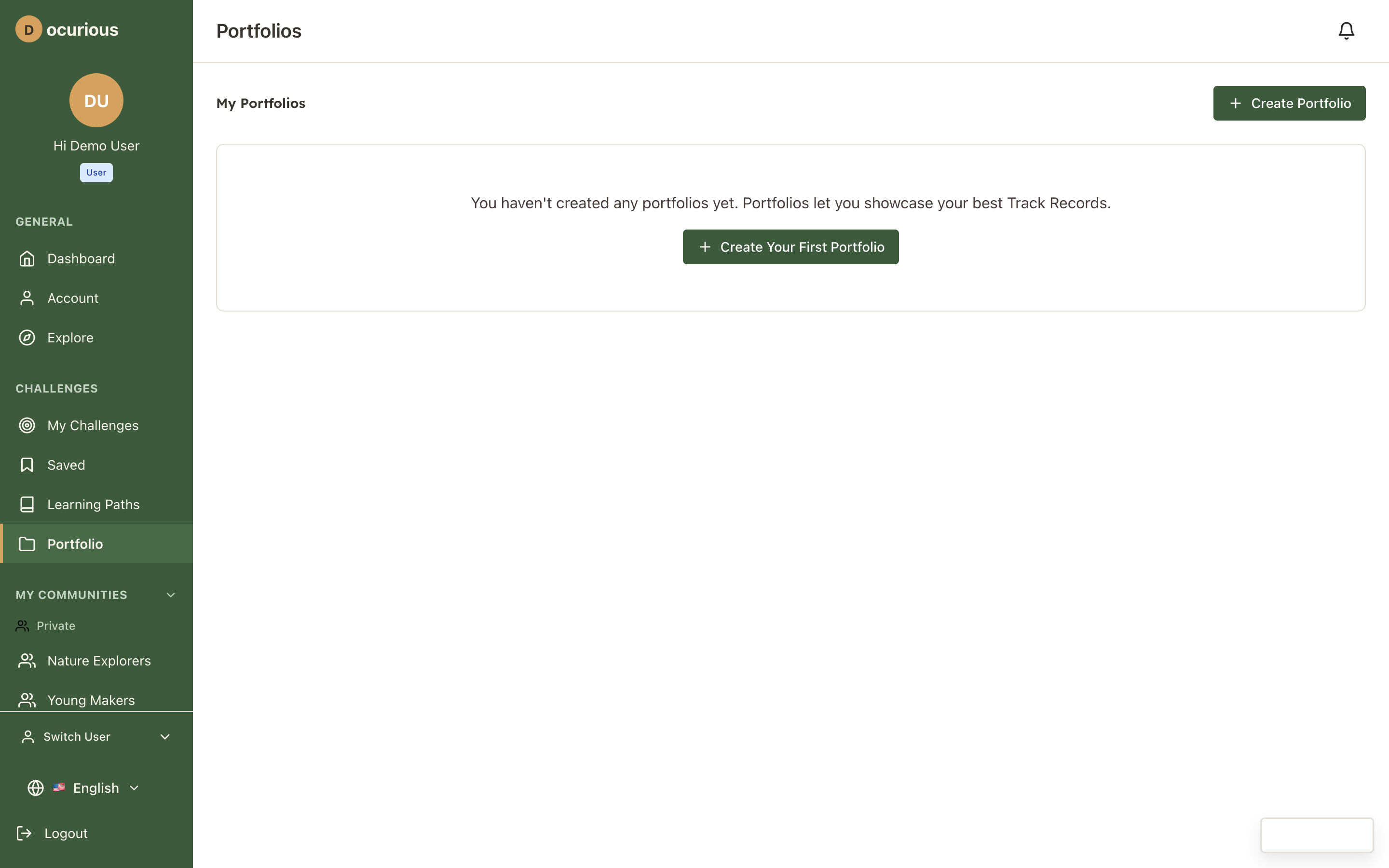 Portfolios — collection of exportable showcase documents
 Portfolio View — individual portfolio with selected track records and achievements
Communities
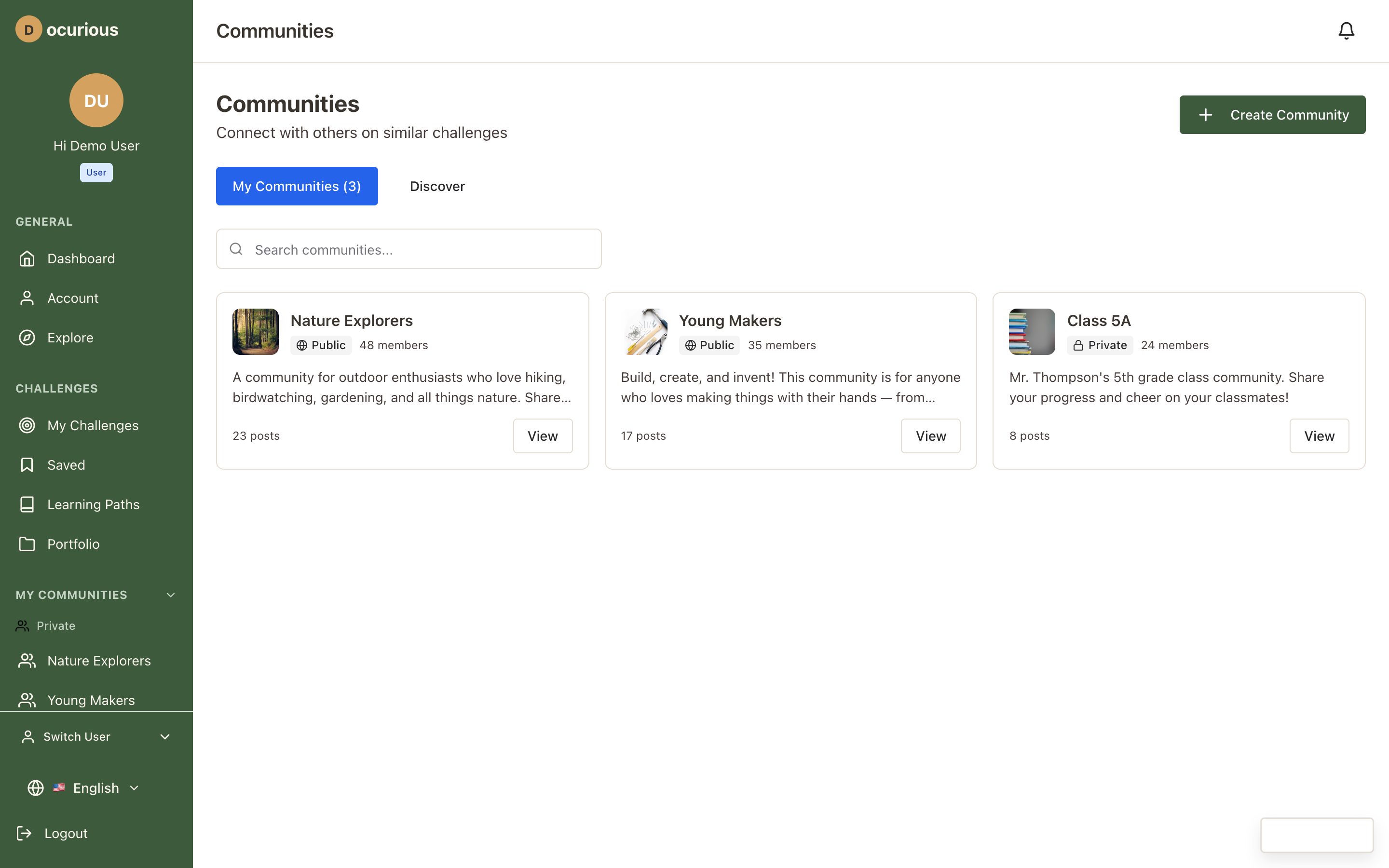 Communities — browse and discover communities by type
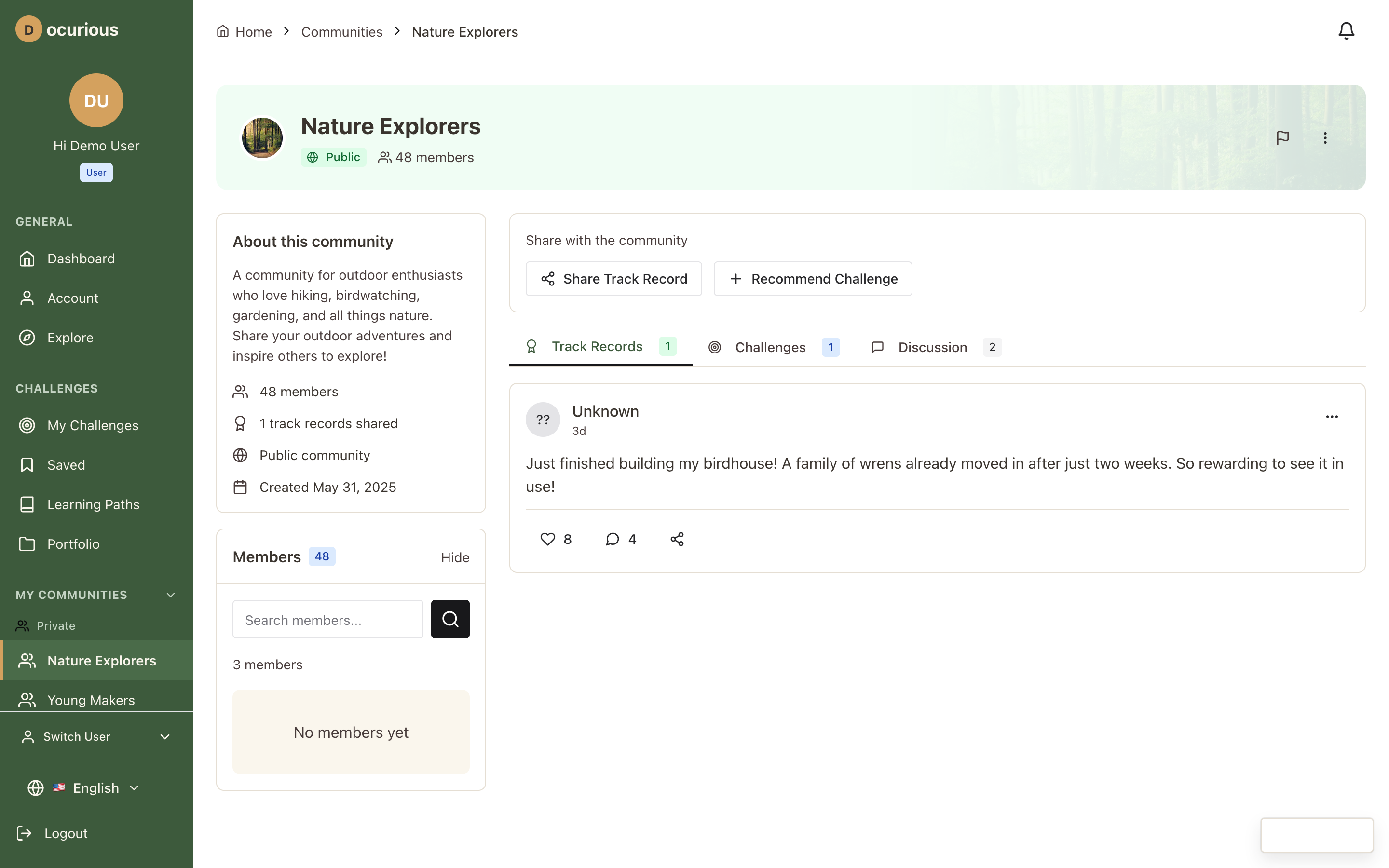 Community Detail — community page with feed, members, assignments, and goals
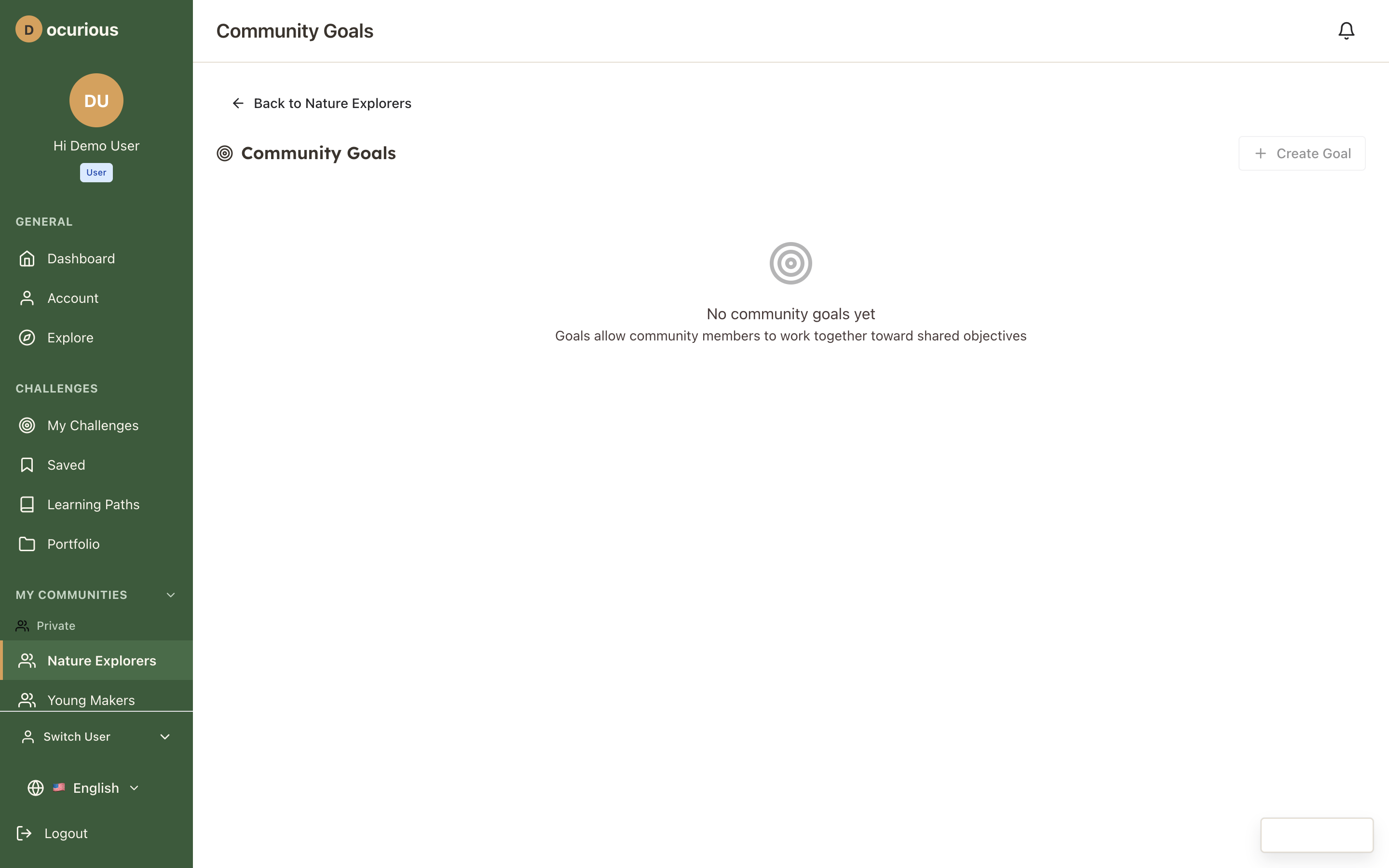 Community Goals — shared objectives with progress tracking and leaderboard
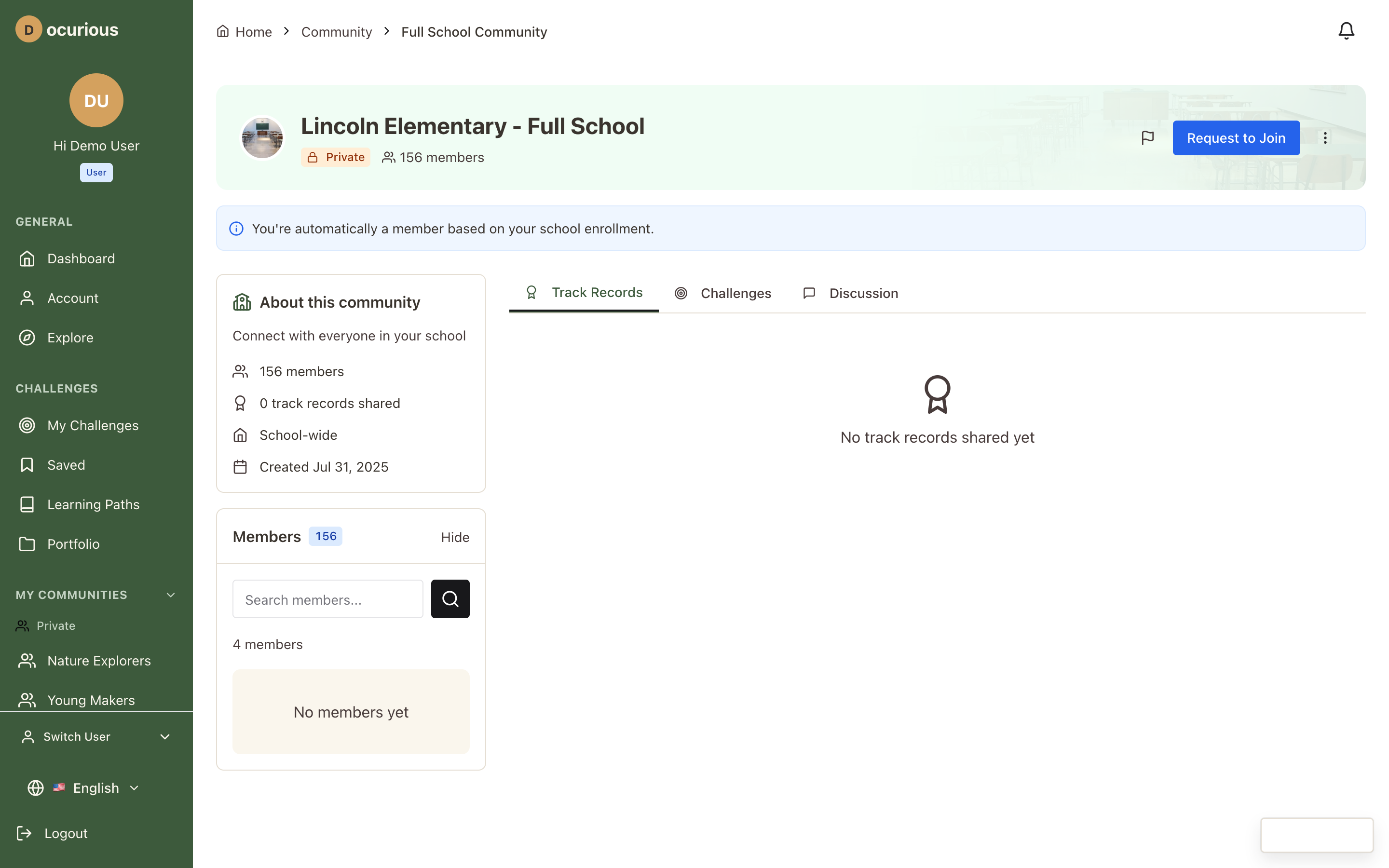 School Community — full-school community with announcements and shared challenges
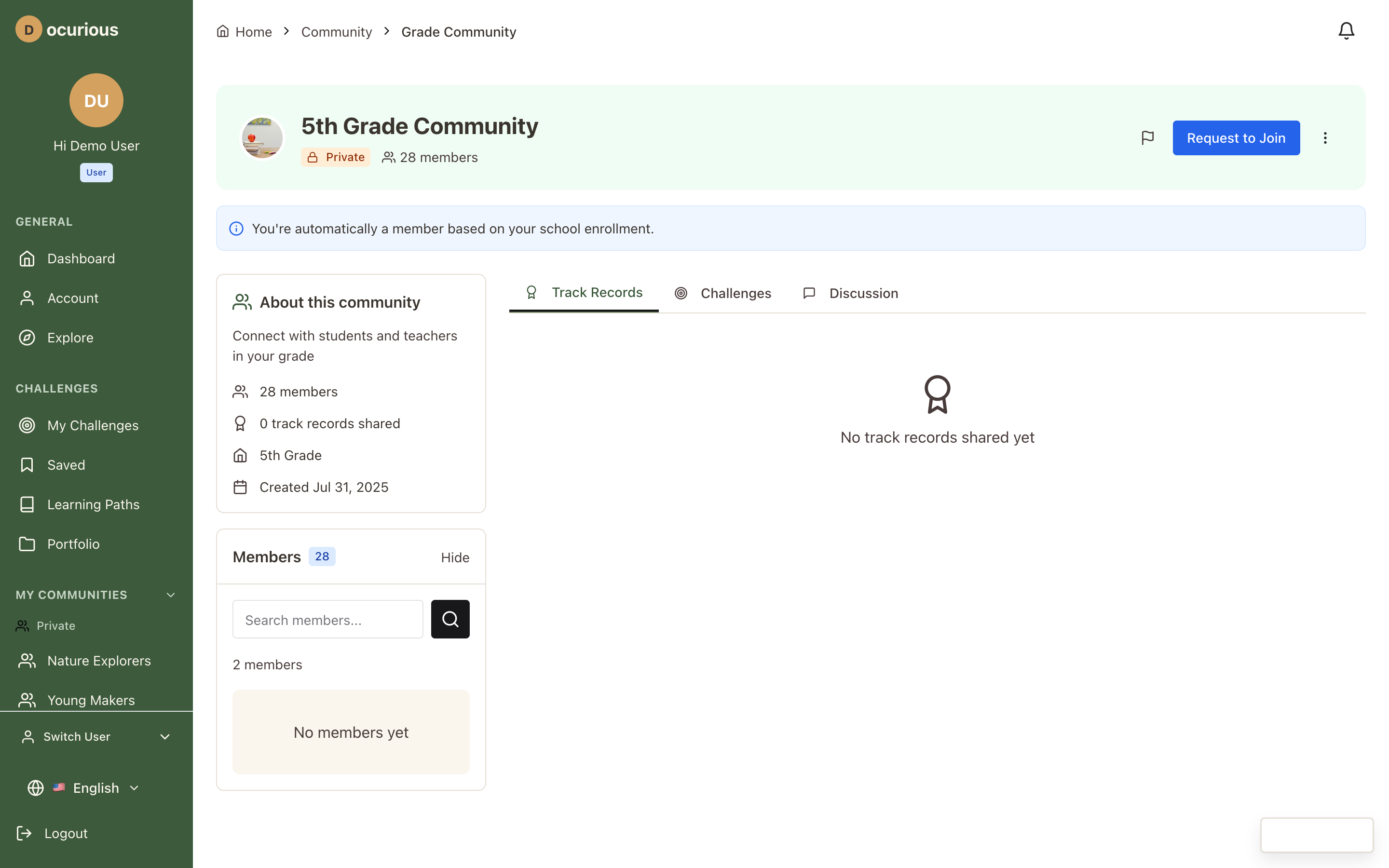 Grade-Level Community — community scoped to a specific grade
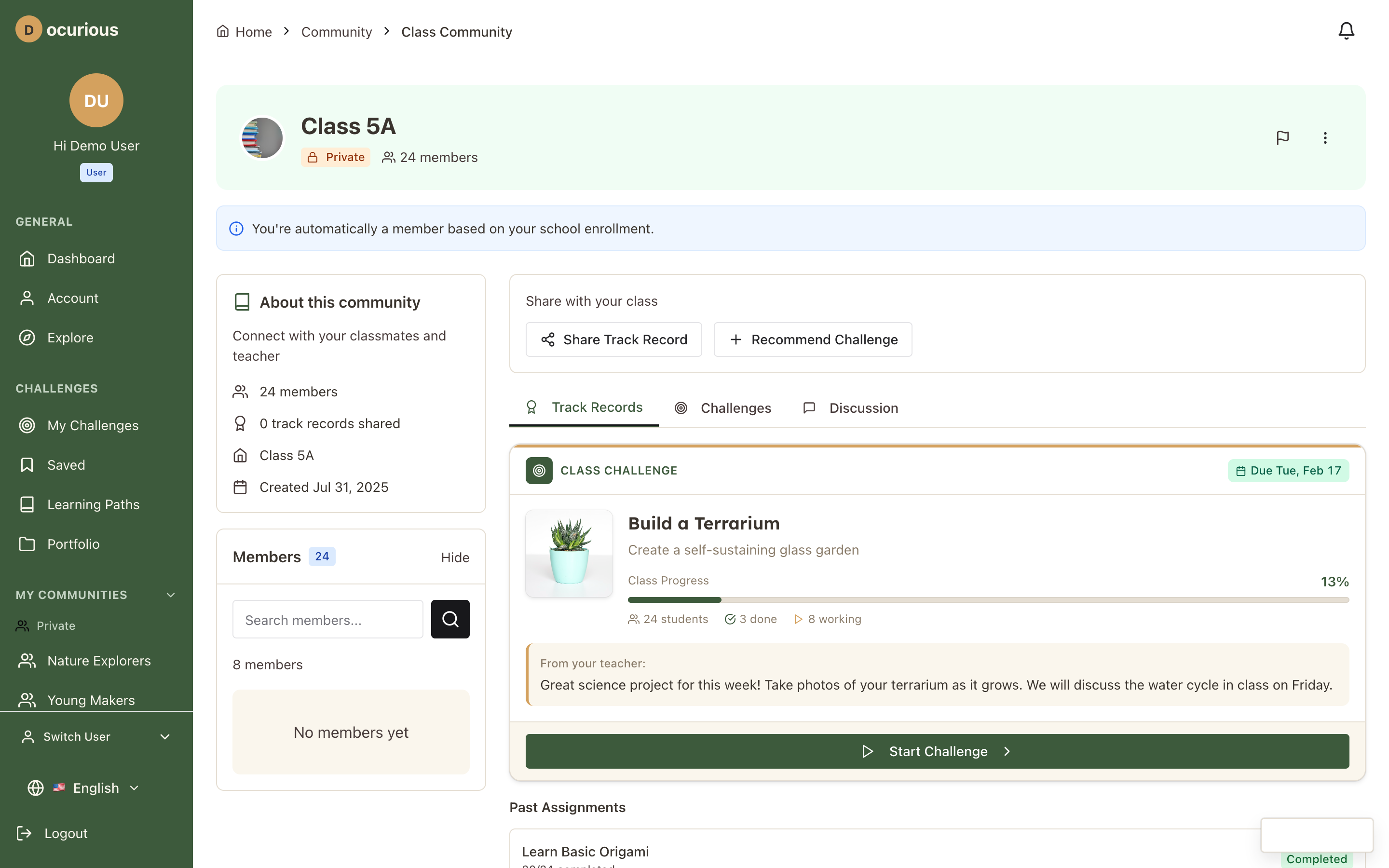 Classroom Community — class-specific community with assignment-linked discussions
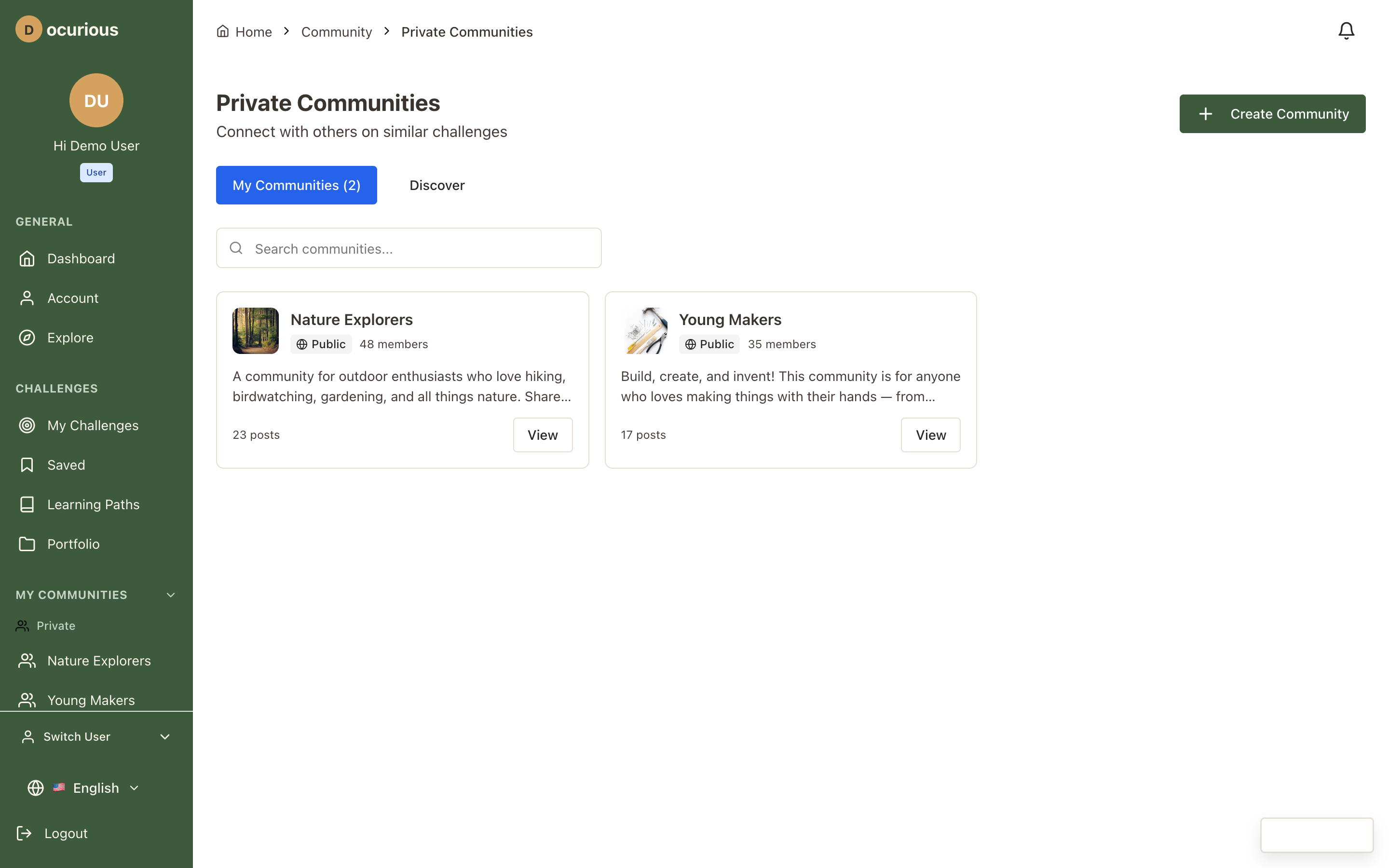 Private Communities — user-created private groups (family, friends, interest-based)
Gifting
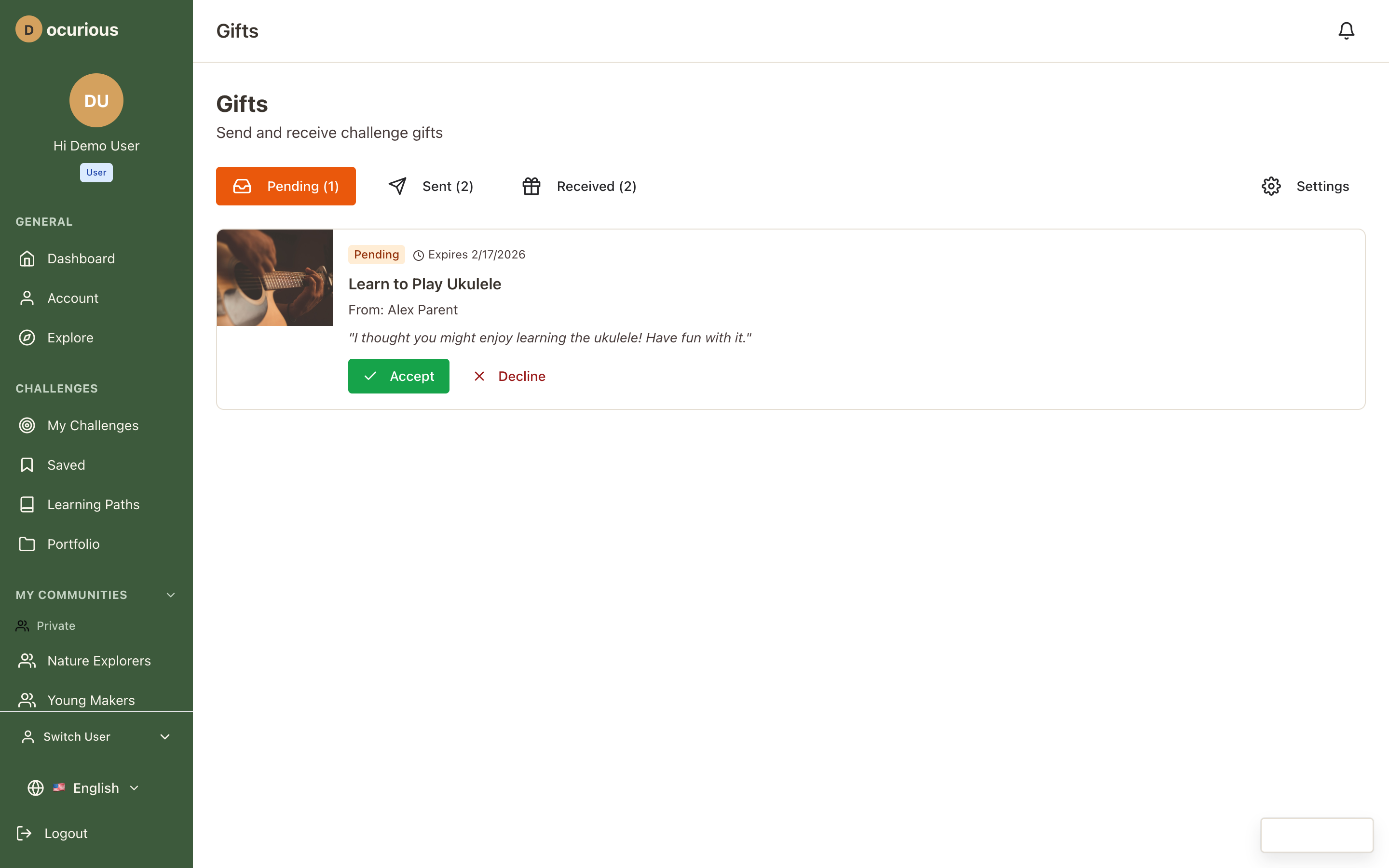 Gifts — send and receive challenge gifts with status tracking
Notifications
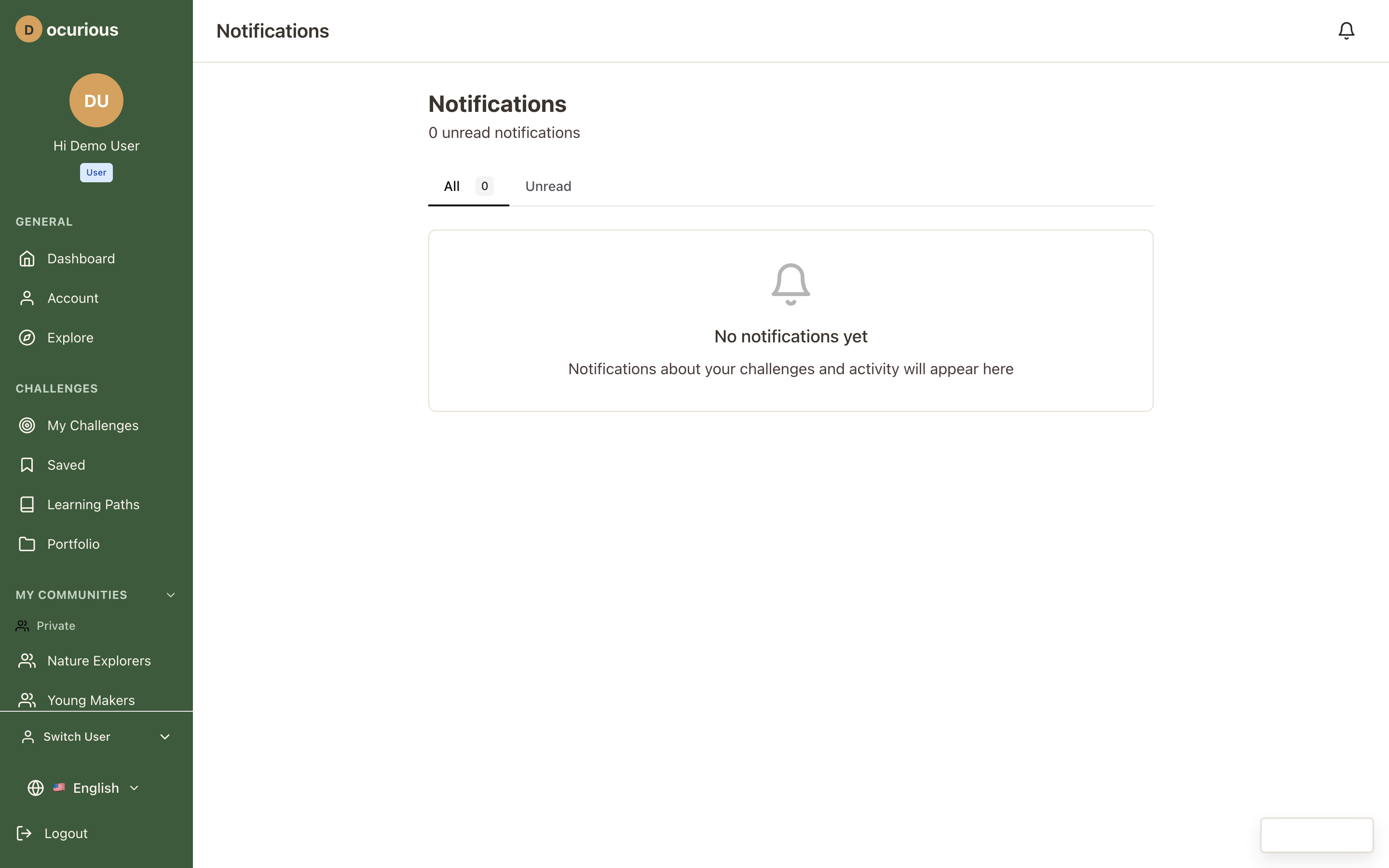 Notification Center — all notifications with read/unread status and category filtering
Account and Settings
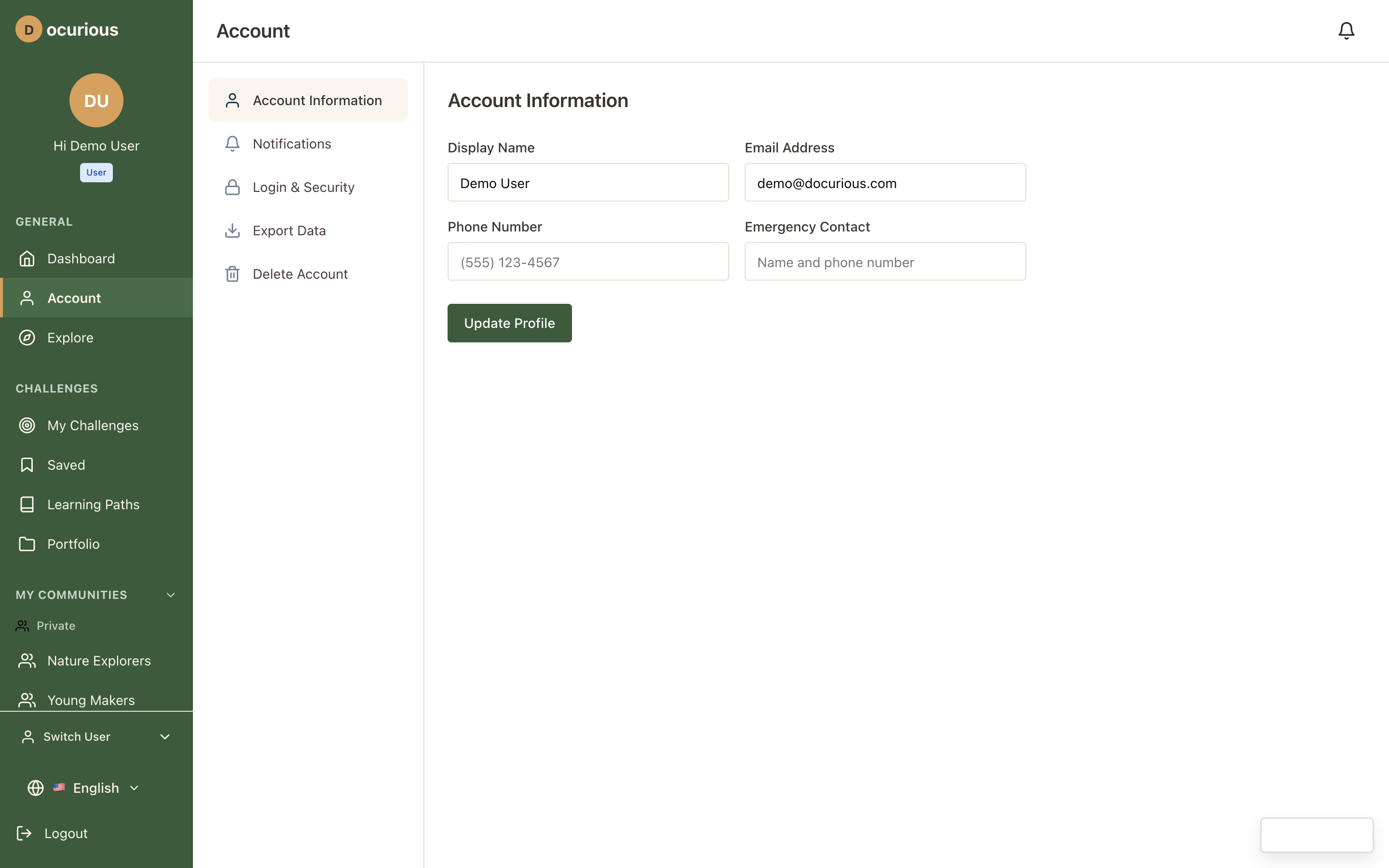 Account — profile editing, password change, notification preferences, privacy settings, data export, and deletion
Legal Pages
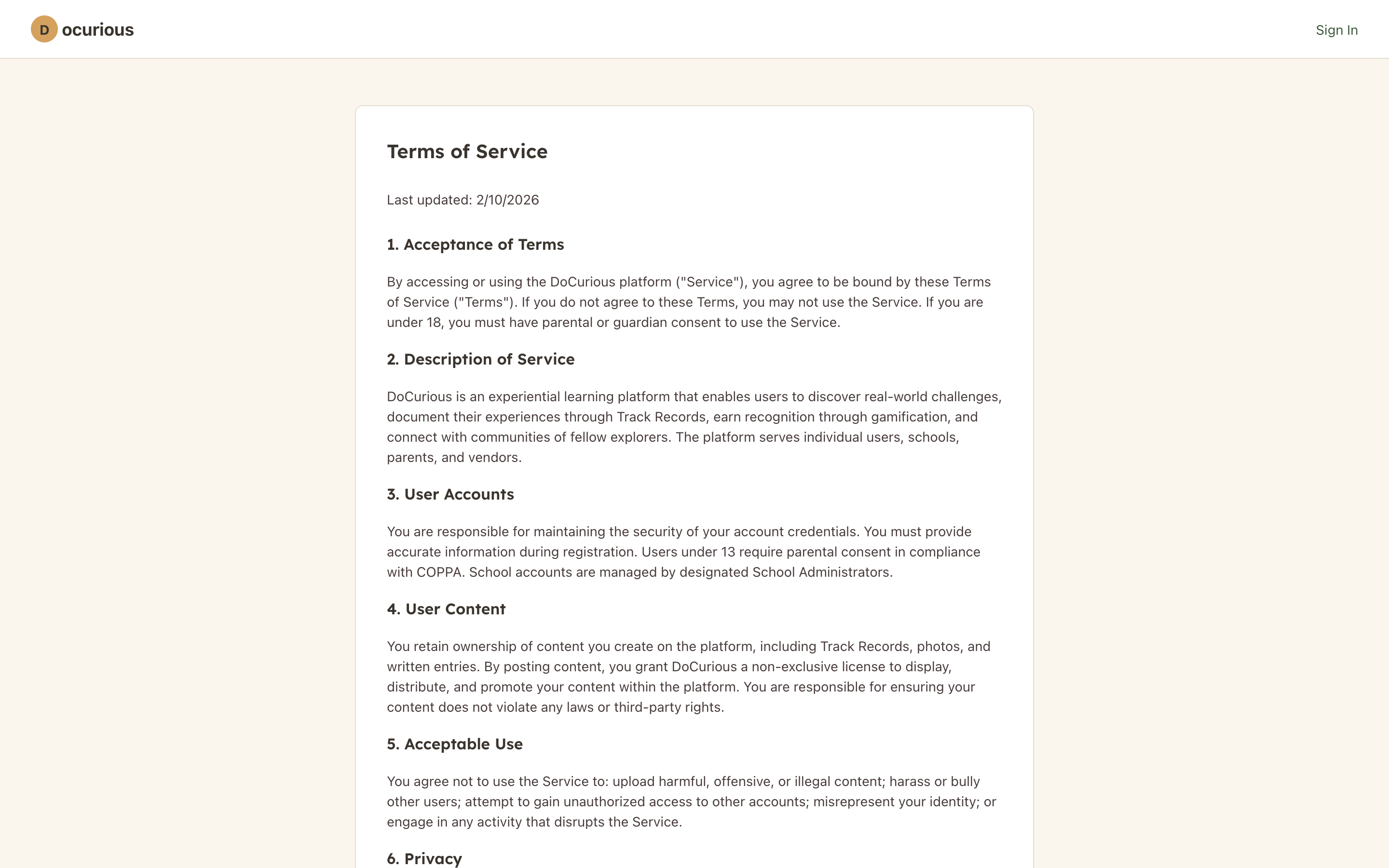 Terms of Service — full legal terms with table of contents
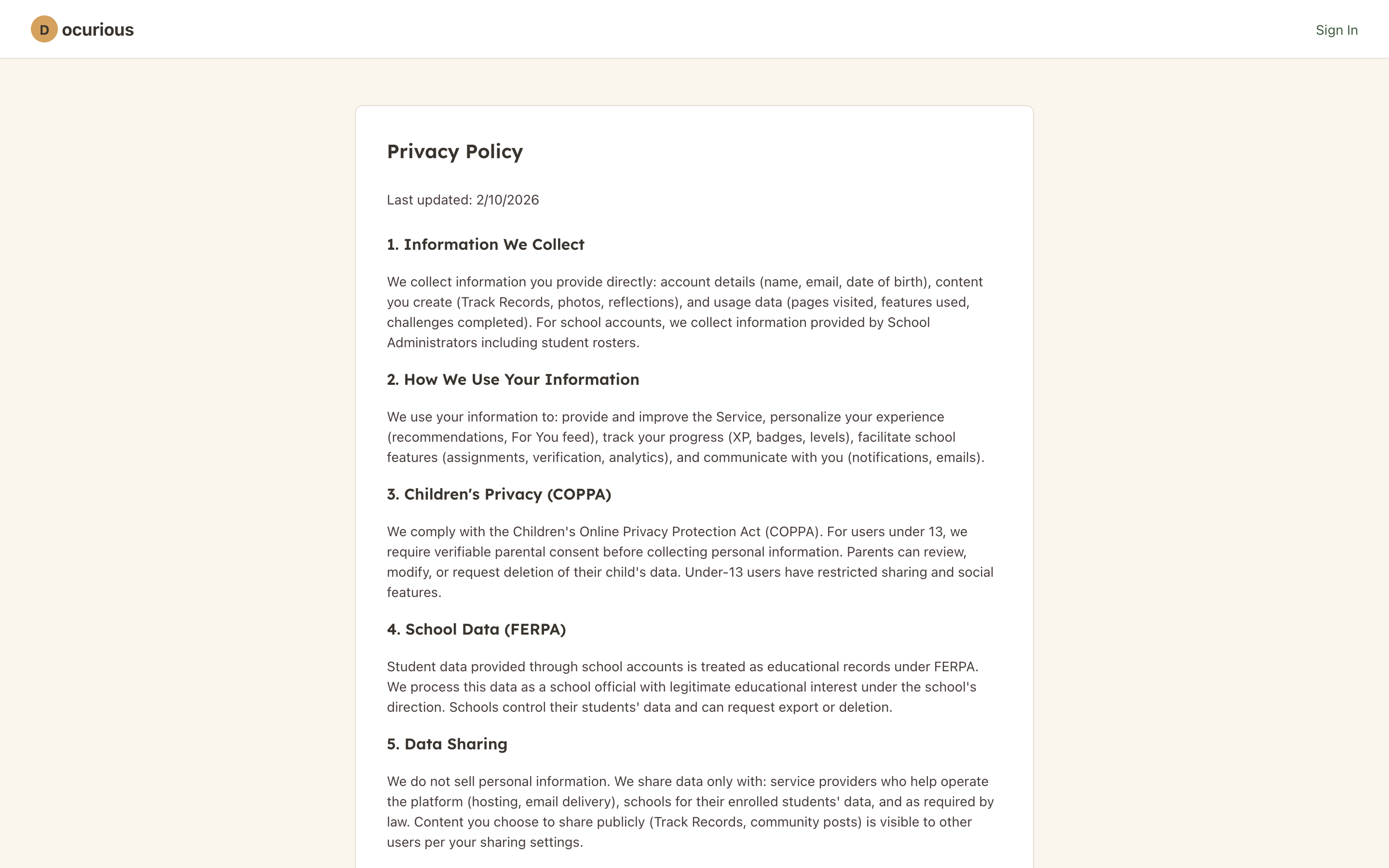 Privacy Policy — comprehensive privacy documentation
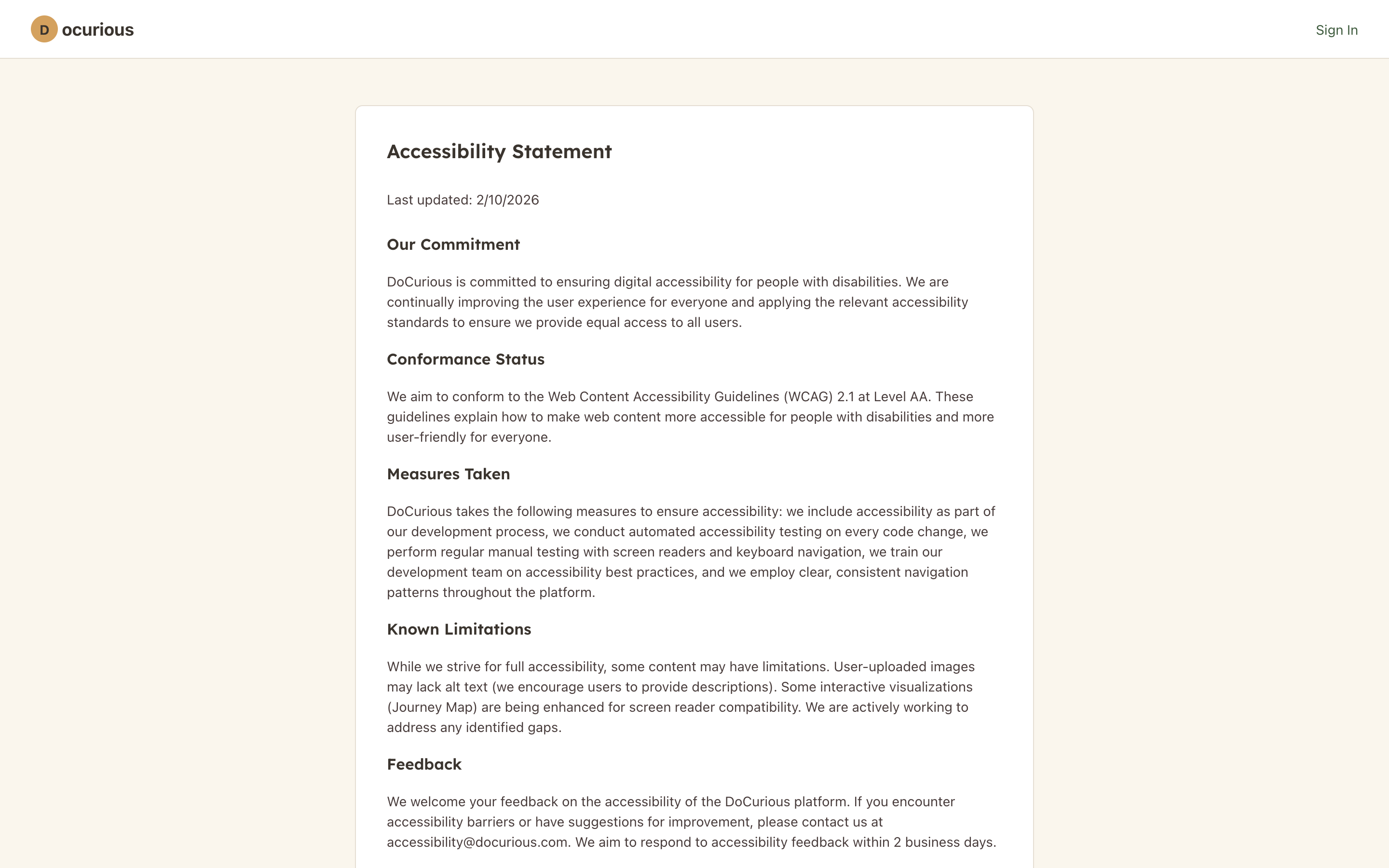 Accessibility Statement — platform accessibility commitments and standards
School Administration
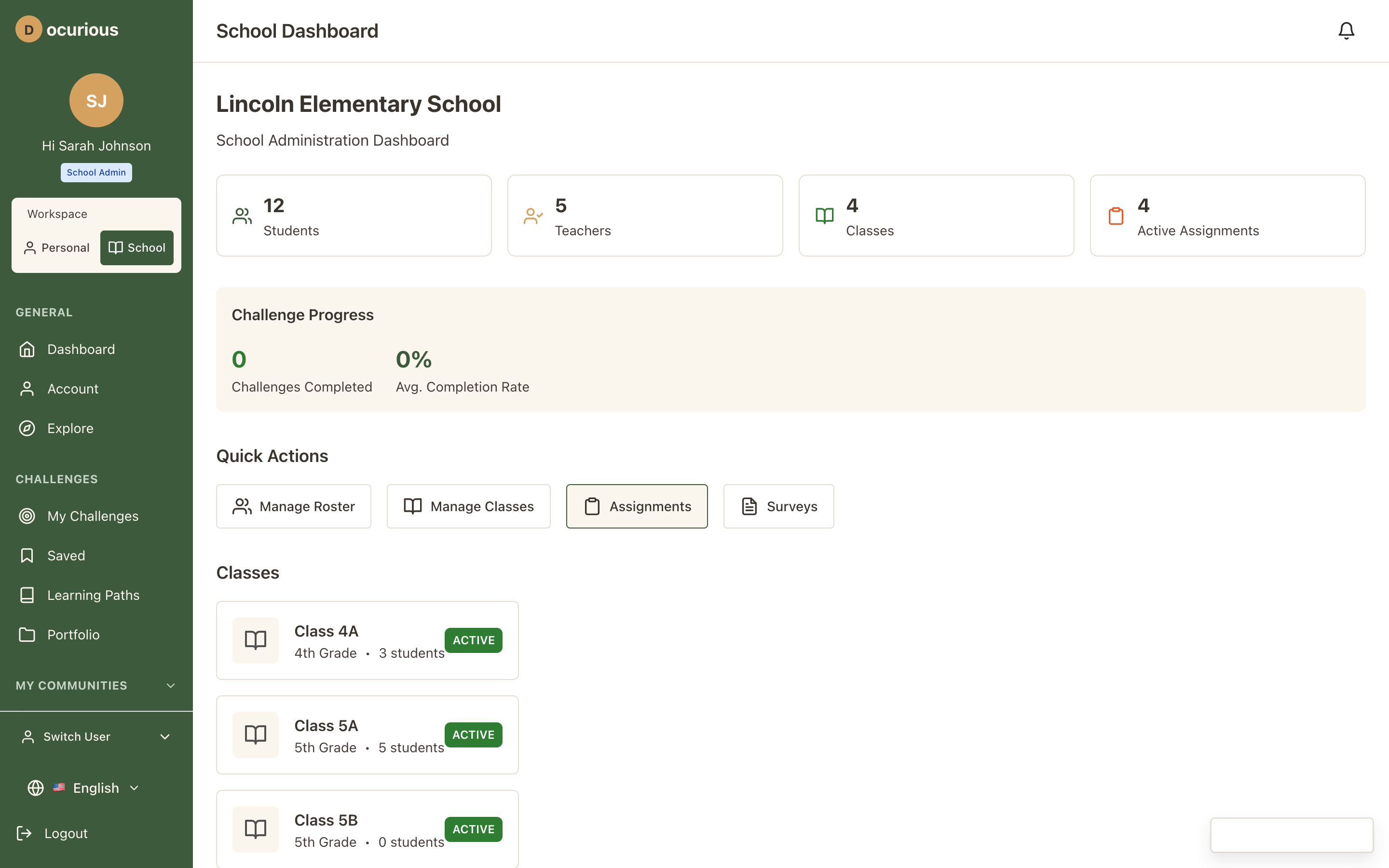 School Dashboard — admin overview with quick stats, recent activity, and management links
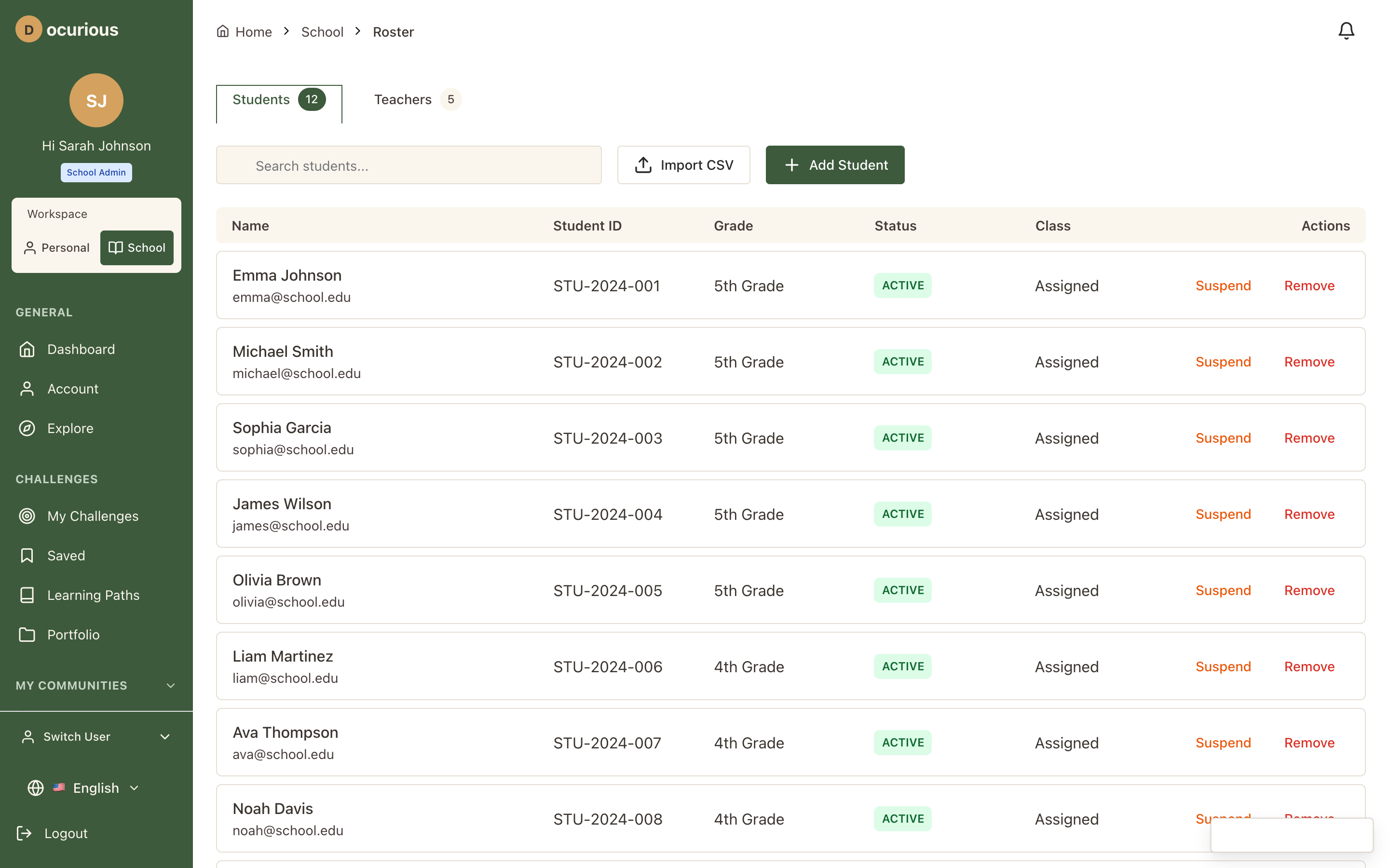 Student Roster — searchable, filterable list of all enrolled students
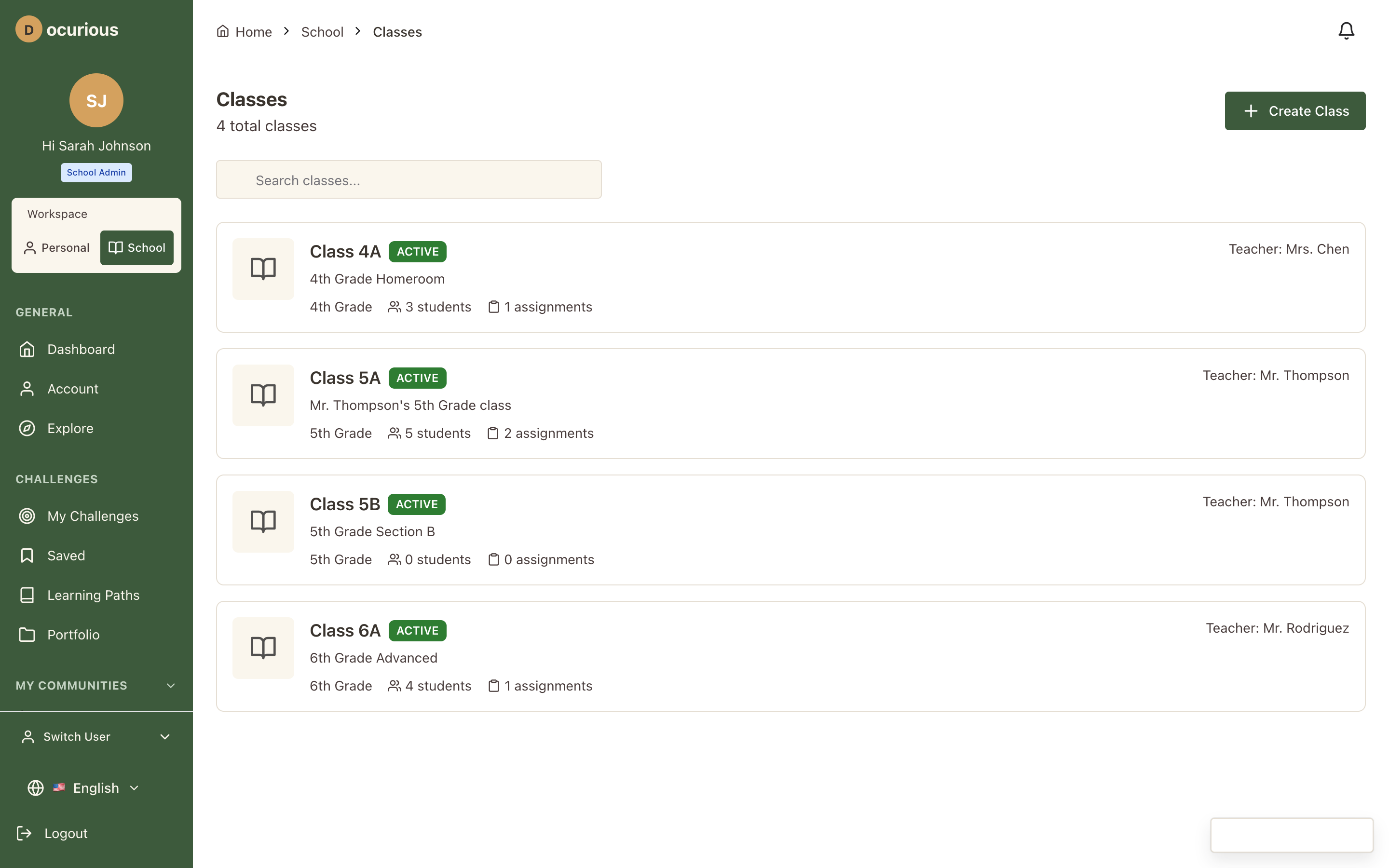 Classes — class management with student counts and teacher assignments
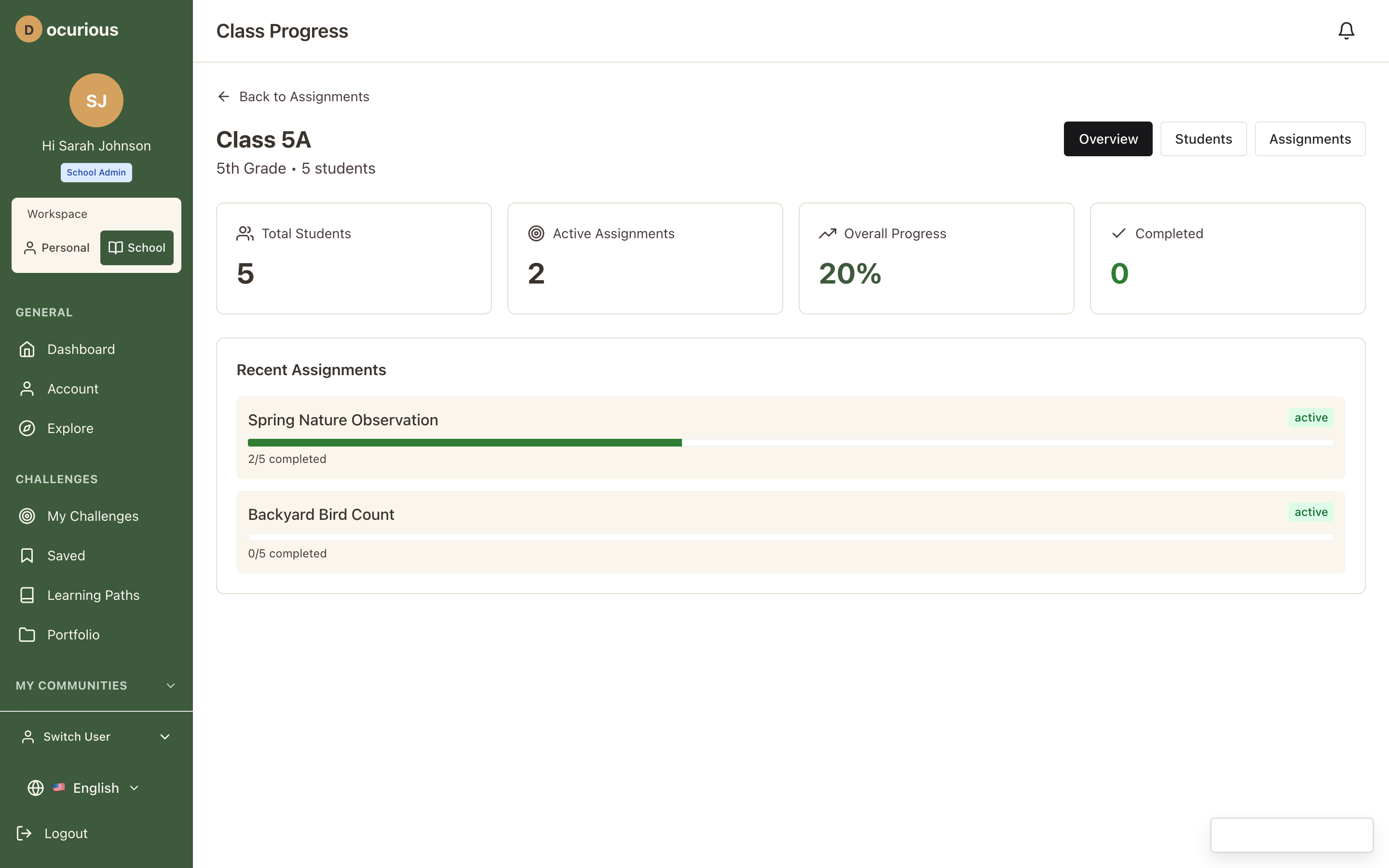 Class Progress — per-class view of challenge completion rates and student performance
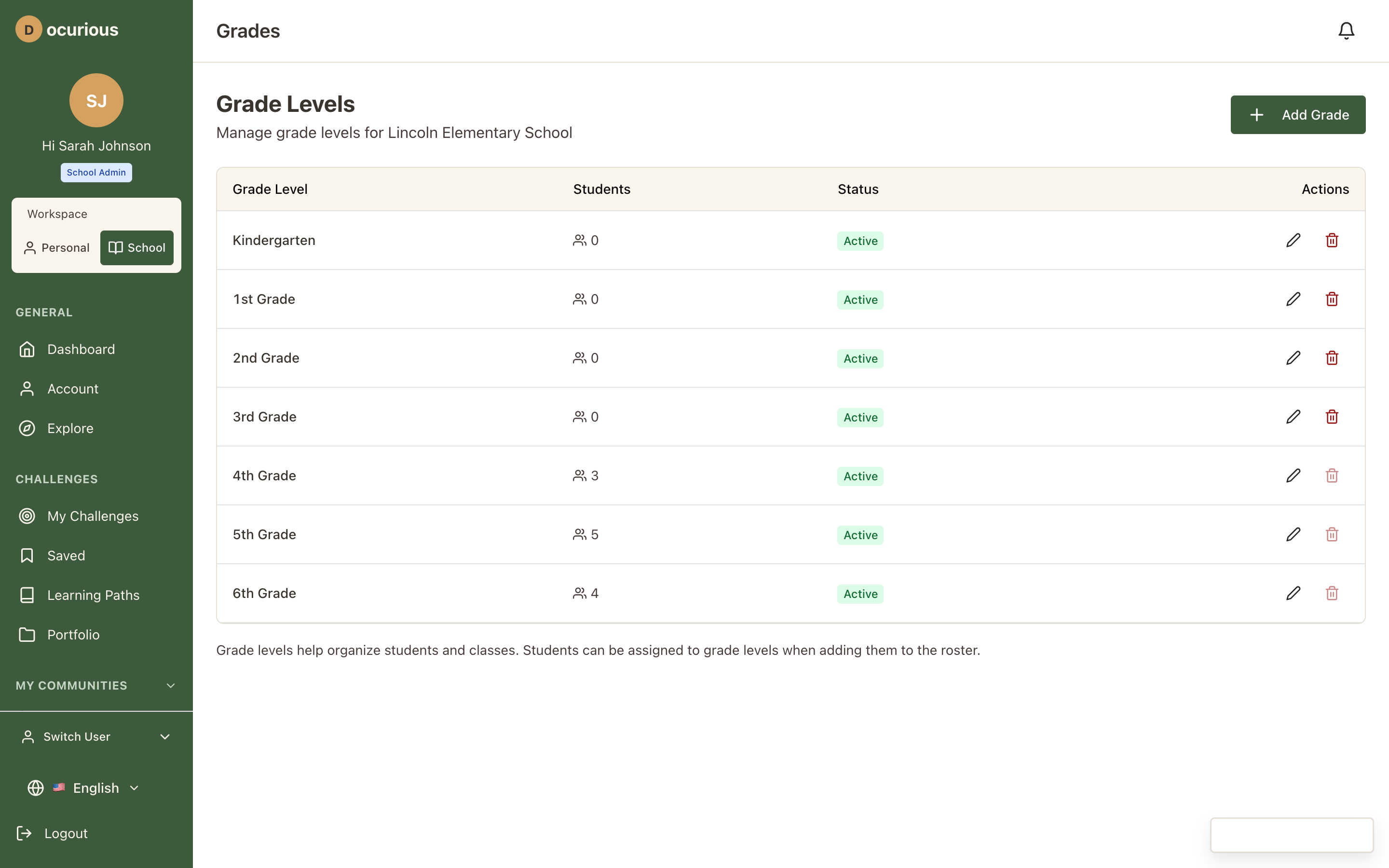 Grade Levels — grade-level management and configuration
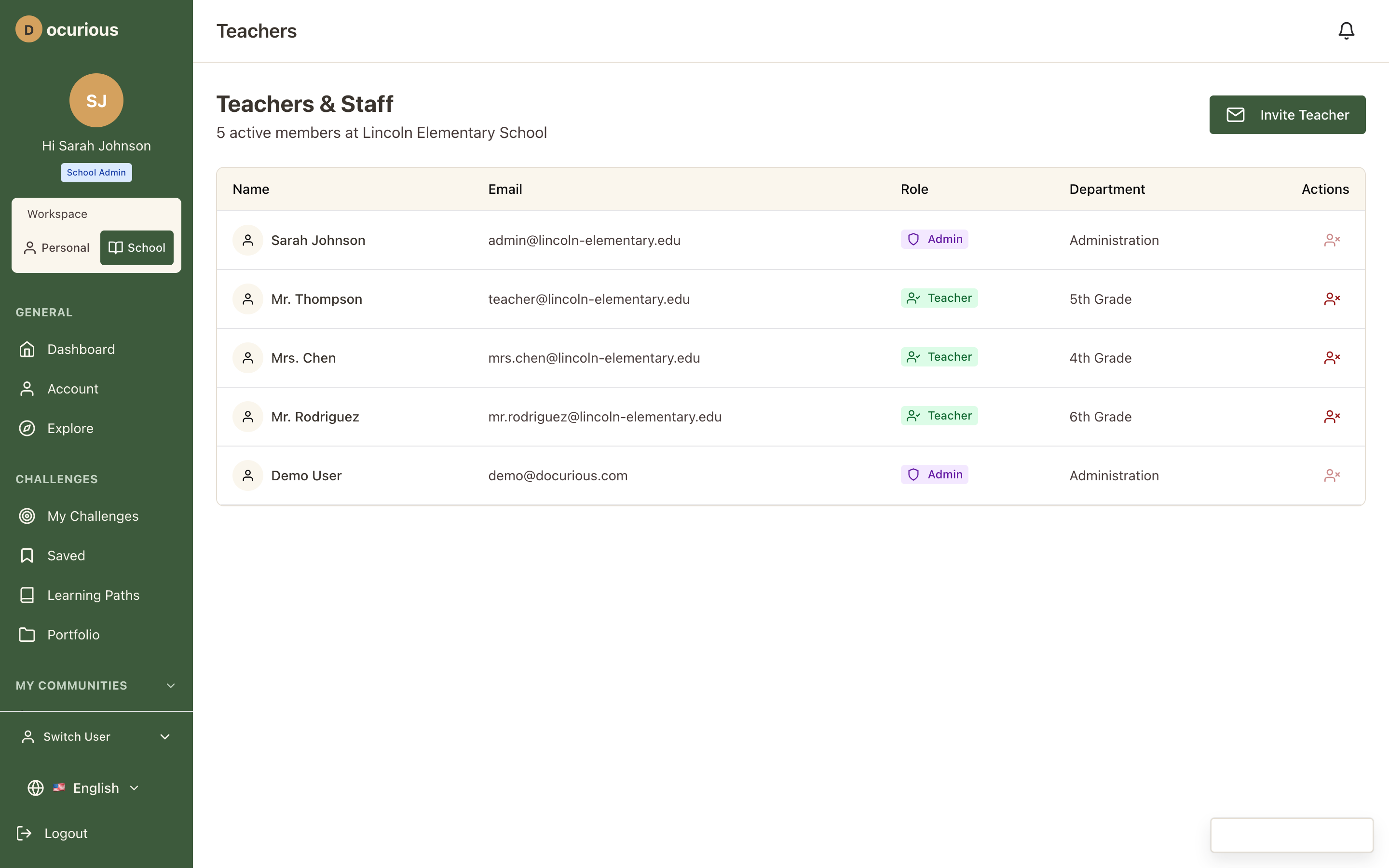 Teachers — teacher account management with class assignments
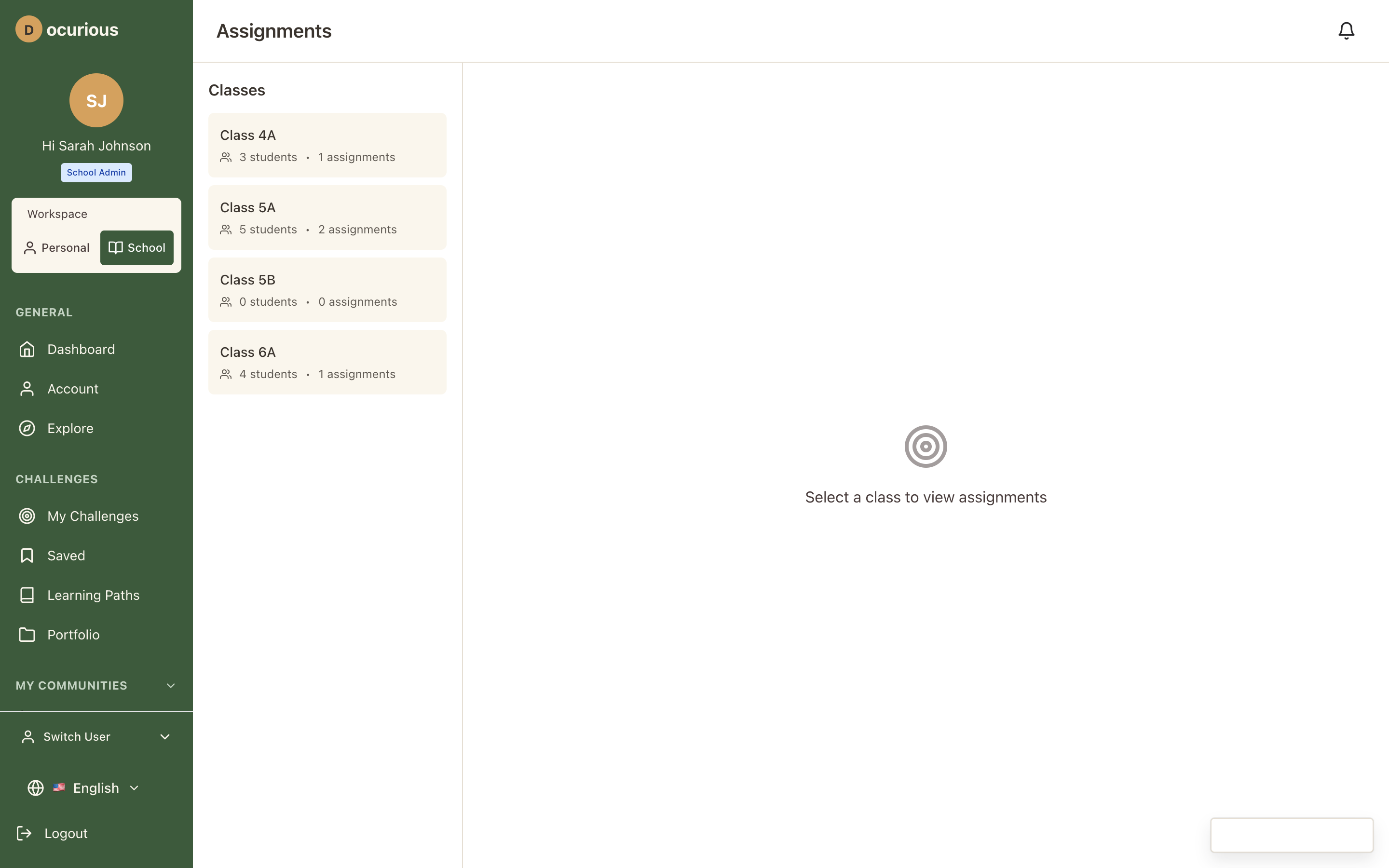 Assignments — challenge assignment management with due dates and class targeting
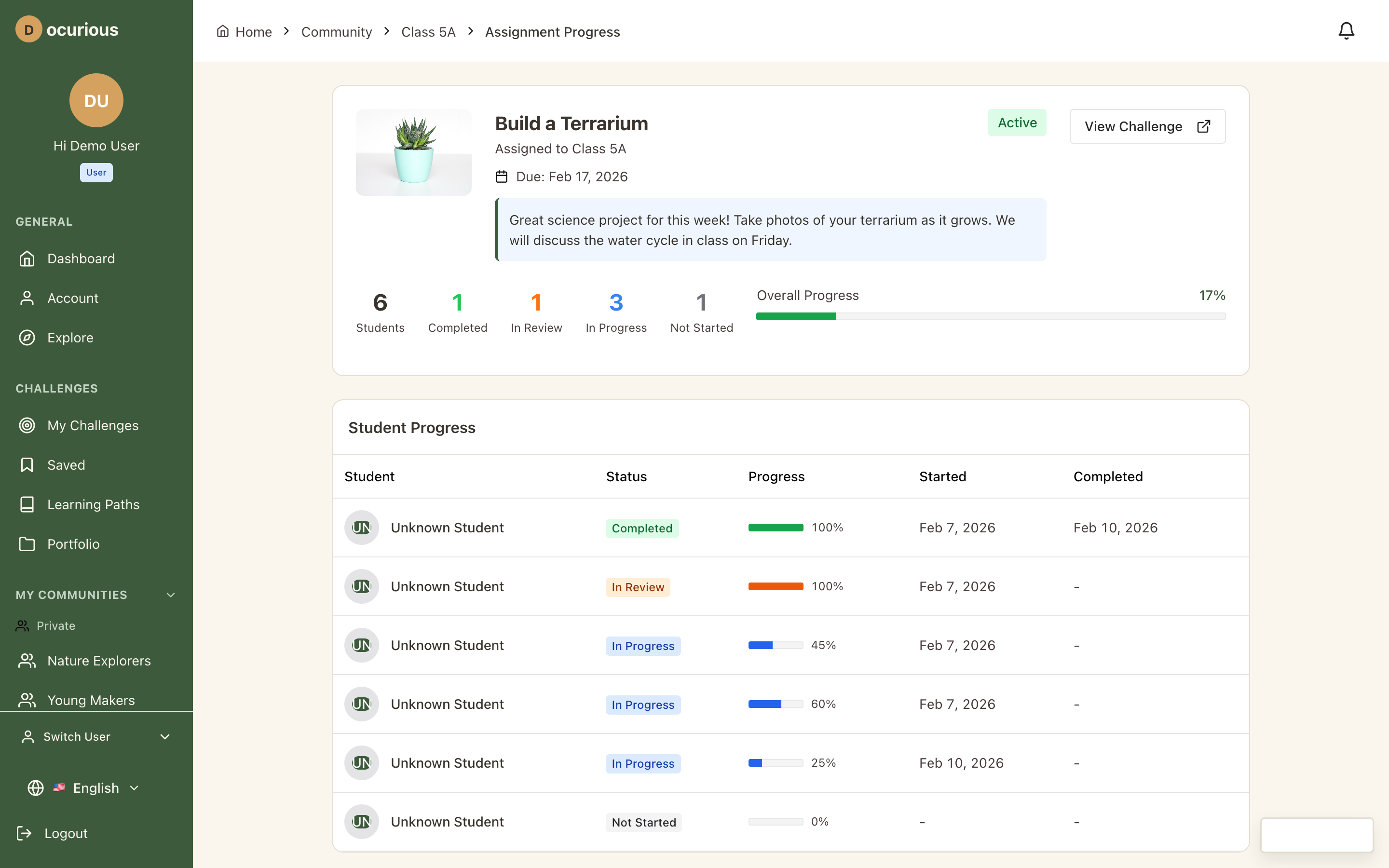 Assignment Progress — detailed view of student progress on a specific assignment
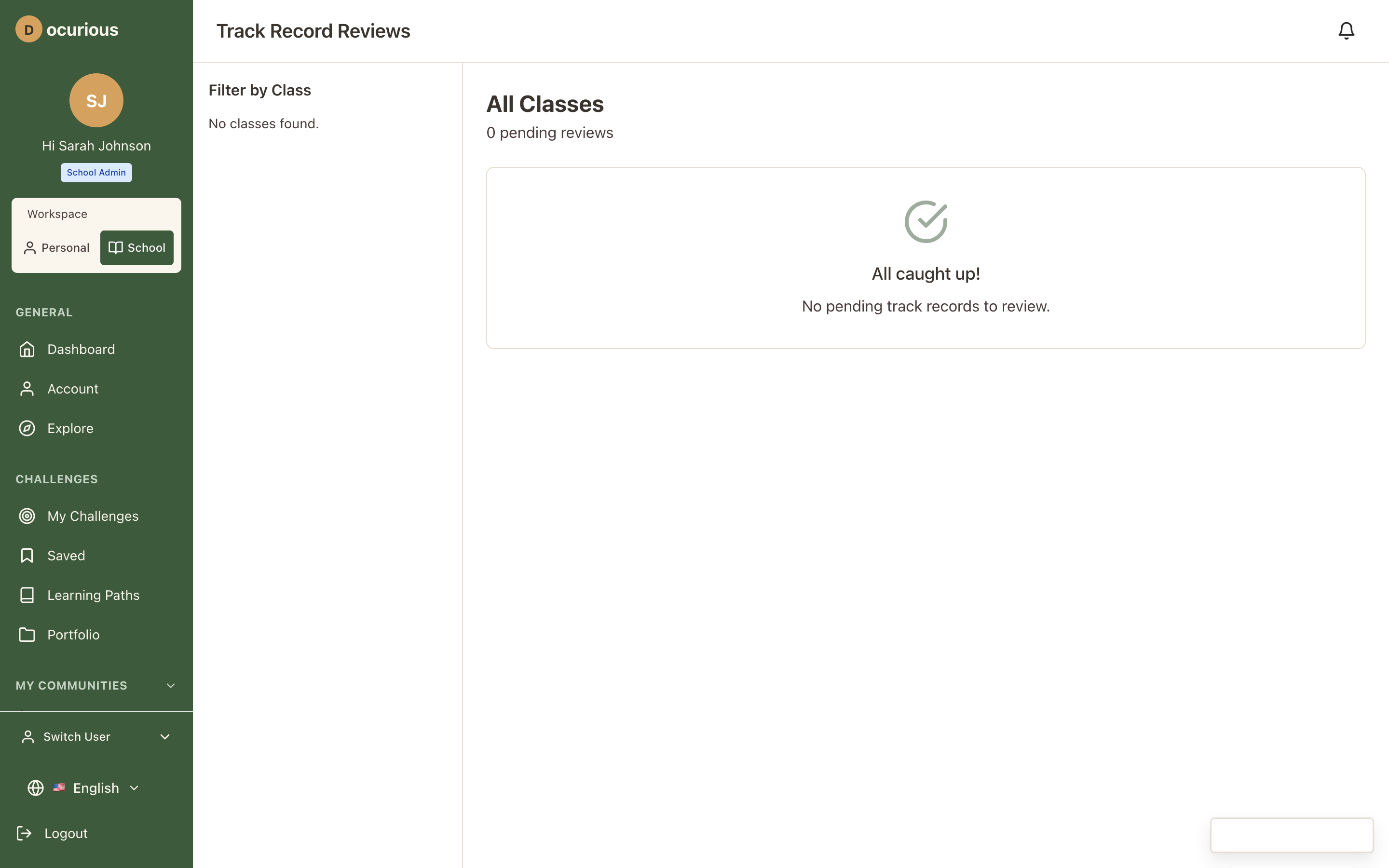 Teacher Reviews — queue for reviewing and approving student track record submissions
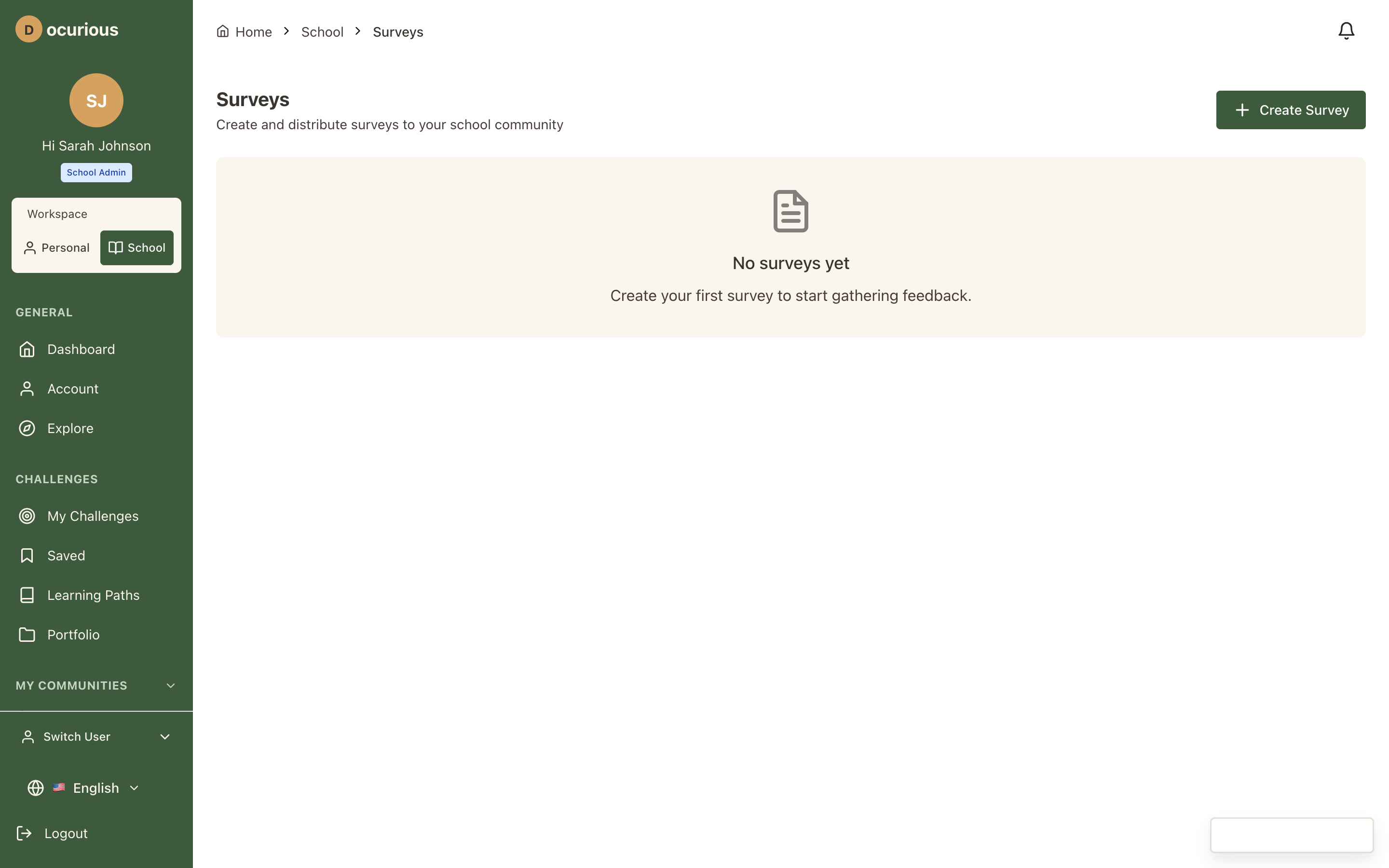 Surveys — school survey management and response tracking
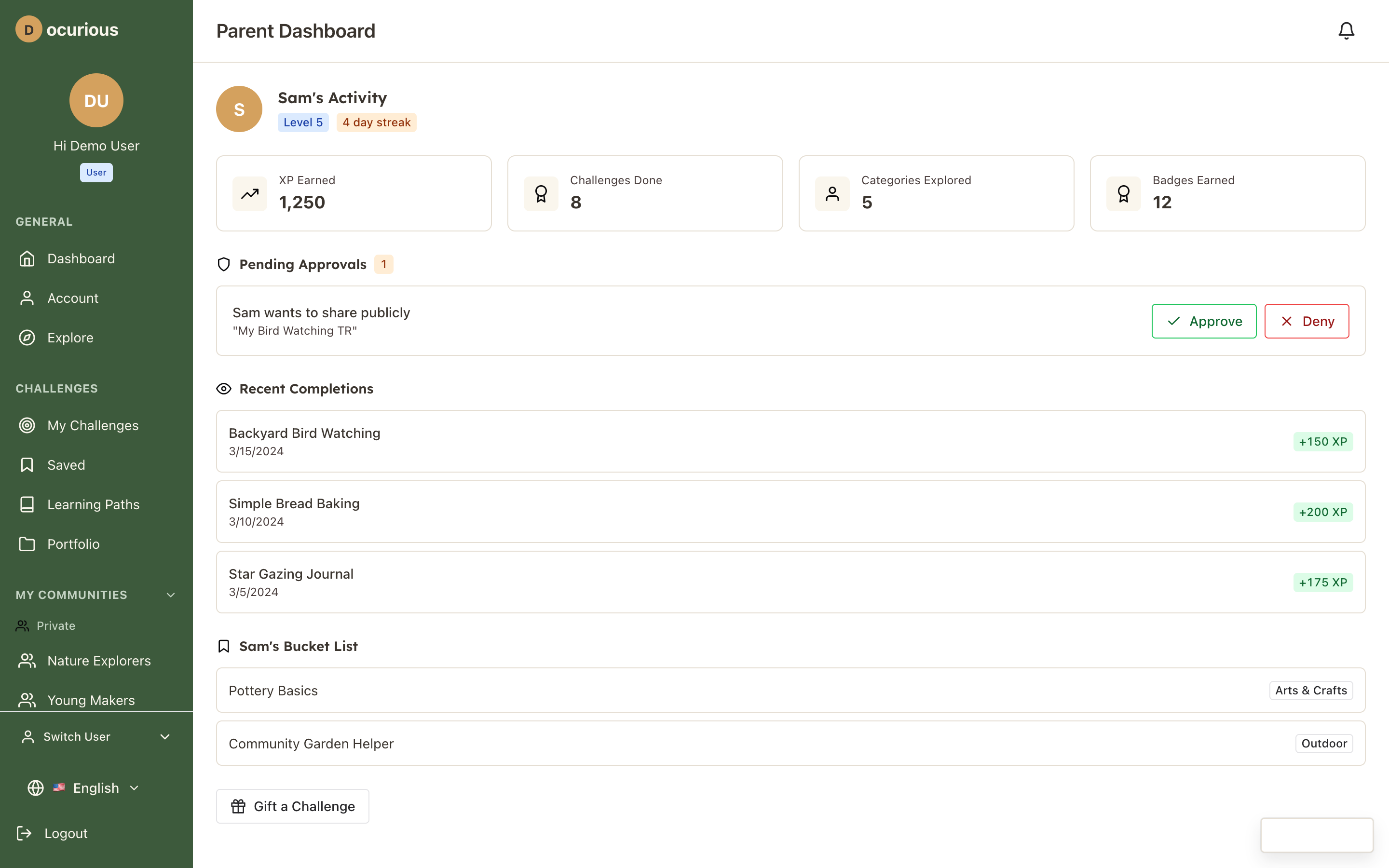 Parent Dashboard — parent view of linked children's activity, consent management, and progress
Vendor Portal
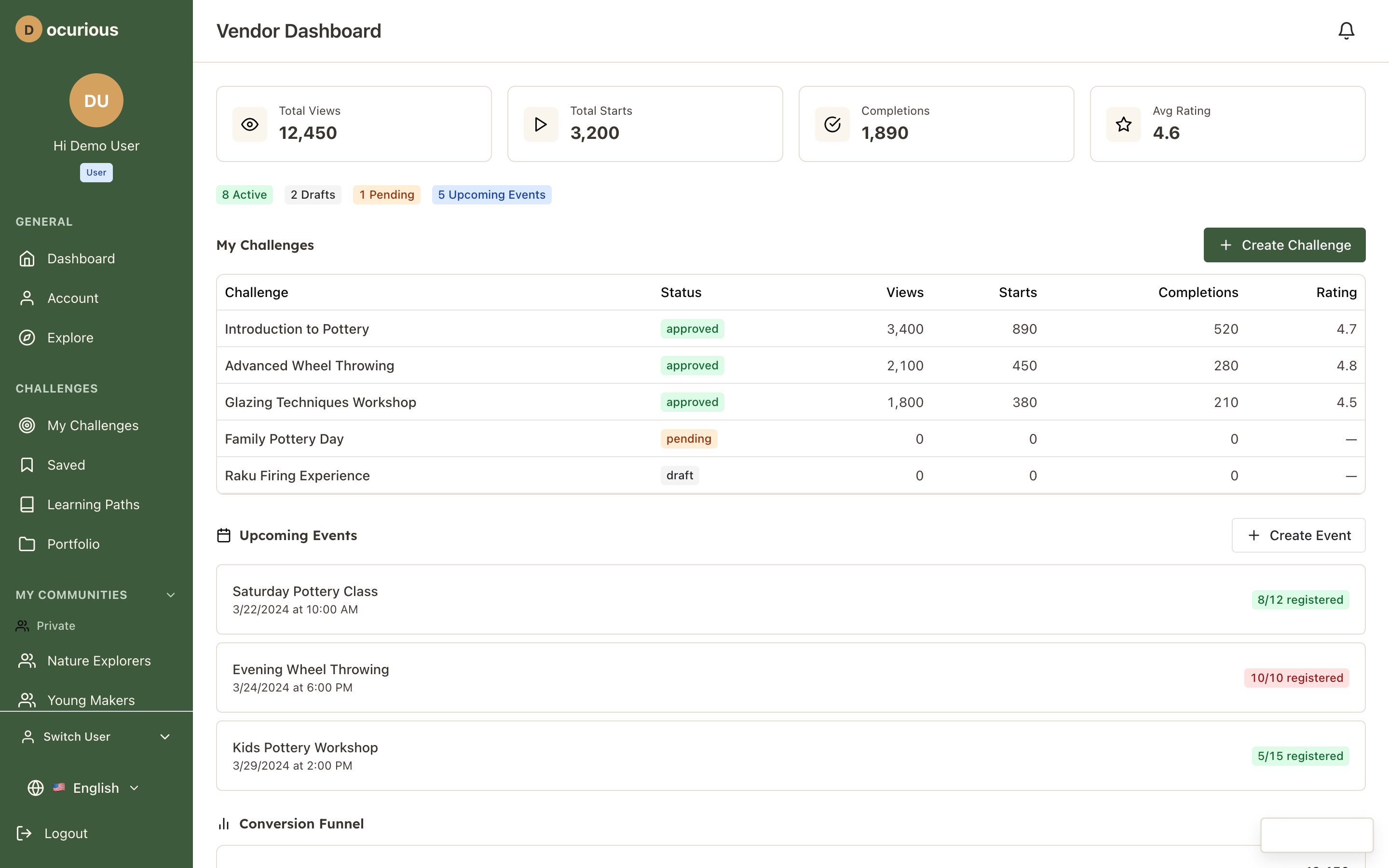 Vendor Dashboard — vendor home with challenge stats, revenue summary, and recent activity
Platform Admin
 User Management — search, filter, and manage all platform user accounts
 Vendor Management — vendor applications, approvals, and account oversight
 Challenge Management — all challenges with approval status, featured flags, and moderation
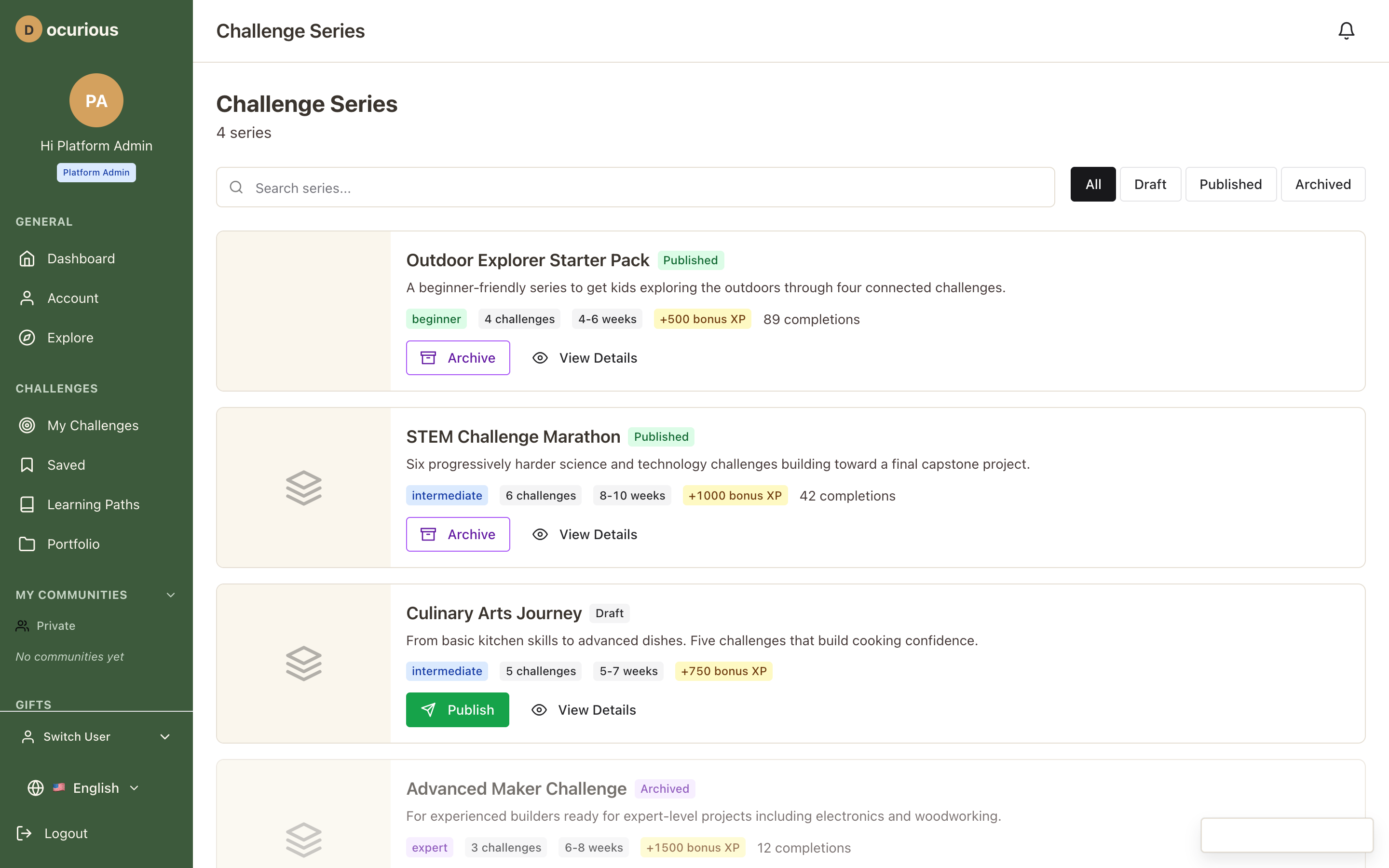
 Series Management — grouped challenge series with ordering and metadata
 Coupon Management — create and manage discount codes with usage tracking
 Order Management — all platform orders with status, refund, and fulfillment details
 Review Moderation — flagged reviews queue with approve, reject, and escalate actions
 Verification Queue — pending track record verifications for staff review
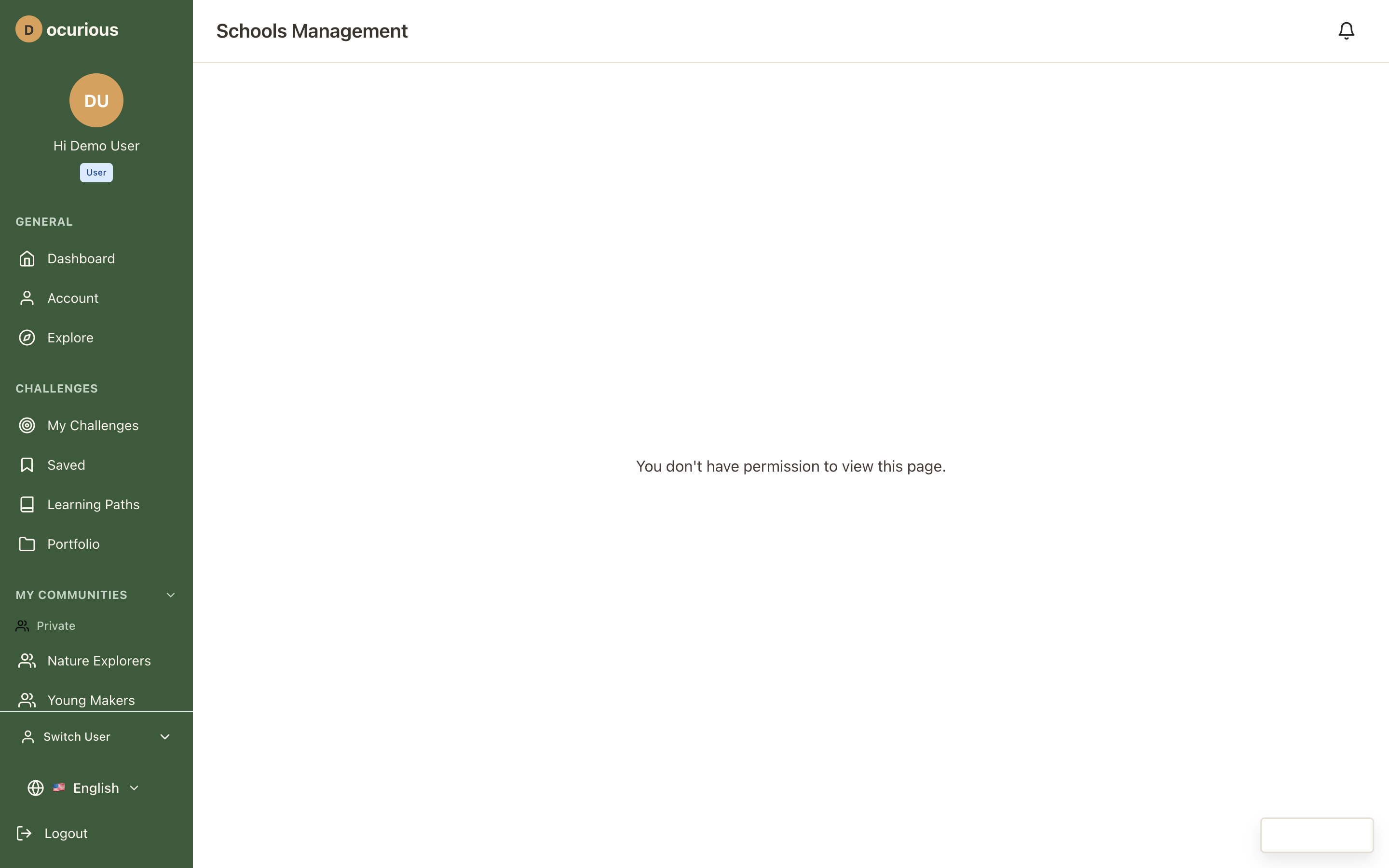 Schools Management — all registered schools with health indicators and admin contacts
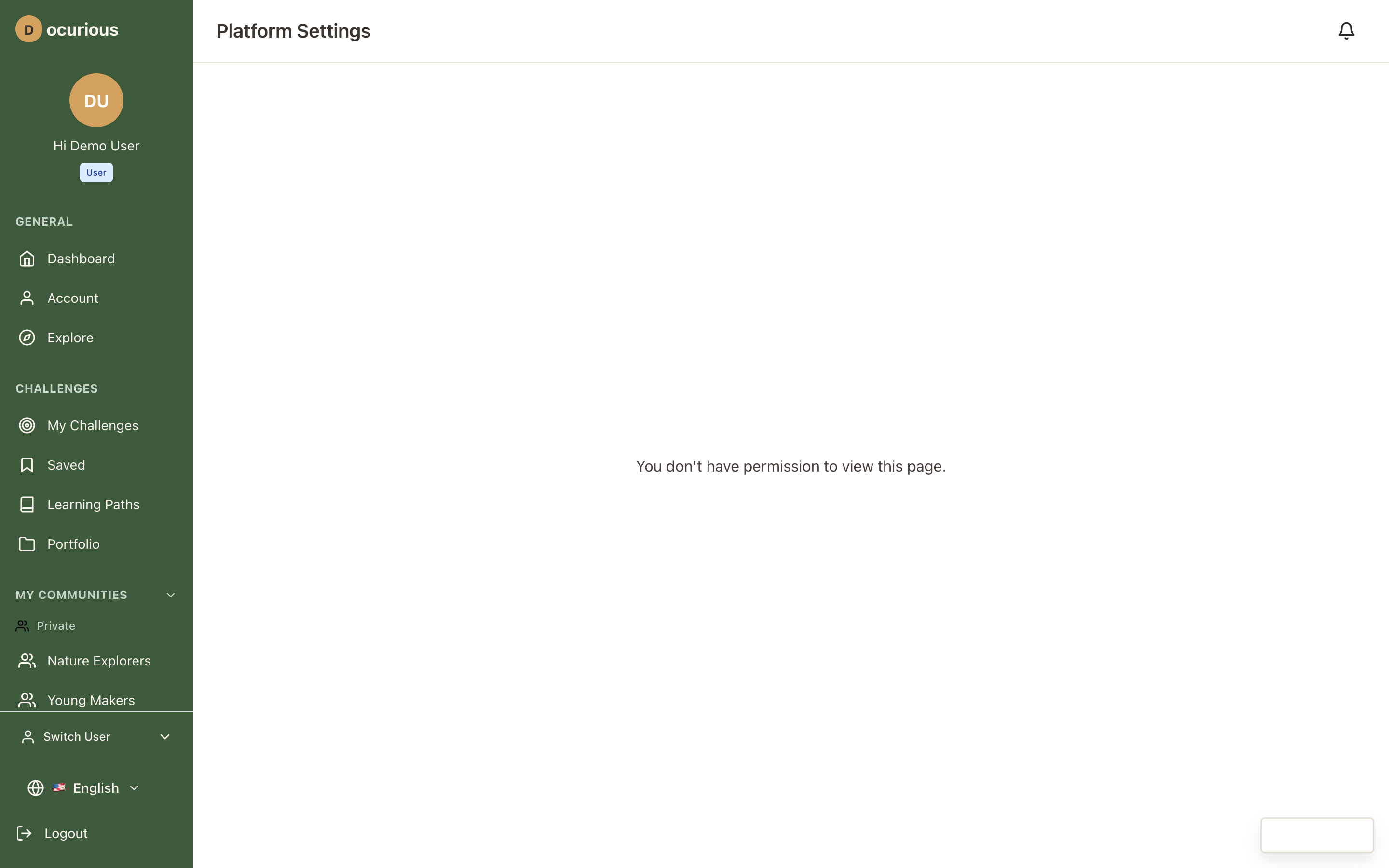 Platform Settings — global platform configuration and feature toggles
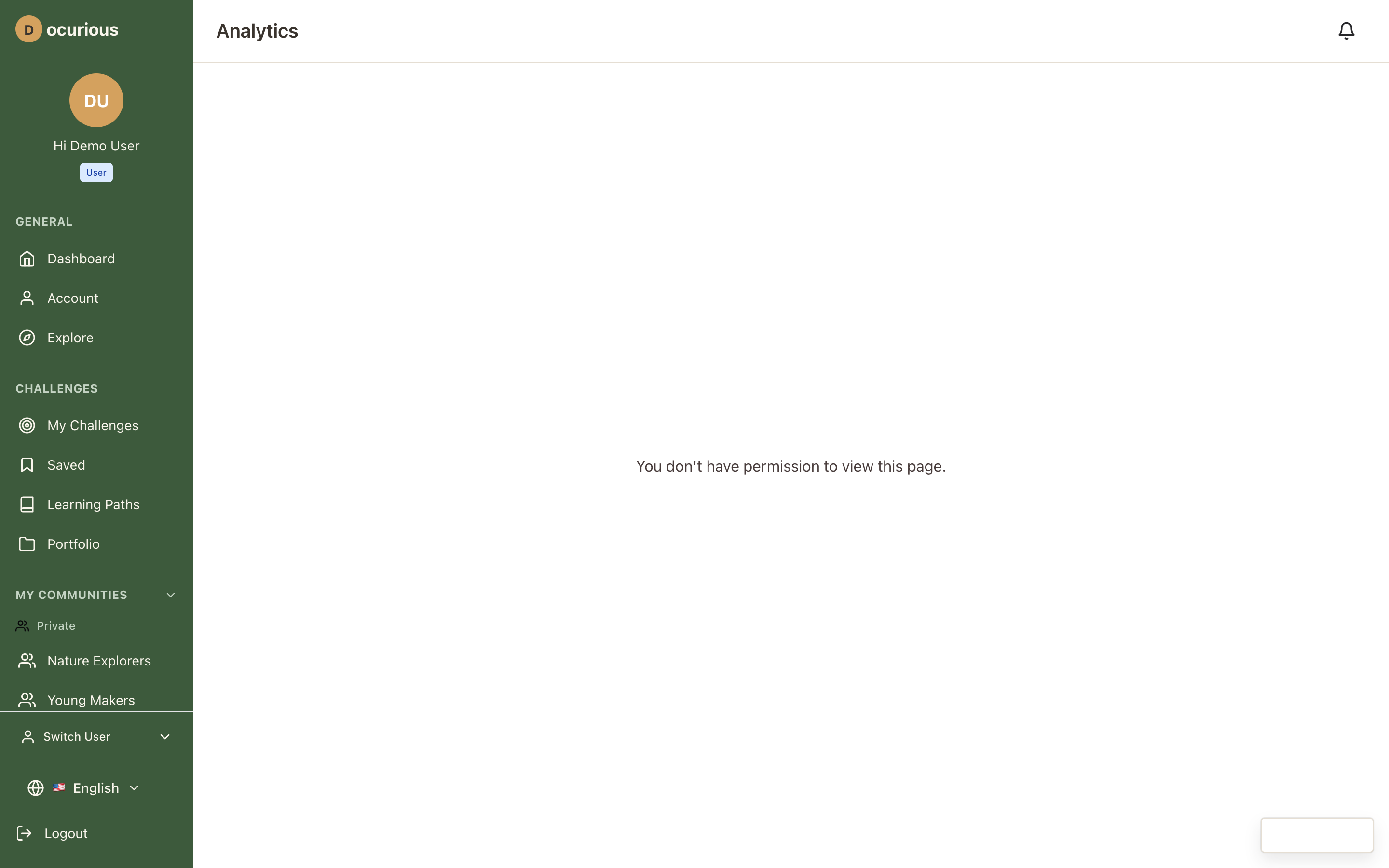 Analytics Dashboard — platform-wide metrics including product, content, and engineering analytics
Modals and Overlays
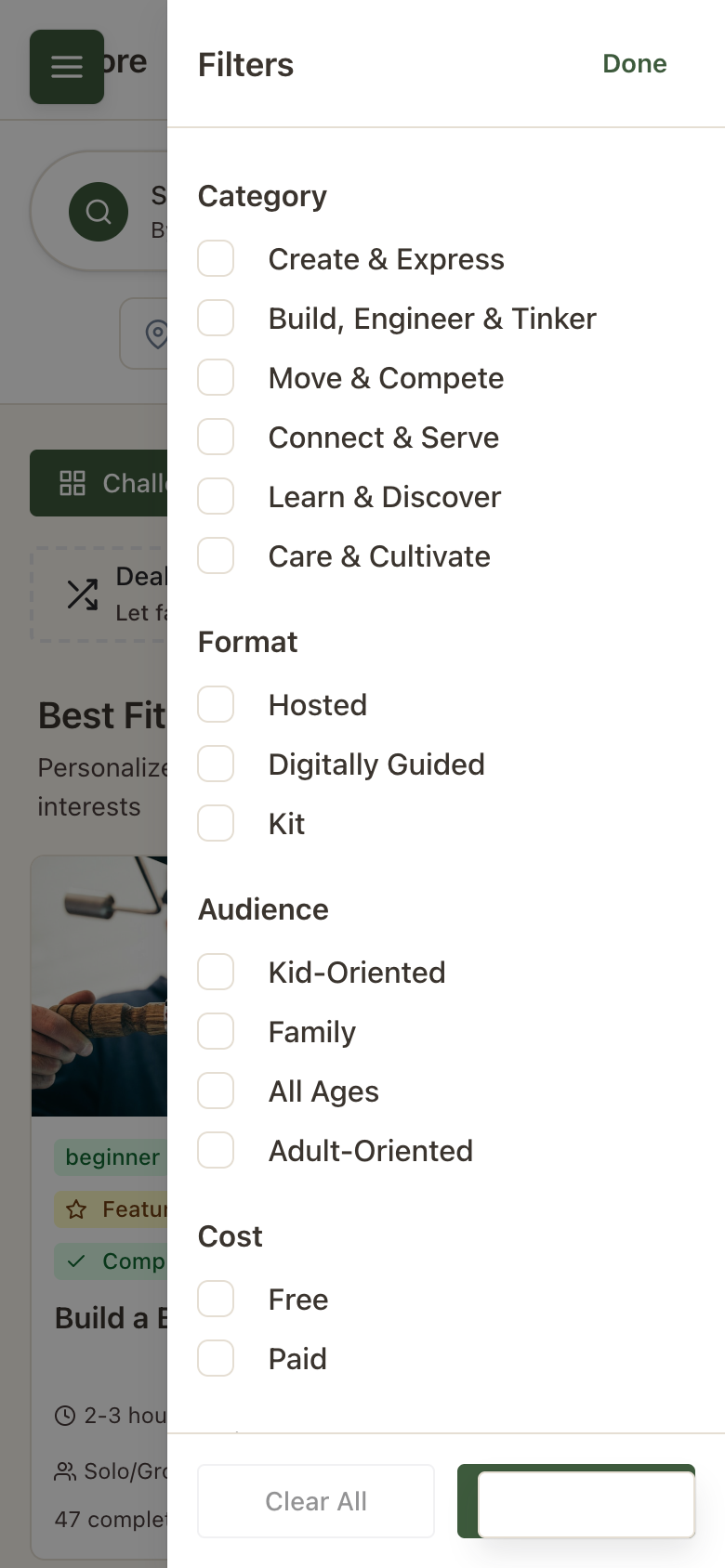 Filter Modal — full filter panel for narrowing challenge search results
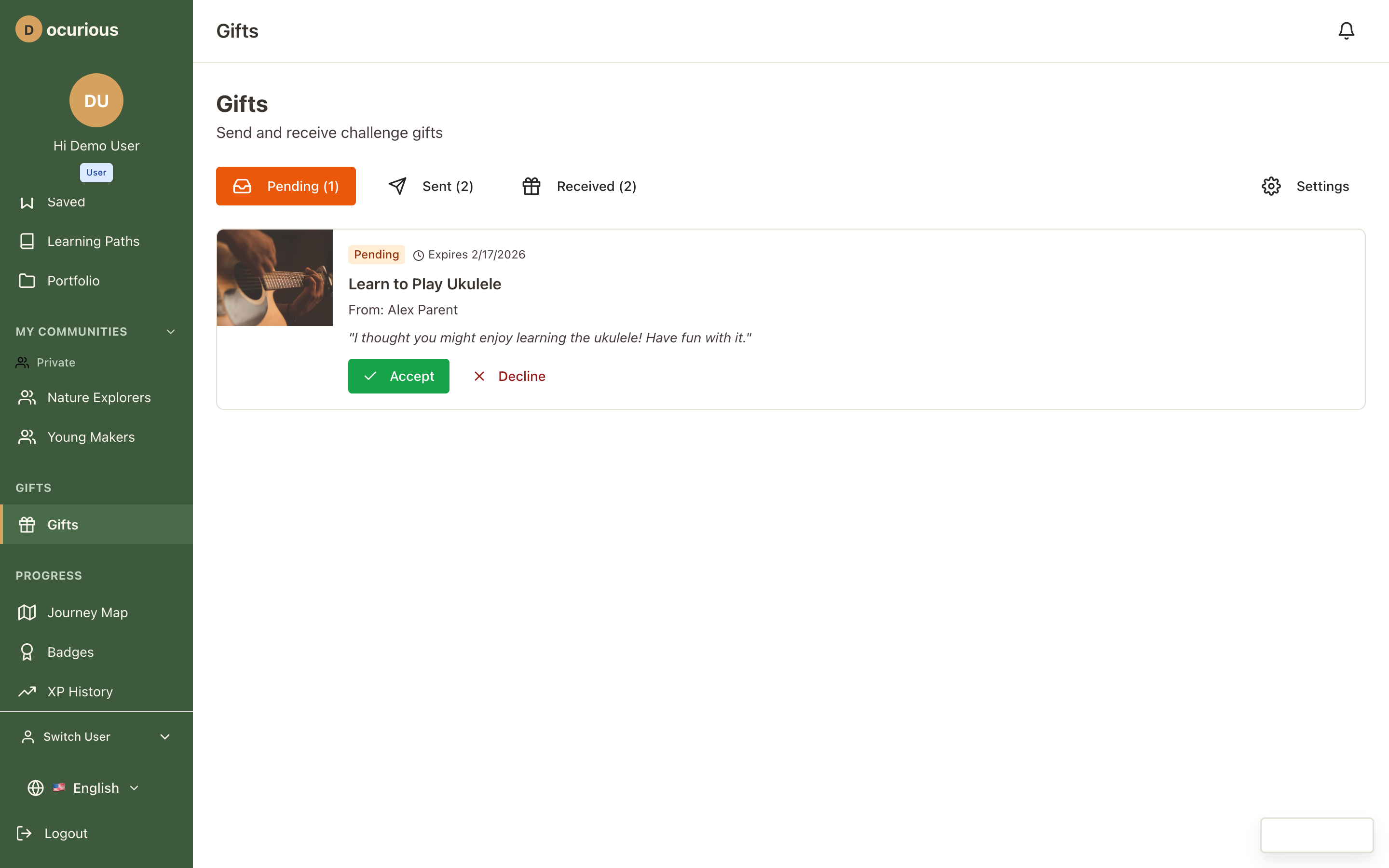 Gift Modal — challenge gifting flow with recipient selection and message
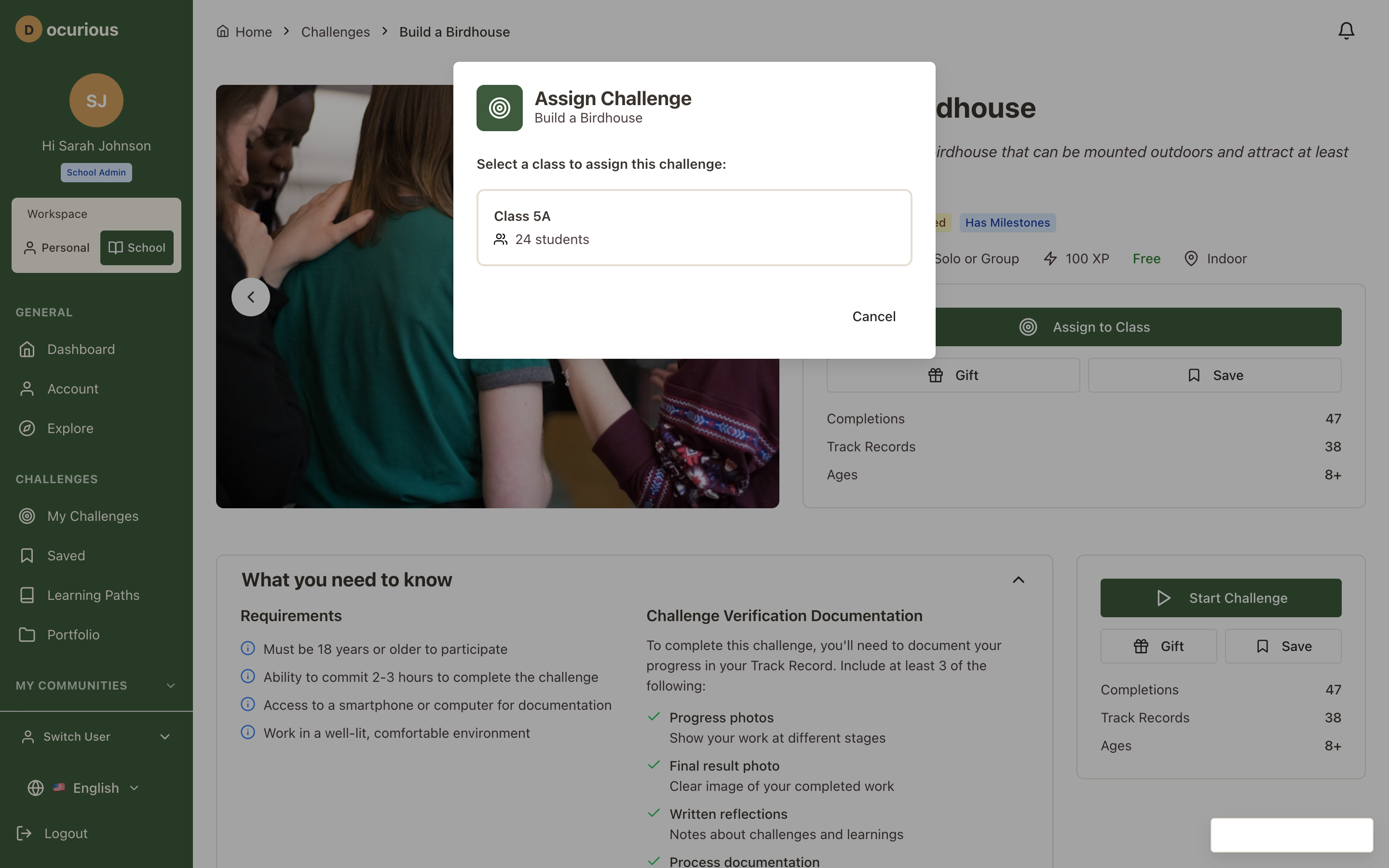 Assign Challenge — teacher/SA modal for assigning a challenge to a class with due date
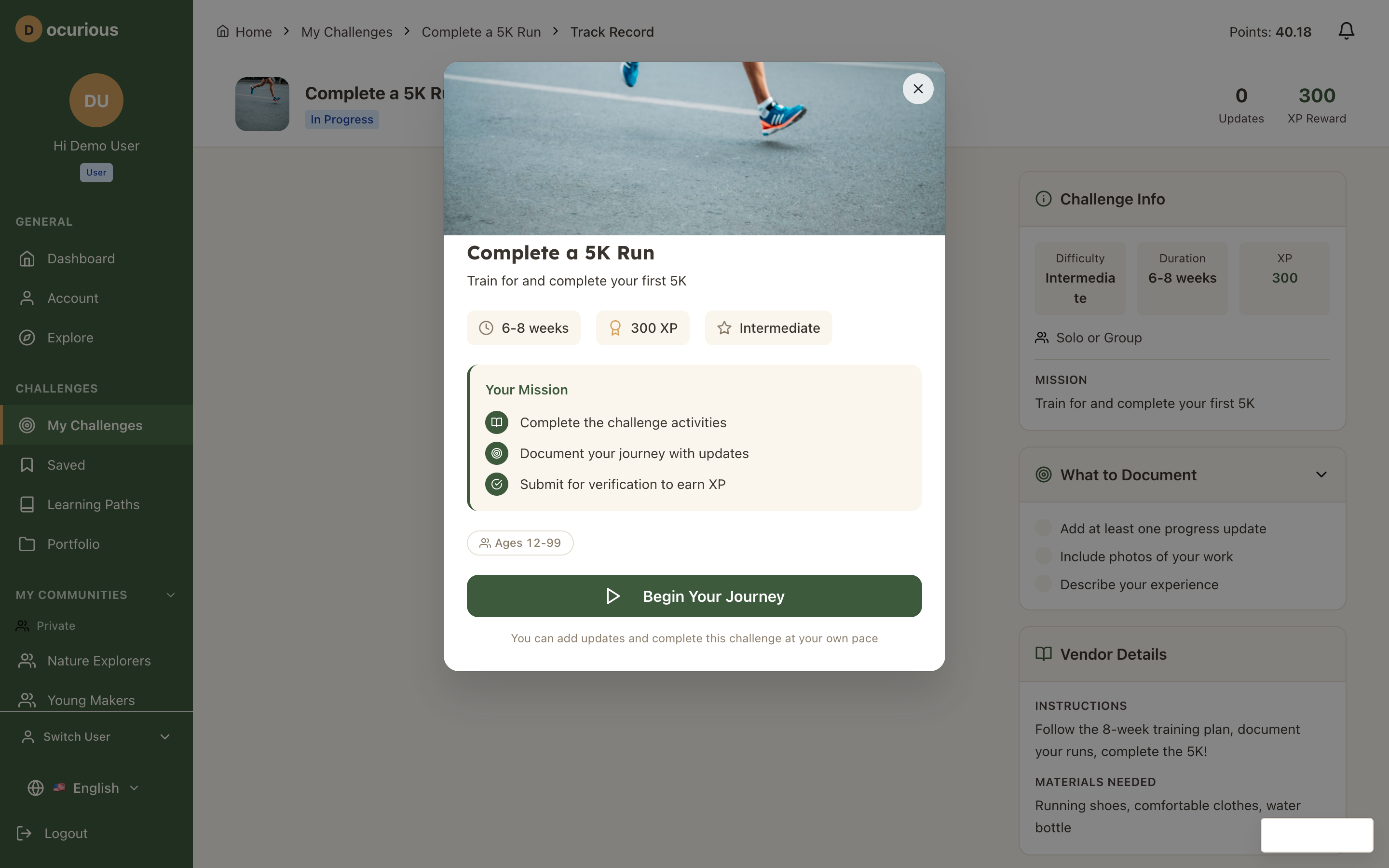
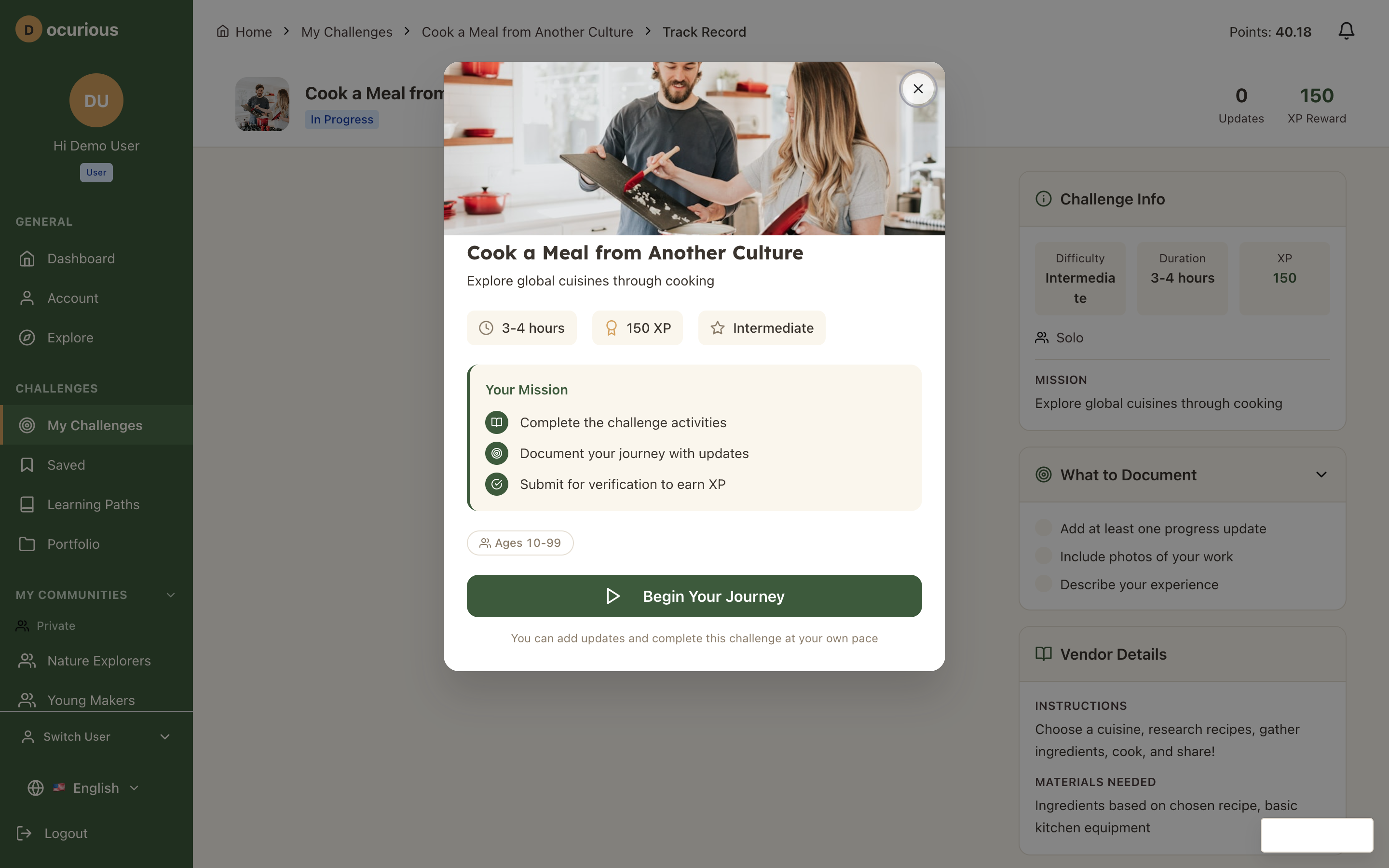 Challenge Welcome — introduction modal shown when starting a new challenge
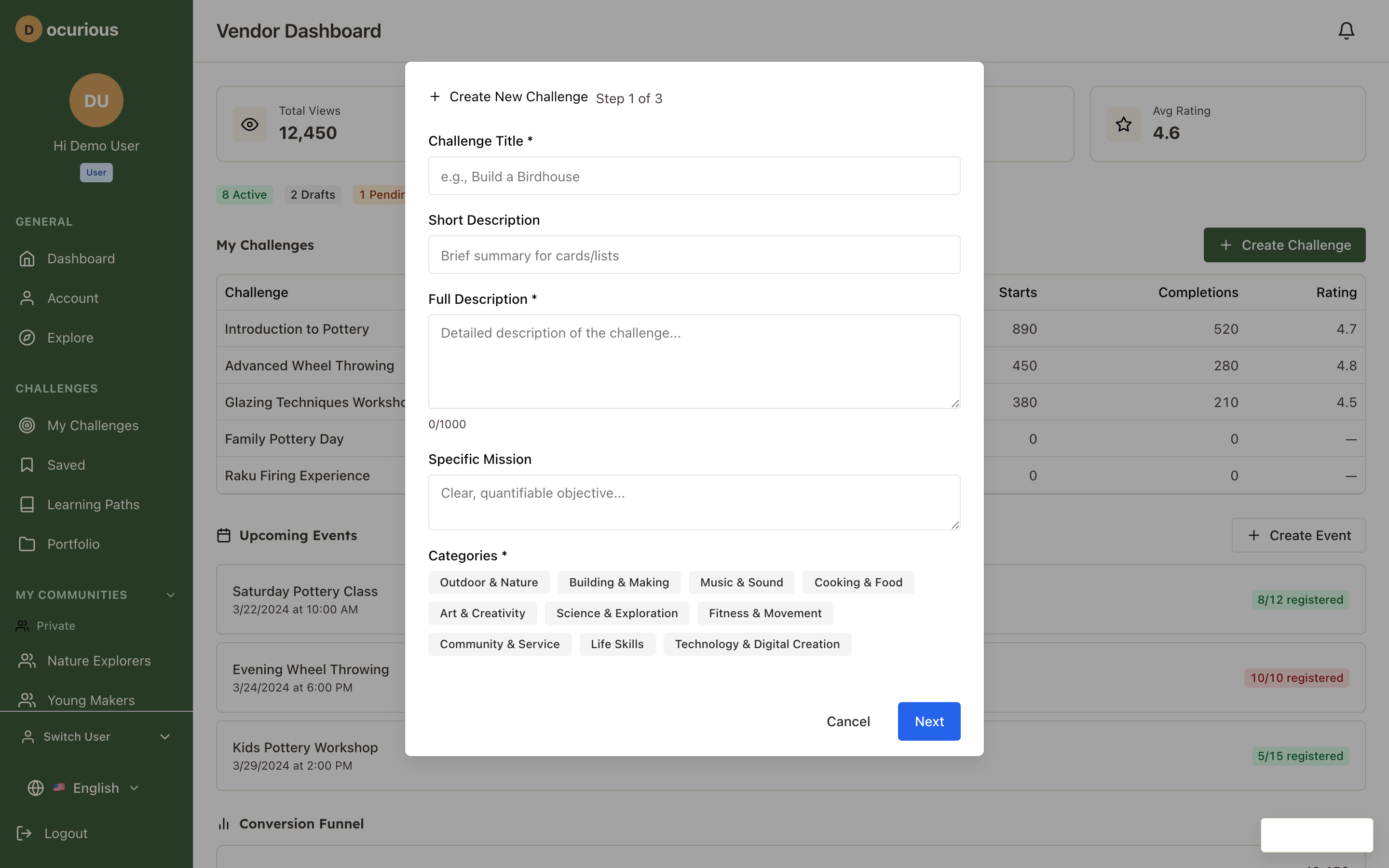 Create Challenge — user-submitted challenge form with multi-step workflow
 Checkout — purchase flow for paid vendor challenges
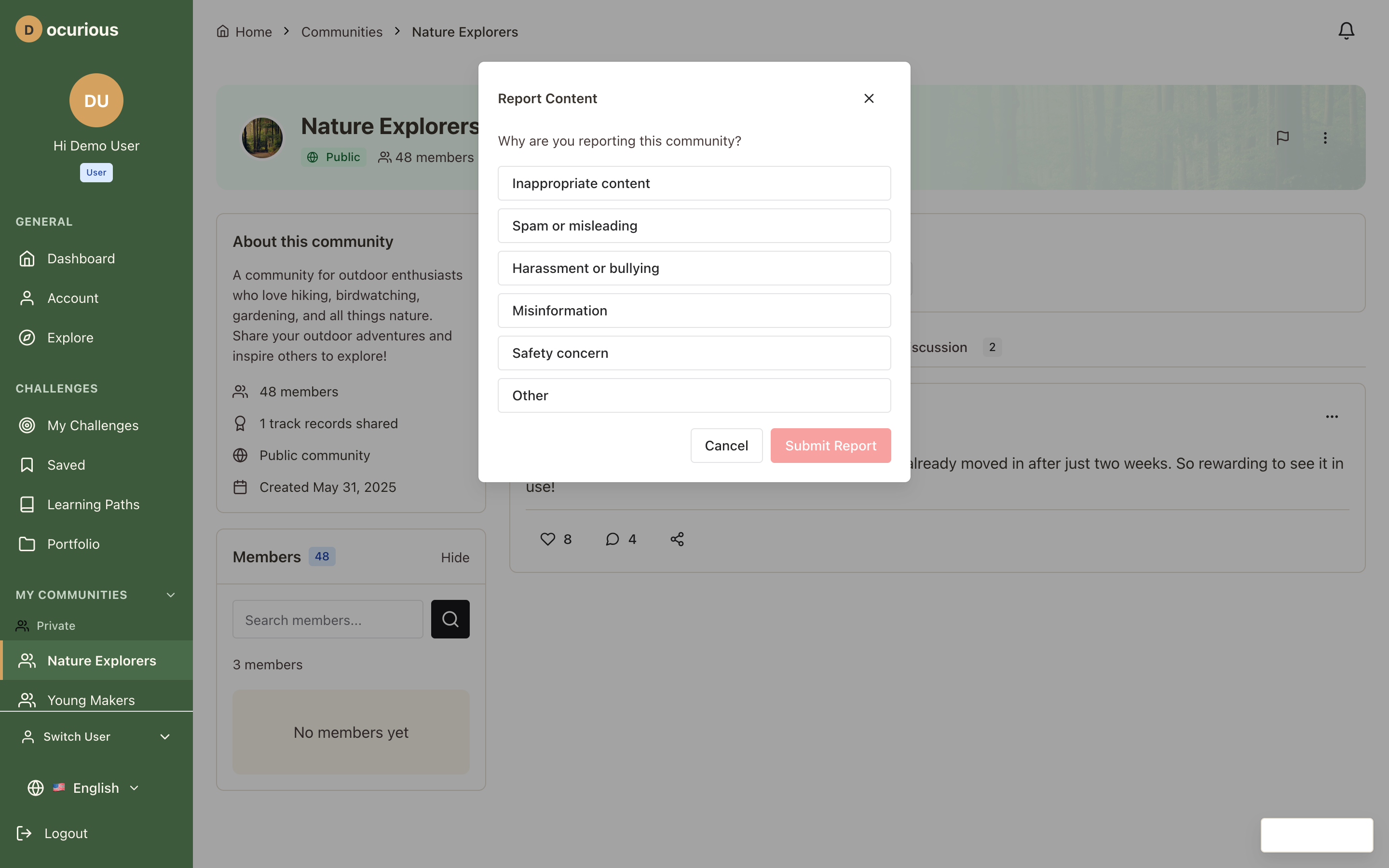 Report Content — content flagging form with reason categories
 Series Detail — expanded view of a challenge series with included challenges
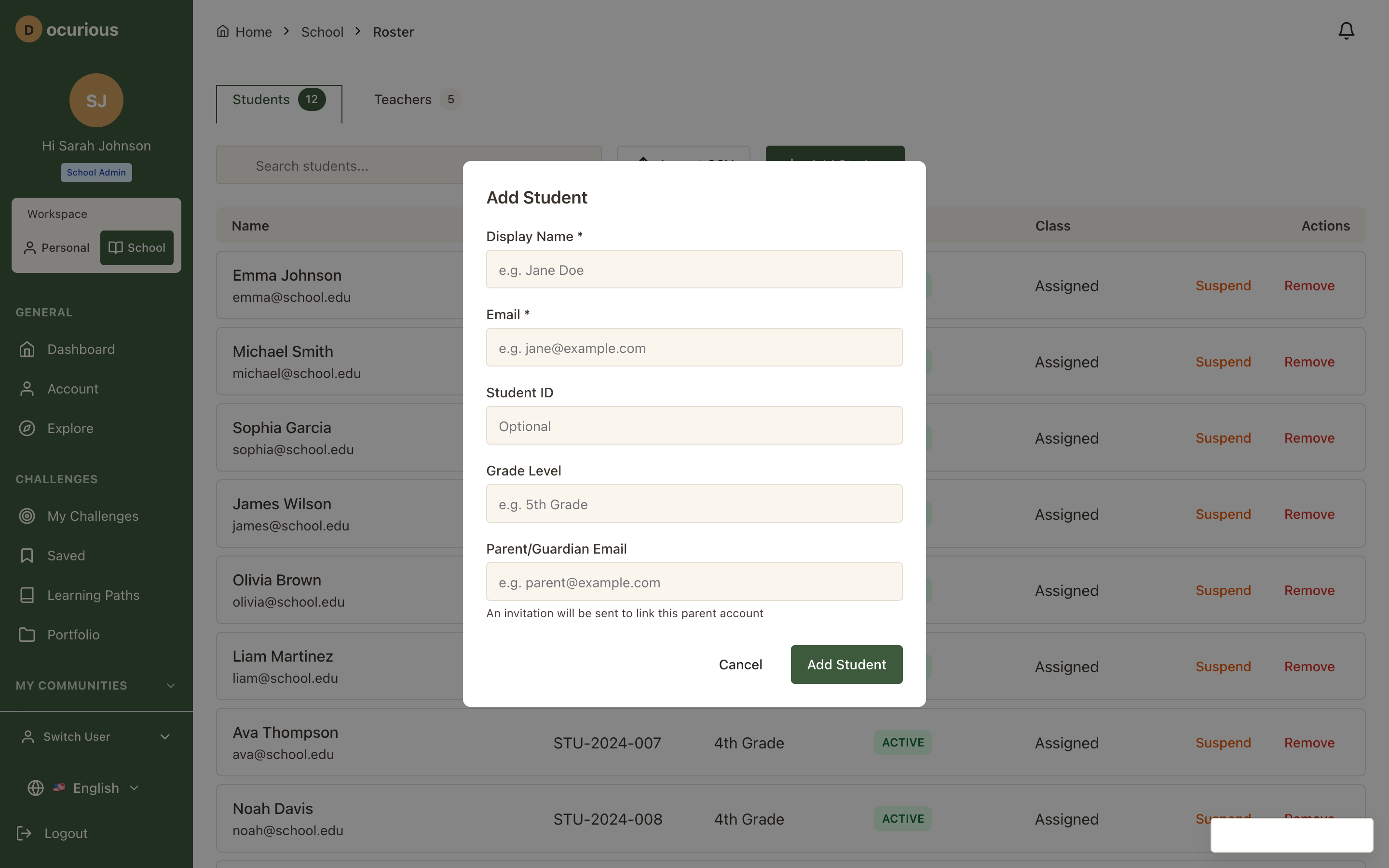 Student Enrollment — modal for enrolling new students into a school
 Add/Update — generic form modal used across admin management pages